How to Create Viral UGC Ads with Sora 2 AI
TL;DR
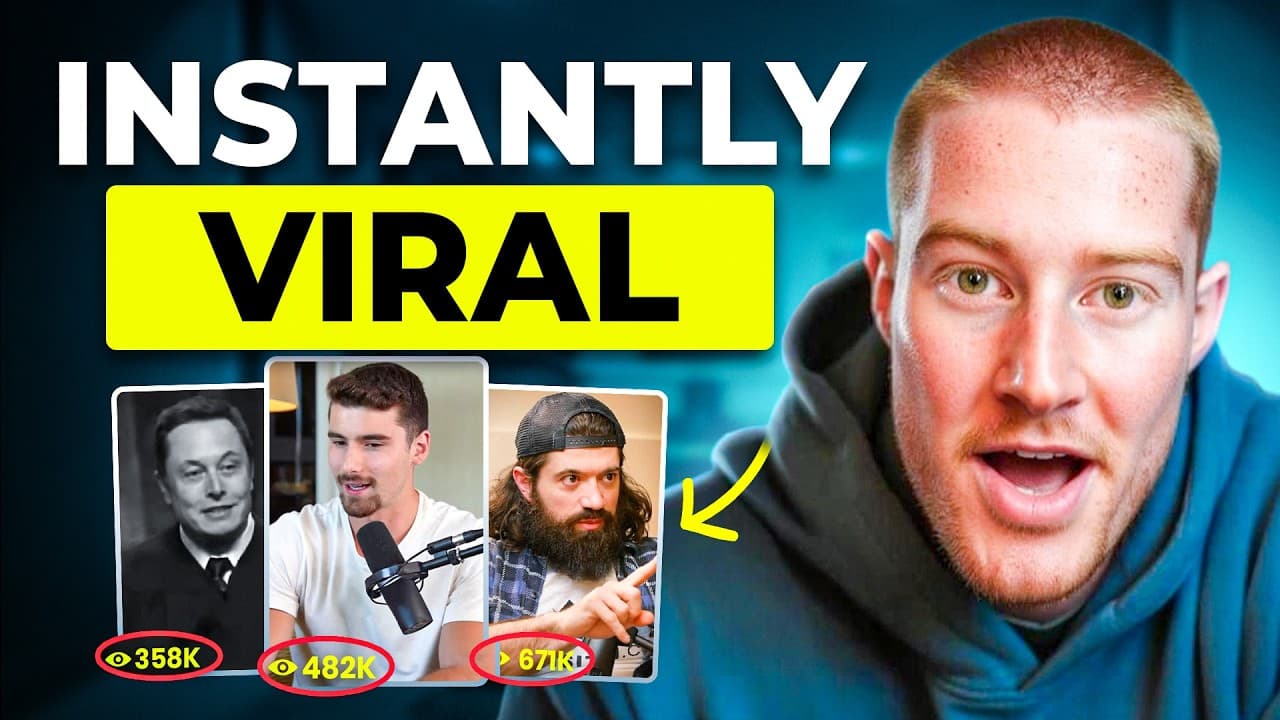
Sora 2 enables scalable AI video creation for viral UGC ads. Use Arcads to generate multiple AI actors, craft scripts, and produce varied videos quickly. Combine generated clips with editing tools like CapCut to test ads for your own business or clients.
Transcript
Right now, Sora 2 feels like a playground. Everybody's just having fun making viral clips and memes. But here's the truth. It's the beginning of a complete shift in how creators and brands make content. Because soon, the people who know how to use Sora strategically to tell stories, build audiences, and sell products are going to take over the inte... Read More
Key Insights
- Sora 2 can generate AI driven videos from simple prompts, enabling scalable ad production.
- Arcads provides templates such as talking actors and unboxing POVs to simplify video creation.
- AI avatars can be customized and used across multiple clips for brand consistency.
- You can generate multiple videos in one prompt by selecting several actors, saving time and resources.
- Using real time app demonstrations or screenshots enhances credibility in AI ads.
- CapCut or similar editors can quickly assemble generated clips into polished ads.
- Prompting techniques allow creating diverse scenarios like dream sequences or product demonstrations.
- The approach democratizes marketing by letting anyone with AI tools create effective UGC ads.
- More videos from this channel:
- More from this channel: Brock Mesarich | AI for Non Techies
Install to Summarize YouTube Videos and Get Transcripts
Explore YouTube Video Summarizer or Get YouTube Transcript Extractor
Questions & Answers
Q: What is the main opportunity described for creators using Sora 2 and AI video generation?
The core opportunity is to shift from traditional paid advertising to AI powered UGC content that can be created at scale. By using Sora 2 and Arcads, creators can produce hundreds of viral videos quickly, test different formats, and tailor ads for their own business or clients. This enables efficient scaling and monetization of AI generated marketing content.
Q: How does Arcads facilitate multi actor video generation?
Arcads allows you to select multiple AI avatars and add them to a single project. You can generate three different videos in one prompt with all actors saying the same script or variations of a message. This streamlines production, reduces recording time, and ensures consistent branding across multiple clips.
Q: What kinds of templates are mentioned for video creation in Arcads?
Templates include talking actors, videos, scenes, showing an app, and unboxing POVs. These serve as starting points to structure AI generated ads, making it easier to tailor content to different product demonstrations and narrative styles while keeping the workflow simple and repeatable.
Q: How can you add realism to AI generated videos?
Realism is enhanced by adding expressions like excited, depicting a person using an app on screen, and having actors hold a phone or interact with a product. These details improve lip sync, emotion, and overall believability, making the ads feel more like authentic influencer content.
Q: What role do prompts play in video generation with Sora 2?
Prompts describe the scene to be generated, such as a video of a person dreaming about a game or showing an app in use. The prompt guides the model to produce the requested visuals, dialogue, and scenario, enabling rapid creation of diverse ad concepts without traditional shoots.
Q: How is CapCut used in the workflow described?
CapCut is used to edit and clip AI generated videos, for example by cutting segments, overlaying screens or app demonstrations, and arranging fragments into a cohesive ad. This enables a quick post production pass to tailor clips for different platforms and campaigns.
Q: What is a practical example of an AI generated ad given in the video description?
A practical example involves an AI generated scenario where an actor demonstrates an AI driven try on app by showing a screenshot of the app on a phone, then editing the clip to highlight the app features. This demonstrates how to showcase product functionality in a realistic ad without on camera production.
Q: What is the expected outcome for brands using AI generated UGC ads according to the video?
The expected outcome is a scalable pipeline for producing viral ads that actually sell, allowing brands or clients to test numerous AI generated clips quickly, optimize messaging, and drive marketing results. The approach aims to democratize content creation so that smaller teams can compete with larger advertisers.
Summary & Key Takeaways
-
A rapid shift from traditional ads to AI generated UGC content is highlighted, stressing the opportunity for creators and brands to tell stories at scale using Sora 2 and Arcads.
-
The process is demonstrated through templates and scripts, showing how to generate multiple actor videos, customize expressions, and integrate app screenshots to market products effectively.
-
The video emphasizes testing hundreds of AI videos at scale and using simple prompts to create dynamic ads that can be edited and deployed quickly.
Read in Other Languages (beta)
Share This Summary 📚
Summarize YouTube Videos and Get Video Transcripts with 1-Click
Try YouTube Summary with ChatGPT & Claude or YouTube Transcript Generator
Explore More Summaries from Brock Mesarich | AI for Non Techies 📚


Summarize YouTube Videos and Get Video Transcripts with 1-Click
Try YouTube Summary with ChatGPT & Claude or YouTube Transcript Generator