How to Build an App with Google Stitch and AI
TL;DR
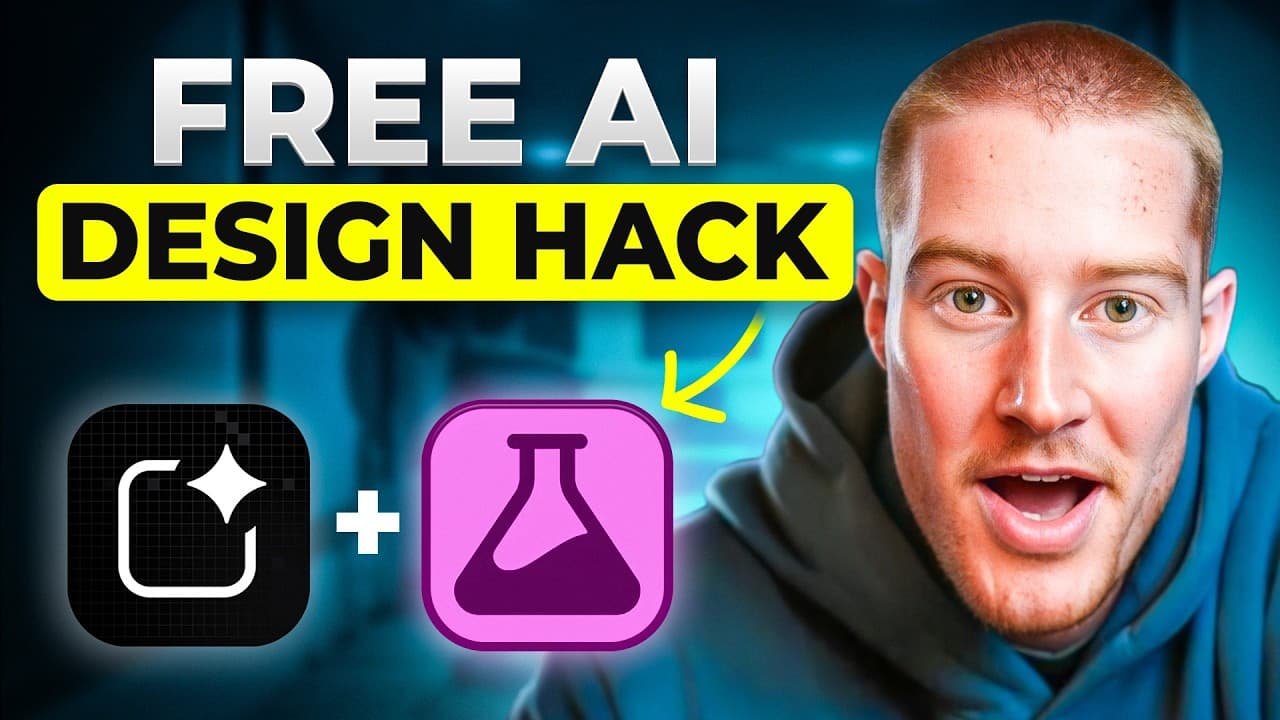
Create a professional app interface in Google Stitch, refine its screens through prompts, then export the selected design directly to Google AI Studio to build a working prototype. The demonstrated workflow produced six connected screens in about two minutes, preserved the original design during revisions, and supported image uploads, AI-generated project previews, deployment, and further code refinement.
Transcript
Check this out. I just used this free AI design tool from Google to create a professional app design and then used another free AI tool from Google and turn it into a fully functioning app. In this video, I'm going to show you how I did this in just two prompts and how you can do the exact same thing to go from a bad to professional level designed ... Read More
Key Insights
- Google Stitch is a free Google AI design tool that can generate app and web interfaces from written prompts, premade prompts, or uploaded website URLs, giving users multiple ways to begin a design without manually constructing each screen.
- Prompt specificity is essential because a basic request can produce only a basic, single-page result, while a detailed prompt describing the product, visual style, intended users, and desired workflow can generate a coherent collection of connected application screens.
- The landscaping app design consists of six screens, including a welcome screen, project dashboard, client project details, style selection, generated concepts, and presentation mode, providing a complete visual flow rather than an isolated mockup.
- The six-screen design took about two minutes to generate, and Stitch displayed its progress by showing the pages under construction, component assembly activity, and an estimated completion time while the interface was being created.
- Stitch preserves earlier design versions when applying revisions, so changing the interface accents from green to red created another option without removing the original. Users can then rearrange, select, and mix screens from the available versions.
- Individual screens can be edited through chat or targeted annotations. A selected page can be added to the conversation for a described revision, while the annotation feature allows a specific interface area to be highlighted and changed.
- Google AI Studio can receive selected Stitch designs through the export workflow, including HTML files and images. A simple instruction to make the design functional prompted Gemini 3 Pro to build an interactive prototype that closely matched the generated interface.
- The resulting prototype supports a practical project workflow, including creating a client project, uploading a yard image, selecting a modern, zen, or Mediterranean vision, generating a preview, approving the result, and adding it to the project dashboard.
Install to Summarize YouTube Videos and Get Transcripts
Explore YouTube Video Summarizer or Get YouTube Transcript Extractor
Questions & Answers
Q: How do you create an app design with Google Stitch?
Open Google Stitch, choose app design or web design, select the model, and enter a detailed prompt describing the product, audience, visual style, and required screens. In the demonstrated workflow, a prompt for a Swiss-styled, Apple-designed landscaping app led Stitch to propose six screens. Confirming that all screens should be created produced a connected interface in about two minutes.
Q: How should you prompt Google Stitch for better results?
Use a specific prompt instead of a basic description. The transcript shows that a simple premade prompt generated only one page, while a more detailed request identified the visual direction, the Apple-inspired design approach, the landscaping audience, and the app's purpose of showing client project demonstrations. That added context produced six related screens and a more complete product flow.
Q: Can Google Stitch recreate the design of an existing website?
Google Stitch can accept a website URL when the goal is to recreate a website or landing-page style. In the demonstrated example, uploading a landing page produced a new interface with a similar overall appearance and visual character. The result was not described as an exact copy, but it could be exported and turned into an interactive landing page in Google AI Studio.
Q: How do you revise colors and individual screens in Google Stitch?
Submit a follow-up prompt that clearly identifies what should remain unchanged and what should be revised. The example kept the complete design while changing its green accents to red for a stronger Swiss-style appearance. Stitch retained the original and revised versions. A single screen can also be added to chat or annotated by highlighting a specific area and requesting a targeted change.
Q: How do you export a Google Stitch design to Google AI Studio?
Select the desired screens in Stitch, open the More menu, choose Export, and select Google AI Studio. The demonstrated workflow then used the instruction to make the design real and functional before choosing Build with AI Studio. Stitch transferred the HTML files and images, after which Gemini 3 Pro generated an interactive prototype from the exported design assets.
Q: How closely can Google AI Studio match a Stitch design?
In the demonstrated side-by-side comparison, the Google AI Studio prototype closely matched the Stitch design across the home screen, icons, colors, project dashboard, project filters, and client project details. Navigation also worked between the screens. The presenter described the compared pages as looking exactly the same, although additional prompts were still recommended before treating the application as fully refined.
Q: How was image generation made functional in the prototype?
The first attempt did not generate images because an API key had not been added. After the key was configured for the Nano Banana image workflow, the prototype accepted an uploaded yard photograph. The user selected the modern style, chose Build Preview, received a transformed image of the same house and yard, reviewed it at a larger size, approved it, and added it to the projects.
Q: How can the finished AI-generated app be deployed or refined?
Google AI Studio provides a Deploy App option that allows the user to select a project and deploy the application to a custom URL that other people can access. The code can also be saved to GitHub, downloaded, and opened in a tool such as Cursor for further refinement. The transcript notes that several more prompts may be needed to ensure every feature works properly.
Summary & Key Takeaways
-
Google Stitch can generate mobile app or web designs from text prompts, uploaded website URLs, or premade examples. The demonstrated landscaping app began with a request for a Swiss-styled, Apple-designed interface and expanded into six screens covering onboarding, projects, client details, style selection, generated concepts, and client presentation.
-
Designs can be refined conversationally without replacing the original version. A follow-up prompt changed the interface accents from green to red while preserving both options. Individual screens can also be added to the chat, annotated for targeted revisions, rearranged, selected, mixed, and exported through several available methods.
-
Selected Stitch screens can be exported directly to Google AI Studio with their HTML files and images. Gemini 3 Pro then built a closely matching interactive prototype. After an API key was added for image generation, the app accepted a yard photo, applied a selected style, generated a preview, and saved the approved project.
Read in Other Languages (beta)
Share This Summary 📚
Summarize YouTube Videos and Get Video Transcripts with 1-Click
Try YouTube Summary with ChatGPT & Claude or YouTube Transcript Generator
Explore More Summaries from Brock Mesarich | AI for Non Techies 📚


Summarize YouTube Videos and Get Video Transcripts with 1-Click
Try YouTube Summary with ChatGPT & Claude or YouTube Transcript Generator