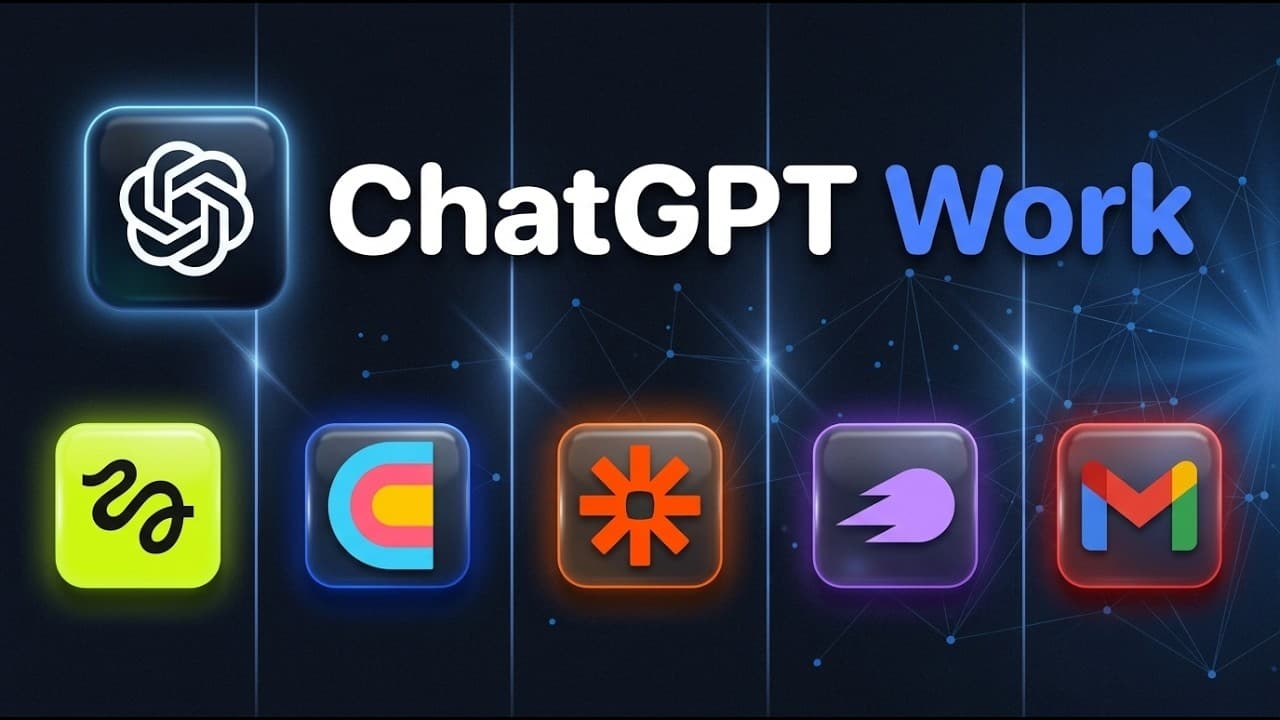
How to use ChatGPT Work like Claude Co-Work
TL;DR
ChatGPT Work lets you import Claude Co-Work skills, transfer workflows, and run automated tasks using live artifacts, sites, and scheduled tasks. You can access it in web or desktop, connect plugins like Higgsfield MCP, and build or automate processes such as animated websites and outreach workflows without heavy technical know-how.
Transcript
Openai just dropped chatt work and it's basically their version of claude co-work. It's extremely powerful but only if you use it correctly. So in this video I'm going to walk you through five reall life use cases that you can try out right now in order to get a sense of how powerful this tool is. And if you're already a Claude co-work user, good n... Read More
Key Insights
- ChatGPT Work mirrors Claude Co-Work by using skills, sites, and scheduled tasks for automation.
- Access to ChatGPT Work can be achieved via the web interface and the desktop app, with a Work mode for deep automation.
- Skills from Claude can be transferred to ChatGPT Work by exporting from Claude and importing into ChatGPT as a triggerable skill.
- Plugins act as connectors to external apps, expanding capabilities across the automation landscape.
- Higgsfield MCP is a central connector that links ChatGPT Work to the Higgsfield platform for visuals and video generation.
- Enabling developer mode is necessary to add custom MCP apps and extend functionality.
- The Higgsfield MCP connection allows generating visuals and animations directly from prompts within ChatGPT Work.
- The demonstrated use cases include building animated websites from prompts, drafting outreach emails, and automating multi-app workflows.
- More videos from this channel:
- More from this channel: Brock Mesarich | AI for Non Techies
Install to Summarize YouTube Videos and Get Transcripts
Explore YouTube Video Summarizer or Get YouTube Transcript Extractor
Questions & Answers
Q: How do I access ChatGPT Work on the web or desktop?
Accessing ChatGPT Work starts by selecting the Work option in the ChatGPT interface on the web or by using the dedicated desktop app. You can choose a project, select the model tier, and enable plugins to extend capabilities. This is the first step to building a workflow that can manage tasks, run skills, and orchestrate automation across connected apps.
Q: Can I transfer Claude Co-Work skills to ChatGPT Work?
Yes, you can transfer Claude Co-Work skills to ChatGPT Work by exporting the desired skill from Claude and importing it into ChatGPT as a triggerable skill. The process is designed to be simple so you can reuse existing workflows and prompts, turning previously developed automation into ChatGPT Work tasks that you can run on demand.
Q: What is the Higgsfield MCP and how is it used?
The Higgsfield MCP is a connector within ChatGPT Work that links Higgsfield to the chat workspace. By installing this MCP, you can generate visuals and animations directly through prompts. It enables seamless integration for creating media assets and using them in automated workflows without leaving ChatGPT Work.
Q: What are live artifacts and sites in this context?
Live artifacts are dynamic outputs or data objects used within a workflow, while sites refer to visual or data-driven components that can be produced or manipulated by these workflows. Both are assets that you can create, store, and reuse in different tasks, enabling repeatable automation across projects.
Q: How do I set up a new plugin and connect an external service?
To set up a new plugin, access the Plugins panel, choose add new plugin, and provide a name and the connection URL. You will authenticate as required, then you can call the external service from within a task. This allows combining ChatGPT Work with external tools to perform broader automation.
Q: What is the typical workflow for building an animated website with ChatGPT Work?
A typical workflow starts by enabling Higgsfield MCP, configuring prompts to generate visuals, and then using an animated website skill to assemble those visuals into a live site. You can iterate prompts, refine visuals, and deploy the site directly from ChatGPT Work, ensuring a streamlined design-to-publish process.
Q: How can I draft personalized outreach emails with ChatGPT Work?
Drafting personalized outreach emails involves creating a template that pulls data from your CRM or lead list and then using ChatGPT Work to tailor each message. The workflow can automate email generation, customizing salutations and content based on recipient details, and can be integrated with Zapier MCP or other apps for sending at scale.
Q: What are the benefits of using ChatGPT Work for non-technical users?
Non-technical users benefit by accessing powerful automation without coding, using prebuilt workflows and plug-ins to connect apps. The system emphasizes simple setup, importing existing Claude skills, and triggering actions on demand, enabling rapid experimentation with AI-assisted workflows and faster realization of business automation goals.
Summary & Key Takeaways
-
ChatGPT Work supports cross-platform use with web and desktop modes, enabling seamless task automation and skill transfer from Claude Co-Work. The workflow setup emphasizes using plugins and MCP connectors to extend functionality. This makes non-technical users capable of building repeatable processes.
-
The video demonstrates practical use cases including generating animated websites from prompts, drafting personalized outreach emails, and connecting any app through the Zapier MCP. It highlights how to import Claude skills into ChatGPT Work to preserve prior investment in skills.
-
The walkthrough emphasizes accessibility and setup clarity, showing how to enable developer mode, install MCPs, and trigger uploaded skills on demand. It translates Claude-based workflows into ChatGPT Work with practical, real-world examples for immediate testing.
Read in Other Languages (beta)
Share This Summary 📚
Summarize YouTube Videos and Get Video Transcripts with 1-Click
Try YouTube Summary with ChatGPT & Claude or YouTube Transcript Generator
Explore More Summaries from Brock Mesarich | AI for Non Techies 📚
Summarize YouTube Videos and Get Video Transcripts with 1-Click
Try YouTube Summary with ChatGPT & Claude or YouTube Transcript Generator