Is Grok Bot Worth $60 for AI Task Automation?
TL;DR
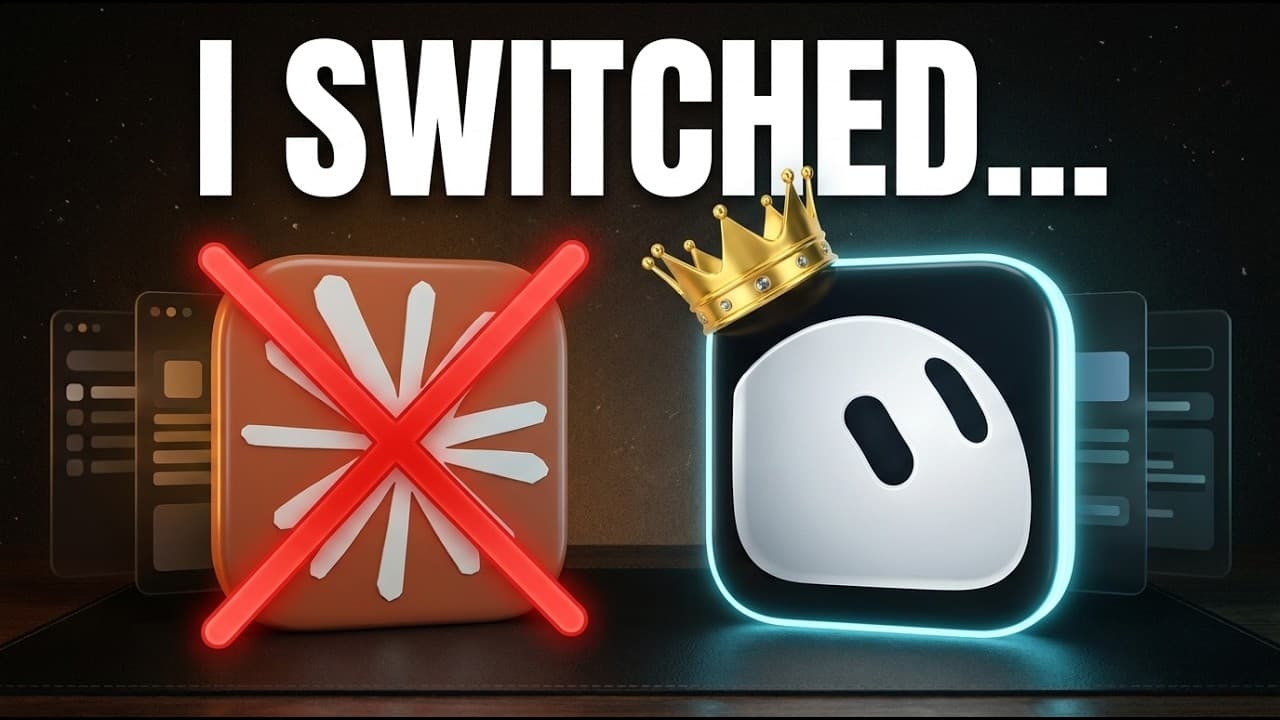
Grok Bot is available through the $60-per-month Cursor Pro plan, down from the previously required $200 plan, and other users can test it with limited free usage. Its main advantages are separate specialized agents, communication between those agents, scheduled routines, plugins for external applications, and support for multiple accounts, while Claude remains useful for more complex workflows.
Transcript
This might be controversial, but I was completely wrong about Grockbot. I've been using it every single day since it released about 12 days ago, and my view on it has completely flipped. On top of that, it just got 70% cheaper to use today, and you could try it out for free. So, in this video, I'm going to go over real life ways that I'm using this... Read More
Key Insights
- Grok Bot became accessible through the $60-per-month Cursor Pro plan after previously requiring a $200-per-month plan. Limited free usage is also available, giving other users a way to test its capabilities before deciding whether the paid access is worthwhile.
- Grok Bot is available on Mac and mobile devices. The creator prefers interacting with it by phone, while the desktop interface provides access to configured agents, conversation histories, plugins, and routines for scheduled work.
- Grok Bot uses multiple specialized agents that resemble organized chat threads. Separate agents can handle health, email, partnerships, content, short-form work, investments, and other responsibilities while preserving the earlier conversations associated with each area.
- Specialized Grok Bot agents can communicate with one another without requiring a separate manual prompt for every exchange. A main agent can send an email-related request to an email agent, receive the relevant information, and present a consolidated response in the primary conversation.
- Plugins give Grok Bot access to connected applications used in daily workflows. The interface reportedly offers a couple hundred prebuilt connectors, and users can request a connection conversationally before authorizing the relevant account through a generated card.
- Routines are scheduled tasks that run at specified times or on specified days. Users can configure them through the routines interface by providing a name, instruction, and trigger, or ask an agent in chat to create the schedule automatically.
- Multiple Gmail accounts can be connected to the same Grok Bot setup. The demonstrated email workflow checks both a personal inbox and a sponsorship inbox, then returns relevant messages or the three tasks that deserve attention that day.
- The meeting workflow connects Granola notes with ClickUp task management. At 5:00 p.m., a routine retrieves meeting notes, identifies action items, adds them to ClickUp, and assigns due dates and responsible team members based on the available meeting information.
- More videos from this channel:
- More from this channel: Brock Mesarich | AI for Non Techies
Install to Summarize YouTube Videos and Get Transcripts
Explore YouTube Video Summarizer or Get YouTube Transcript Extractor
Questions & Answers
Q: How much does Grok Bot cost after the price change?
Grok Bot is available through the Cursor Pro plan for $60 per month. Before the reported price change, access required a $200-per-month plan, so the new entry price is 70% lower. The description also says a limited free trial is available, allowing users to test Grok Bot before deciding whether the paid plan suits their needs.
Q: What can Grok Bot agents do together?
Grok Bot agents can divide responsibilities by specialty and communicate with one another. For example, a main agent can send an inbox-related request to an email agent, which retrieves relevant information and returns it. The main agent can then organize that information for the user, reducing the need to open and prompt every specialized agent separately.
Q: How do you organize work with multiple Grok Bot agents?
Each Grok Bot agent can be configured around a distinct responsibility, such as email, health, brand partnerships, content, short-form work, or investments. Each agent appears as its own conversation area and retains previous exchanges. This structure lets users return to the relevant agent for a task while keeping information and discussions organized by subject.
Q: How do you connect applications to Grok Bot?
Applications are connected through the plugins section, where users can search a reported list of a couple hundred prebuilt connectors. A user can also ask Grok Bot to connect an application such as Google Calendar. The agent handles the setup process and presents an authorization card, although the user must still approve access to the relevant account.
Q: How does Grok Bot manage multiple Gmail inboxes?
The Gmail plugin allows multiple accounts to be added and given distinct names, such as a default account and a sponsorship account. After each account is authorized, an email agent can retrieve messages from both inboxes in one request. The creator also uses a scheduled routine to review both accounts and identify three priorities each morning.
Q: How do scheduled routines work in Grok Bot?
A routine is a task configured to run at a chosen time or on a chosen day. Users can create one through the routines interface by adding a name, instructions, and a trigger. They can also describe the desired task and schedule in a chat, and Grok Bot can create the routine from that conversational request.
Q: How can Grok Bot turn meeting notes into ClickUp tasks?
The demonstrated workflow runs at 5:00 p.m. and retrieves meeting notes from Granola, an AI note-taking application used by the creator. A meeting agent identifies action items and adds them to ClickUp. It also assigns due dates and the team members responsible for completing the tasks, based on information available from the meetings.
Q: Is Grok Bot better than Claude for every workflow?
The creator does not claim that Grok Bot replaces Claude for every workflow. The description says Grok Bot now handles about 70% of the creator's administrative tasks, including inbox, meeting, and invoice-related work. More complex workflows still run with Claude, so the preferred tool depends on the task's complexity and required capabilities.
Summary & Key Takeaways
-
Grok Bot organizes work through multiple specialized agents that function like persistent chat threads. The creator uses separate agents for health, email, brand partnerships, content, short-form work, investments, and other areas. These agents retain earlier conversations and can communicate with one another when a task requires information from another specialty.
-
Plugins connect Grok Bot to services such as Gmail, Google Calendar, Granola, and ClickUp. The agent can guide much of the connection process after the user requests an integration and authorizes the account. Multiple accounts can be attached to one application, allowing a single workflow to process separate personal and sponsorship inboxes.
-
Scheduled routines let agents complete recurring administrative work. A morning routine checks two email inboxes and reports three priorities, while a 5:00 p.m. meeting routine pulls Granola notes and transfers action items into ClickUp with due dates and assigned team members. The creator says Grok Bot handles about 70% of administrative tasks.
Read in Other Languages (beta)
Share This Summary 📚
Summarize YouTube Videos and Get Video Transcripts with 1-Click
Try YouTube Summary with ChatGPT & Claude or YouTube Transcript Generator
Explore More Summaries from Brock Mesarich | AI for Non Techies 📚
Summarize YouTube Videos and Get Video Transcripts with 1-Click
Try YouTube Summary with ChatGPT & Claude or YouTube Transcript Generator