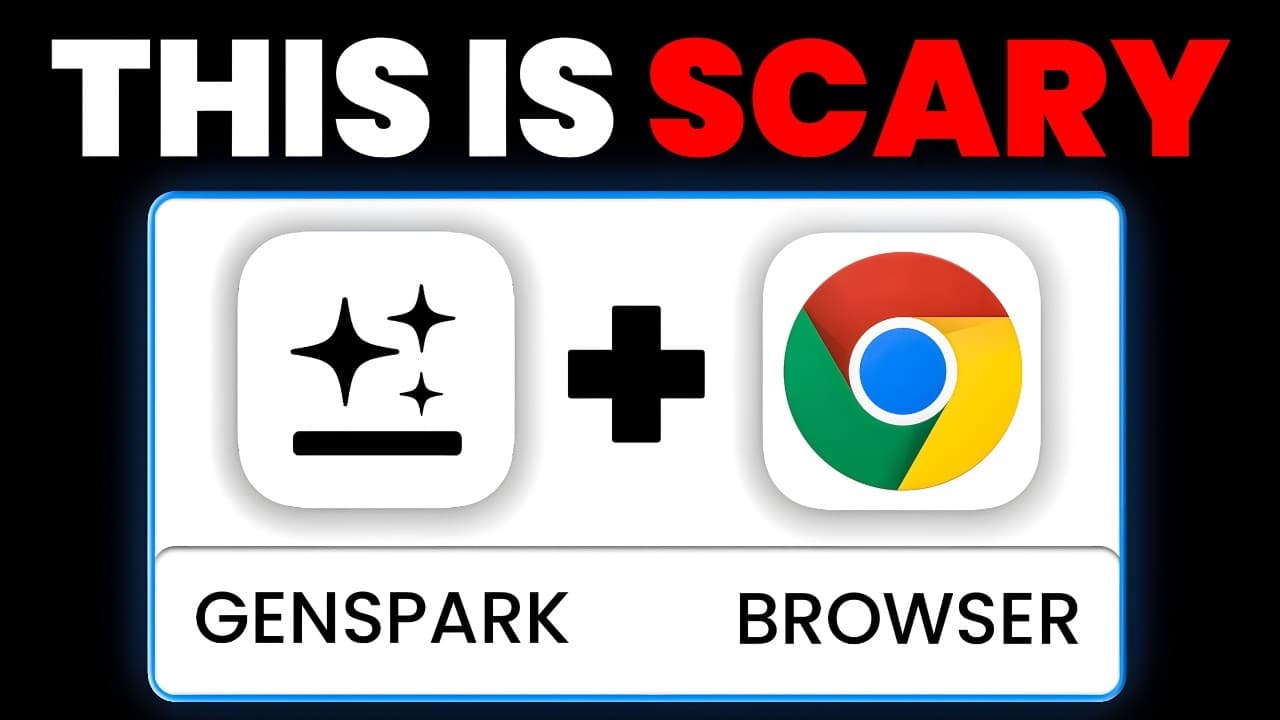
How to use GenSpark Browser to auto generate slides
TL;DR
GenSpark Browser can browse the web inside the browser, summarize videos, autogenerate slides, and even create interactive apps from prompts. It demonstrates live use cases on YouTube, Twitter, and e commerce, showing how you can automate content ideas and presentations with AI tools built into the browser.
Transcript
take a look at this i'm using GenSpark browser and it's literally pulling up Twitter and searching for content ideas on my feed so I don't actually have to go through and scroll on Twitter myself you can see this blue ring around here and this means that GenSpark's actually acting inside of my browser and at the same exact time I'm on another brows... Read More
Key Insights
- GenSpark acts inside the browser and shows a blue ring indicating its activity.
- GenSpark can summarize a video and extract its transcript directly from the browser context.
- GenSpark can autogenerate presentation slides using the video transcript as context.
- GenSpark can browse social feeds like Twitter and YouTube to understand trends and generate ideas.
- GenSpark can download and run on Mac OS and is not shown as available for Windows in the video.
- The tool can research and compare products online, providing direct links to options.
- GenSpark can build interactive apps or demos as part of a prompt to test ideas.
- The video emphasizes that GenSpark can save time by automating content creation and research tasks.
- More videos from this channel:
- More from this channel: Brock Mesarich | AI for Non Techies
Install to Summarize YouTube Videos and Get Transcripts
Explore YouTube Video Summarizer or Get YouTube Transcript Extractor
Questions & Answers
Q: How does GenSpark Browser operate inside the user’s browser and what indicates its activity?
GenSpark Browser operates by acting within the user’s browser to perform tasks such as searching, summarizing, and generating content. The video shows a blue ring around the GenSpark element as a visual indicator of its activity, confirming that the agent is actively working inside the browser without requiring the user to switch contexts. This capability is demonstrated across multiple sites like YouTube and Twitter, where the tool can process content in situ and deliver outputs directly within the same browser window.
Q: What are the main capabilities demonstrated for video content in GenSpark Browser?
The main capabilities demonstrated for video content include summarizing the video, extracting the transcript, and autogenerating slides based on the video. These features allow a user to quickly convert video content into a presentation or study material. The system uses the video title, transcript, and other contextual data to generate slides that reflect the key points and structure of the video.
Q: How does GenSpark help with social media content ideation according to the video?
GenSpark helps with social media content ideation by scanning a user’s social feeds, such as Twitter, to identify top posts related to AI tools and trends. It then analyzes the content to generate video ideas that align with the creator’s audience. The tool can summarize the findings and propose multiple title options and topics that resonate with the channel’s established themes.
Q: What is shown about GenSpark’s use in e commerce and product search?
The video shows GenSpark used for e commerce by searching for products and providing cheaper alternatives with direct purchase links. It demonstrates an interactive prompt where the user asks for similar cameras with lower prices and then receives a list of options with links. It also shows extending this to an interactive web app that helps compare the options.
Q: Can GenSpark generate interactive apps from prompts, and what example is given?
Yes, GenSpark can generate interactive apps from prompts. An example shown is creating an interactive web app to help find the best camera option from a list of alternatives, including images, specs, and links. This demonstrates that the tool can go beyond passive browsing to produce usable, runnable web components directly from user prompts.
Q: What is the significance of the Mac OS download mention in the video?
The video notes that GenSpark Browser can be downloaded for Mac OS at the time of the recording, with no Windows download mentioned. This highlights platform availability as a practical consideration for users who rely on specific operating systems, while implying that cross platform support may be limited or in development.
Q: How does the video describe the role of GenSpark in creating presentations from YouTube content?
The video describes that GenSpark can access a YouTube video on the GenSpark browser and autogenerate slides based on the video content. This includes summarizing the transcript, extracting context, and producing eight slides that cover different aspects of the video. The tool thus automates the creation of a presentation directly from video content.
Q: What pricing related information is provided about GenSpark Browser in the video?
The video includes a segment titled Pricing, indicating that pricing information is discussed. However, specific price figures or tiers are not provided in the transcript or description, so the video communicates that pricing is addressed without revealing actual numbers in the shown material.
Summary & Key Takeaways
-
GenSpark Browser is shown as an AI powered web browser that can browse content inside the browser, summarize video content and extract transcripts, and autogenerate slides based on video transcripts and context. The video demonstrates how to access it, download on Mac OS, and use it to browse sites like YouTube and Twitter. It highlights live use cases including creating a presentation from a YouTube video and generating content ideas from a Twitter feed.
-
The video then shows how GenSpark can search Twitter for top AI tool posts, summarize findings, and produce five video ideas tailored to the creator channel audience, demonstrating that the tool can autonomously gather and organize social content for content planning and ideation.
-
A further use case demonstrates shopping assistance where GenSpark helps find cheaper camera options and even creates an interactive web app to compare choices, linking products directly. The overall message is that GenSpark changes how users interact with content and shopping online by automating tasks within the browser.
Read in Other Languages (beta)
Share This Summary 📚
Summarize YouTube Videos and Get Video Transcripts with 1-Click
Try YouTube Summary with ChatGPT & Claude or YouTube Transcript Generator
Explore More Summaries from Brock Mesarich | AI for Non Techies 📚



Summarize YouTube Videos and Get Video Transcripts with 1-Click
Try YouTube Summary with ChatGPT & Claude or YouTube Transcript Generator