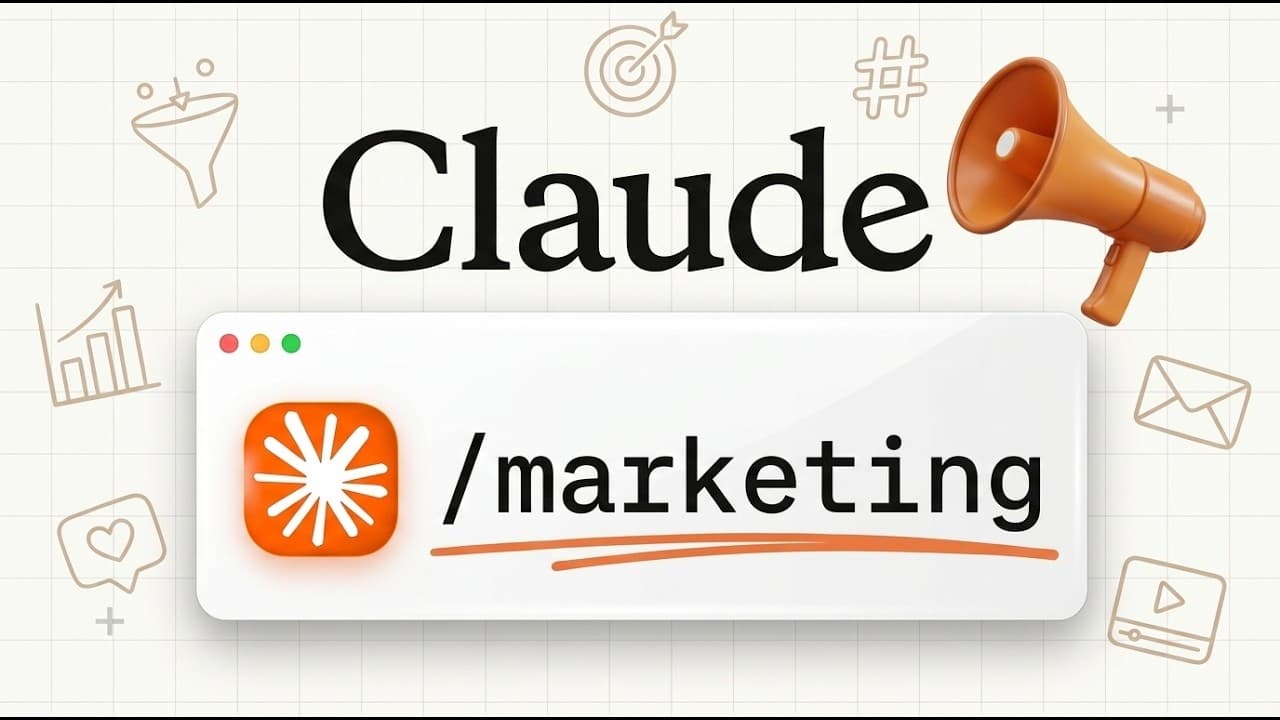
How to Master Claude for Marketing in 72 Minutes (Full Course)
TL;DR
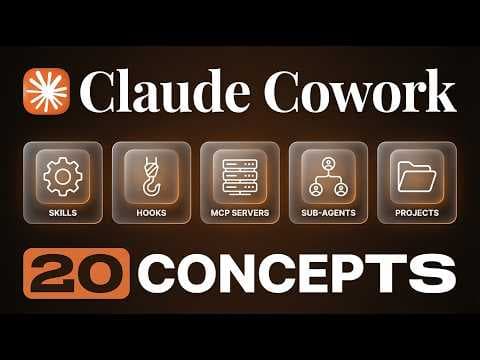
Build a Claude marketing workspace by downloading the desktop app, switching to Cowork mode, and authorizing a dedicated folder containing CLAUDE.md, MEMORY.md, and organized marketing files. The course also covers voice cloning, content creation, customer discovery, outreach, and connections to tools such as Higgsfield, Clay, Gmail, and Zapier. Read on for the exact workspace structure and setup steps.
Transcript
If you want to use Claude to run your marketing, this is the only video you need to watch. This is the most in-depth video you will find anywhere on the internet on how to actually use Claude for marketing. I've been using Claude co-work every single day to run my business for the last 5 months. And I'm currently doing six figures a month largely t... Read More
Key Insights
- Claude Cowork is a folder-based working mode that can read, edit, manipulate, and create files on the user’s computer, but only inside folders that the user explicitly authorizes. This distinguishes it from ordinary chat mode, which primarily returns text through a conversation.
- A dedicated marketing workspace is the central operating structure for the system. The demonstrated setup uses one Claude Marketing folder containing instructions, memory, content, social, email, lead, and asset resources, giving related marketing work a consistent and accessible home.
- CLAUDE.md is the workspace instruction file that describes the business, brand voice, operating preferences, and expectations for Claude. Because Claude reads the workspace repeatedly, this file helps preserve consistent behavior across different content and marketing activities.
- MEMORY.md is the file used to preserve specific facts about the user, the business, previous discussions, and other relevant context. It complements the broader instructions in CLAUDE.md by recording details Claude may need during later marketing tasks.
- The workspace setup prompt collects four core inputs: a brief description of the business and brand, what it sells, who it serves, and which marketing functions the folder should support. It also asks for any important brand voice requirements.
- A simple and direct brand voice is the demonstrated writing preference. The creator specifies a fifth-grade reading level because technical jargon does not suit his use case, showing that voice instructions should reflect the audience and communication goals.
- Separate folders are used to organize content, emails, leads, social materials, and assets. These folders may begin empty, then become persistent locations where generated drafts and other approved marketing outputs can be saved as the workspace develops.
- Claude can serve as the center of a broader marketing system connected to tools for visual generation, lead discovery, databases, post scheduling, web scraping, email, and automation. The stated goal is to coordinate these activities while maintaining a consistent brand voice.
Install to Summarize YouTube Videos and Get Transcripts
Explore YouTube Video Summarizer or Get YouTube Transcript Extractor
Questions & Answers
Q: How do you build a Claude marketing workspace?
Download the Claude desktop app, switch from chat mode to Cowork mode, and select a dedicated folder on your computer. Grant Claude access to that folder, then create CLAUDE.md and MEMORY.md files alongside folders for content, social posts, emails, leads, and assets.
Q: What is the difference between Claude chat mode and Cowork mode?
Chat mode works like a conversation: you send messages and Claude returns text responses. Cowork mode operates inside folders you authorize on your computer, where Claude can read, edit, manipulate, and create files.
Q: What should CLAUDE.md contain for marketing?
CLAUDE.md should explain who you are, describe your business and brand, and define your preferred voice and way of working with Claude. Claude reads the workspace repeatedly, helping it apply the same guidance across different marketing activities.
Q: What does MEMORY.md do in a Claude workspace?
MEMORY.md stores specific facts about you, your business, previous conversations, and other relevant context. It complements CLAUDE.md by preserving details Claude may need for later marketing work.
Q: How should a Claude marketing folder be organized?
The demonstrated workspace places CLAUDE.md and MEMORY.md inside a main Claude Marketing folder. Separate folders hold content, social materials, emails, leads, and assets, giving generated work clear destinations for storage and later reference.
Q: How can Claude create content in your brand voice?
Describe your voice and communication requirements in the workspace instructions so Claude can reference them while creating content. The demonstrated preference uses simple, direct writing at a fifth-grade reading level, and the course also covers cloning your voice so content sounds like you wrote it.
Q: Which marketing tasks can the Claude workspace support?
The workspace can support content creation, social posts, email newsletters, lead generation, and outreach. The course also covers scroll-stopping images and videos, UGC video ads, customer discovery, live dashboards, web scraping, automation, and AI SEO.
Q: Which tools can connect to the Claude marketing system?
The course describes connecting Claude with marketing tools such as Higgsfield, Clay, Zapier, Gmail, Supabase, Blotato, Firecrawl, Semrush, and Aqua Voice. These connections support activities including visual generation, lead discovery, databases, post scheduling, scraping, email, voice input, and automation.
Summary & Key Takeaways
-
The course begins by creating a dedicated Claude Marketing folder and granting Claude Cowork permission to work inside it. Unlike ordinary chat mode, Cowork can read, edit, and create files within authorized folders, making the workspace a practical foundation for producing and organizing ongoing marketing work on the user’s computer.
-
A setup prompt asks about the business, its customers, planned marketing activities, and preferred brand voice. The resulting CLAUDE.md file defines how the workspace should function, while MEMORY.md stores relevant facts and conversational context. The demonstrated voice preferences emphasize simple, direct writing at a fifth-grade reading level.
-
The completed workspace includes folders for content, social channels, emails, leads, and assets. Claude can use this structure alongside connected marketing services for content creation, visual generation, lead discovery, outreach, databases, scheduling, scraping, and automation. The description also identifies voice cloning, UGC ads, dashboards, and AI SEO as course topics.
Read in Other Languages (beta)
Share This Summary 📚
Summarize YouTube Videos and Get Video Transcripts with 1-Click
Try YouTube Summary with ChatGPT & Claude or YouTube Transcript Generator
Explore More Summaries from Brock Mesarich | AI for Non Techies 📚


Summarize YouTube Videos and Get Video Transcripts with 1-Click
Try YouTube Summary with ChatGPT & Claude or YouTube Transcript Generator