How to build clean AI apps with vibe coding
TL;DR
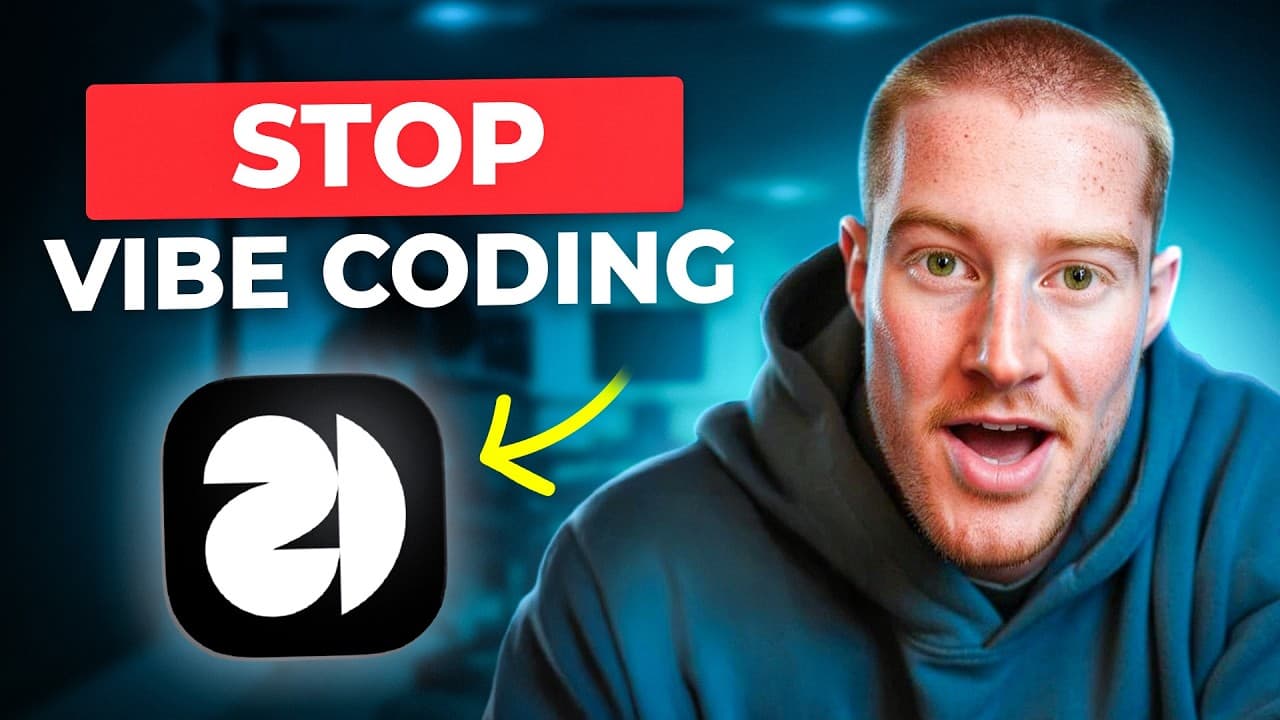
A clean UI is achievable by combining design references with no code prompts. The video shows using 21st.dev for UI components and Base44 for rapid visual edits, plus copying prompts to shape backgrounds, animations, and cards. The result is professional looking apps that avoid a generic AI feel.
Transcript
Stop building the same ugly looking apps with AI. In this video, I'm going to show you how to create amazing looking user interfaces that don't look like they were made with AI. If you've ever vibe coded before, you know exactly what I'm talking about. And if you've had this problem or are new to vibe coding, this is the perfect video for you. With... Read More
Key Insights
- Using 21st.dev helps tailor UI components to a specific app theme rather than generic templates.
- Base44 is used to implement visual elements quickly, enabling rapid prototyping of landing pages and app shells.
- Copy prompts from inspiration sources and apply them via Base44 to reproduce exact visuals in your app.
- Visual edits allow precise targeting of which parts of the UI to modify, making iterations faster.
- Typing animations can be added to hero sections to create a dynamic feel without altering core content.
- Background patterns and gradients contribute significantly to a polished, non AI generated look.
- Card layouts can be swapped to match a chosen design language, improving overall aesthetics.
- The workflow combines prompts, UI libraries, and editing tools to produce professional apps quickly.
Install to Summarize YouTube Videos and Get Transcripts
Explore YouTube Video Summarizer or Get YouTube Transcript Extractor
Questions & Answers
Q: How can I avoid the common AI look when building an app with vibe coding?
To avoid the common AI look you should mix design references from UI libraries like 21st.dev with rapid visual tools such as Base44. Start with a solid landing page prompt, then apply chosen UI components, backgrounds, and animations through visual edits. This creates a cohesive, professional appearance that does not resemble generic AI generated interfaces.
Q: What role does 21st.dev play in the process?
21st.dev provides UI components that you can browse, bookmark, and copy prompts for. This helps you assemble a visually appealing interface by using pre designed elements such as animated backgrounds, cards, and hero sections. The library acts as a source of design inspiration rather than a raw AI generator, contributing to a refined look.
Q: How does Base44 contribute to building the app in the video?
Base44 is used to implement the copied prompts into the app. It applies prompts for backgrounds, hero text, and other UI elements, enabling you to reproduce design ideas quickly. This tool speeds up the prototyping phase and helps maintain consistent typography, color, and layout across the landing page and app views.
Q: What is the effect of adding a typing animation to the hero section?
Adding a typing animation to the hero section creates a dynamic focal point that draws attention without changing the underlying messaging. It provides a modern feel and demonstrates how motion can enhance perceived polish. The effect is achieved by prompting Base44 to incorporate the typing behavior into the existing text.
Q: Why are visual edits important in this workflow?
Visual edits are important because they let you target specific parts of the UI without rewriting code. You can select a div or section and apply new prompts to just that area. This isolates changes, reduces errors, and speeds up iteration as you experiment with different styles and layouts.
Q: What kind of content adjustments are shown besides backgrounds?
The video demonstrates adjusting elements like cards, buttons, and sections to improve hierarchy and visual appeal. Changing card styles, glow effects, and feature highlights helps communicate capabilities clearly while maintaining a cohesive design language that looks crafted rather than AI generated.
Q: How does the video suggest testing the design changes?
Testing is done by applying prompts to create real visual results and then refreshing the page to observe the changes. This quick feedback loop lets you verify that the new visuals align with the overall theme, ensure readability, and confirm that interactions remain intuitive across the landing page and app sections.
Q: What is the overall takeaway for building professional looking AI apps?
The overall takeaway is to use design references and specialized tools to shape the UI rather than relying on generic AI outputs. By combining 21st.dev components, Base44 prompts, and precise visual edits, you can craft clean, polished apps that feel designed and unique, avoiding the typical AI generated appearance.
Summary & Key Takeaways
-
The video demonstrates a workflow to make AI apps look professional using 21st.dev components and Base44 prompts, rather than generic AI generated interfaces.
-
It emphasizes visual customization such as animated backgrounds, typing hero text, and polished cards to differentiate from typical AI UIs.
-
It provides a practical step by step approach, showing how to assemble landing pages and interfaces that feel designed rather than AI generated.
Read in Other Languages (beta)
Share This Summary 📚
Summarize YouTube Videos and Get Video Transcripts with 1-Click
Try YouTube Summary with ChatGPT & Claude or YouTube Transcript Generator
Explore More Summaries from Brock Mesarich | AI for Non Techies 📚



Summarize YouTube Videos and Get Video Transcripts with 1-Click
Try YouTube Summary with ChatGPT & Claude or YouTube Transcript Generator