How to Set Up Claude Cowork for Daily Business
TL;DR
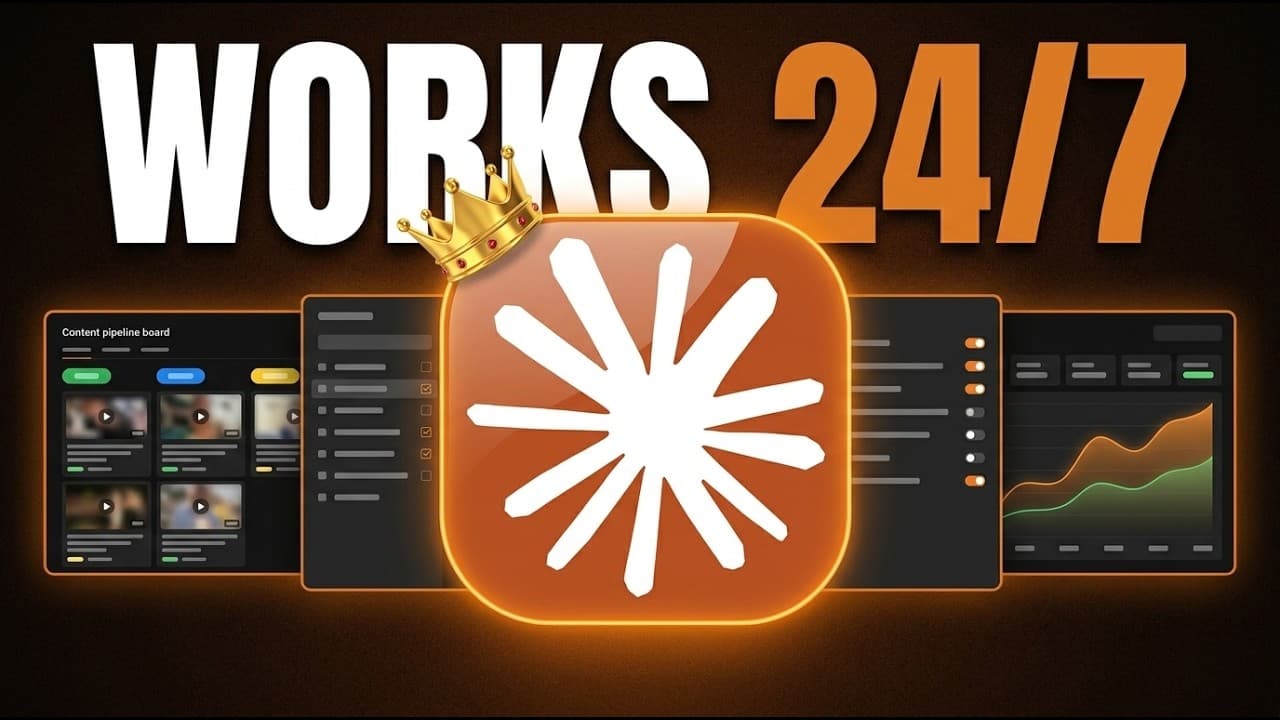
Start by granting Claude Cowork access to a dedicated workspace folder and creating a Claude MD file that records who you are, whom you serve, and how you prefer to work. Add reusable skills, application connectors, scheduled tasks, and live artifacts gradually, turning the initial folder-based setup into a practical operating system for recurring business work.
Transcript
I've been using Claude Cowork every single day for the last 6 months to run my business. And there are four different levels you need to understand in order to get the most out of this extremely powerful tool. So, in this video, I'm going to go over each of those levels individually. On top of that, I'm going to show you exactly how I'm using Claud... Read More
Key Insights
- Claude Cowork is designed as a middle ground between text-focused Claude Chat and developer-oriented Claude Code. It gives non-technical users a way to perform practical business work involving local folders, generated files, and connected applications rather than receiving only conversational text.
- A workspace folder is the boundary within which Claude Cowork can manipulate files. The user must select or create that folder and grant access before Cowork can work there, preventing it from freely changing unrelated parts of the computer.
- A Claude MD file is persistent context that loads for every conversation. It can describe the user, the people they serve, their preferred voice, writing rules, working practices, and folder structure, reducing the need to repeat the same background information.
- A seven-question interview can generate the initial Claude MD file. The resulting document remains editable, either directly or through a request to Claude, so its instructions can develop as the user learns which preferences and operating rules matter.
- Folder organization is a direct example of Cowork performing local work. After receiving access and an organization prompt, it can create meaningful subfolders and sort existing materials, as demonstrated with a cluttered YouTube production folder containing receipts, outputs, plugins, skills, guides, and community files.
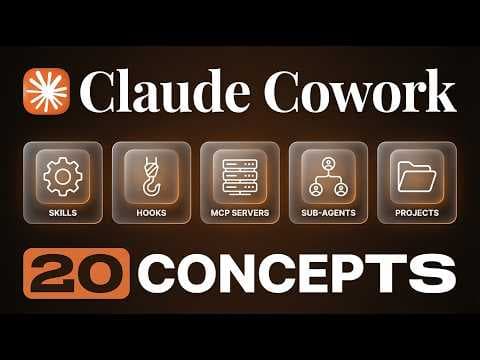
- Skills are reusable instruction sets for recurring workflows. The demonstrated visualization skill accepts a request to visualize how Claude Cowork works, then turns the complex concept into a visual explanation that can be reused for similar tasks.
- Connected applications can extend Cowork beyond local file management. The examples include locating unpaid invoices in QuickBooks, cross-referencing relevant Gmail conversations, and drafting collection emails for individual clients, with Zapier MCP identified as the creator's favorite connector.
- Scheduled tasks and live artifacts represent the third and fourth setup levels. The description presents scheduled automation as a way to finish work before the user wakes up, while live artifacts form part of a broader operating system for managing ongoing work.
- More videos from this channel:
- More from this channel: Brock Mesarich | AI for Non Techies
Install to Summarize YouTube Videos and Get Transcripts
Explore YouTube Video Summarizer or Get YouTube Transcript Extractor
Questions & Answers
Q: What is Claude Cowork and how is it different from Claude Chat?
Claude Cowork is a work-oriented mode that can operate inside selected folders, reference their contents, generate files, and save those files on the computer. Claude Chat is presented as useful for thinking tasks but usually produces text output. Cowork goes further by performing file-based work and using applications involved in a business or professional workflow.
Q: How do you set up a workspace folder in Claude Cowork?
Open the Claude desktop app, select Home, switch from chat mode to Cowork mode, and choose the project or folder field. Select an existing folder or create a new one, open it, and grant the requested access. Cowork can then work directly inside that location, and an initially empty folder can accumulate documents and files it creates.
Q: What is a Claude MD file used for in Claude Cowork?
A Claude MD file gives Cowork persistent context about who the user is and how it should interact with them. The demonstrated file includes information about the user, their audience, voice and writing rules, preferred working methods, and folder structure. Because the file loads in every conversation, the user does not need to repeatedly explain the same background.
Q: How can you create a Claude MD file for your workspace?
Select the intended workspace folder, then give Claude the setup prompt that asks it to learn who you are. In the demonstrated process, Cowork presents a questionnaire containing seven questions and uses the answers to create the Claude MD file. You can later open and edit the document directly or ask Claude to update it with new information.
Q: Can Claude Cowork organize a messy folder automatically?
Claude Cowork can organize a messy folder after the user explicitly selects that folder and supplies an organization prompt. In the demonstration, it creates subfolders that separate materials such as demo receipts, outputs, plugins, skills, community resources, and PDF guides. This shows that Cowork can manipulate real folders and files instead of merely suggesting an organization plan.
Q: What are skills in Claude Cowork?
Skills are reusable sets of instructions for specific recurring workflows. They let a user define a process once and apply it again when similar work appears. One demonstrated skill visualizes complex concepts: the user asks Cowork to visualize how Claude Cowork works, and the skill breaks down the subject into a visual explanation rather than requiring new detailed instructions each time.
Q: How can Claude Cowork help with receipts and unpaid invoices?
Claude Cowork can process a folder containing many receipts, extract their information, place it into a spreadsheet, and save the result on the computer. For collections work, it can pull unpaid invoices from QuickBooks, cross-reference Gmail threads associated with individual clients, and draft separate Gmail messages for the people from whom payment needs to be collected.
Q: What are the four levels of a Claude Cowork setup?
The four levels presented are the foundation, skills and connectors, scheduled automation, and a broader operating system using live artifacts. The foundation consists of a workspace folder and Claude MD file. Skills package repeatable workflows, connectors provide access to business applications, scheduled tasks automate timed work, and live artifacts support the operating-system layer.
Summary & Key Takeaways
-
Claude Cowork occupies a middle ground between Claude Chat and Claude Code for non-technical business users. Unlike chat, which usually returns text, Cowork can work within an explicitly selected computer folder, reference its contents, create files, organize materials, and interact with applications used in professional workflows.
-
The foundational setup combines a workspace folder with a Claude MD file. The folder defines where Cowork may operate, while the Claude MD file supplies persistent context about the user, audience, writing preferences, working style, and folder structure. An interview containing seven questions can generate this file.
-
The setup develops through four levels: foundation, skills and connectors, scheduled automation, and an operating system built with live artifacts. Demonstrated applications include organizing a messy folder, processing receipts into a spreadsheet, finding unpaid invoices, checking related Gmail threads, drafting collection emails, and visualizing complex concepts.
Read in Other Languages (beta)
Share This Summary 📚
Summarize YouTube Videos and Get Video Transcripts with 1-Click
Try YouTube Summary with ChatGPT & Claude or YouTube Transcript Generator
Explore More Summaries from Brock Mesarich | AI for Non Techies 📚

Summarize YouTube Videos and Get Video Transcripts with 1-Click
Try YouTube Summary with ChatGPT & Claude or YouTube Transcript Generator