How to Build AI Mini Apps With Google Opal
TL;DR
Google Opal turns a plain-language prompt into a working AI mini app by generating both a visual workflow and a user interface. It offers a low barrier to entry and direct access to Google models and tools, but it has fewer customization options and external integrations than broader workflow and app-building platforms.
Transcript
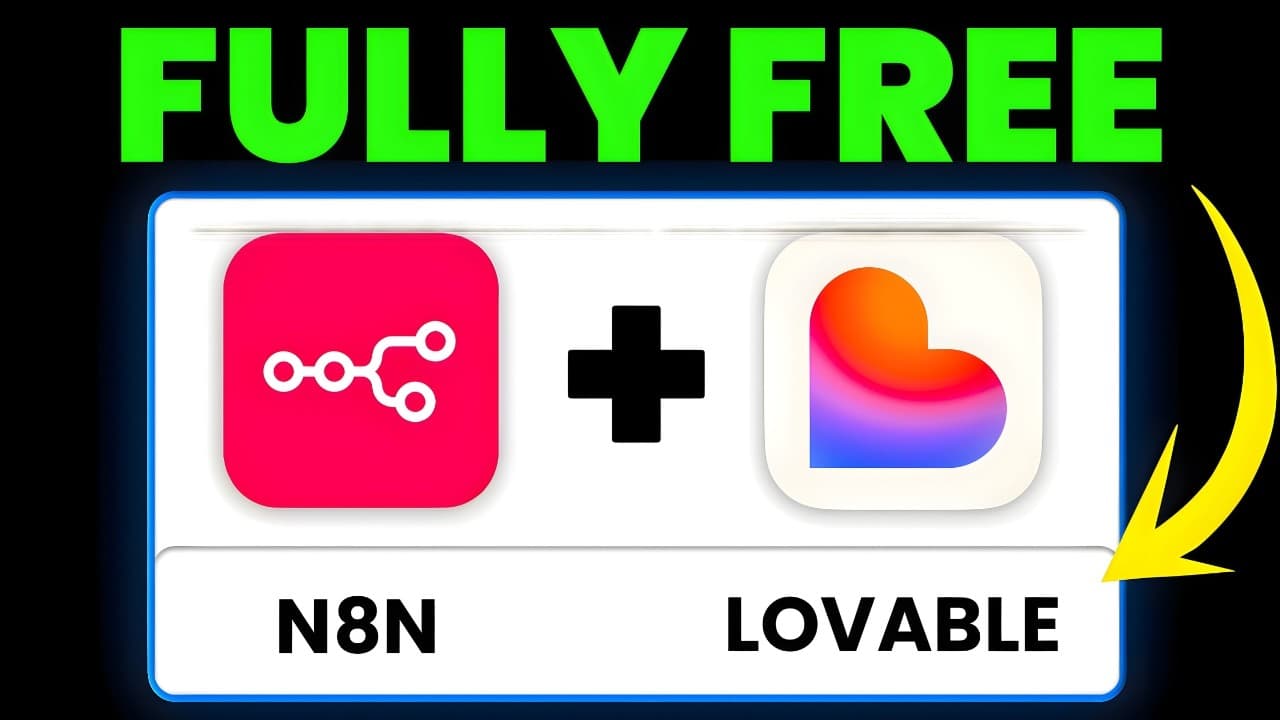
Google Opal just destroyed Naden in Lovable. Just kidding. But this is an interesting product release and let's chat about it honestly. So what is Google Opal? Google refers to it as an experimental tool for building and sharing AI mini apps. Think of this like nen mixed with lovable but for really non-technical people. And this is just for the Goo... Read More
Key Insights
- Google Opal is an experimental tool for building and sharing AI mini apps through a visual editor and plain-language prompts. It combines connected workflow modules with a generated user interface, allowing non-technical users to create applications without manually configuring every step.
- Opal works by converting a basic text description into a connected workflow within seconds. It creates input nodes, processing stages, model prompts, and display components automatically, while still allowing users to inspect and rearrange the generated modules in the canvas editor.
- The YouTube learning app transforms a supplied video URL into an educational experience. It collects the URL, extracts the transcript, analyzes the educational content, generates a quiz, and displays an interactive report that includes content sections, learning points, and questions.
- The editor and app views serve different purposes within Opal. The editor exposes workflow nodes, connections, prompts, and processing progress, while the app view presents the generated interface that end users interact with after the workflow has been assembled.
- The marketing app uses a product name and three product images as inputs. Opal automatically creates steps for writing a video script, producing image instructions, generating video and image marketing assets, and assembling an example marketing page without every component being explicitly requested.
- The console provides visibility into workflow execution and generated outputs. Users can inspect individual processing stages, including the video script and the output used as a prompt for producing videos and images, which helps reveal how the mini app processes its inputs.
- Opal includes a limited set of tools for searching the web, searching Google Maps, retrieving a web page, and checking the weather. These tools could support research-oriented mini apps, although the demonstrated selection is smaller than the broader integration options discussed for other workflow platforms.
- Opal is strongest as a low-barrier builder within Google's ecosystem. It provides access to Gemini models, image generation, video generation, audio, speech, and several web tools, but offers fewer dynamic customization options and external application connections than the competing platforms mentioned.
Install to Summarize YouTube Videos and Get Transcripts
Explore YouTube Video Summarizer or Get YouTube Transcript Extractor
Questions & Answers
Q: What is Google Opal and what does it create?
Google Opal is described as an experimental tool for building and sharing AI mini apps. A user writes a plain-language description of the desired application, and Opal generates a connected visual workflow plus a working user interface. The resulting app can collect user inputs, run them through AI-powered processing steps, and present the outputs in an interactive display.
Q: How do you build an AI mini app with Google Opal?
To build an AI mini app, select the option to create a new project and describe the desired inputs, processing steps, and outputs in a text prompt. Opal then generates a visual workflow with connected nodes, writes prompts for the individual stages, and creates an application interface. Users can inspect each node, move modules, preview the app, and review execution details in the console.
Q: How does Google Opal turn a YouTube video into a quiz?
The demonstrated learning app begins by collecting a YouTube URL and extracting the video's transcript. It then analyzes the educational content, generates quiz questions, and sends the results to a display component that creates an interactive report. The completed interface includes a content breakdown, learning points, video access, and a quiz that records the user's score.
Q: What can Google Opal generate for a product marketing app?
The demonstrated product marketing app collects a product name and three uploaded product images. Its generated workflow writes a video script, creates image instructions, produces video marketing material, generates additional images, and assembles a marketing page. Opal also created the marketing-page step without that component being explicitly requested in the original prompt.
Q: Which Google models and media tools are available in Opal?
The transcript shows Opal offering access to Gemini 2.0 Flash, Gemini 2.7 Flash, Gemini 2.5 Pro, ImageGen 4, and Veo 3. It also describes capabilities for image generation, video generation, audio, and speech from an audio language model. These options are integrated directly into the product and can be selected within workflow steps.
Q: What web tools can Google Opal workflows use?
Opal workflows can access tools for searching the web, searching Google Maps, retrieving a web page, and getting weather information. The available selection is described as limited, but internet search could support research-focused applications. The presenter suggests that the product could become more useful if additional tools and broader utility are added later.
Q: How does Google Opal compare with n8n and Lovable?
Google Opal is compared with a mixture of n8n-style visual workflows and Lovable-style app creation. It automatically converts workflows into usable interfaces and is designed to have a very low barrier to entry. However, the presenter says it is less dynamic, provides fewer customization options, and does not connect to the same broad range of external applications as n8n.
Q: Can users inspect and customize workflows in Google Opal?
Users can inspect the generated workflow in the editor, view how its nodes connect, move modules around the canvas, and open individual steps to see their prompts. The console also exposes outputs such as scripts and generated prompt material. Although this provides useful visibility and some editing control, the presenter notes that Opal has fewer customization options than competing app-building and workflow platforms.
Summary & Key Takeaways
-
Google Opal is presented as an experimental tool for creating and sharing AI mini apps without extensive technical knowledge. Users describe an app in plain language, and Opal generates a connected workflow, prompts for individual steps, and a functional interface that can collect inputs, process information, and display results.
-
A gallery app demonstrates how Opal can process a YouTube URL, extract its transcript, analyze its educational content, generate a quiz, and present an interactive report. The workflow remains visible in the editor while the completed mini app runs in a separate app view, making each processing stage easier to inspect.
-
A custom marketing app shows Opal combining product names and three uploaded images with generated scripts, videos, images, and a marketing page. Its primary strengths are rapid workflow creation and access to Google models and tools. Its limitations include fewer customization choices and a focus on the Google ecosystem.
Read in Other Languages (beta)
Share This Summary 📚
Summarize YouTube Videos and Get Video Transcripts with 1-Click
Try YouTube Summary with ChatGPT & Claude or YouTube Transcript Generator
Explore More Summaries from Brock Mesarich | AI for Non Techies 📚
Summarize YouTube Videos and Get Video Transcripts with 1-Click
Try YouTube Summary with ChatGPT & Claude or YouTube Transcript Generator