How to Launch Profitable Google Ads for Ecommerce
TL;DR
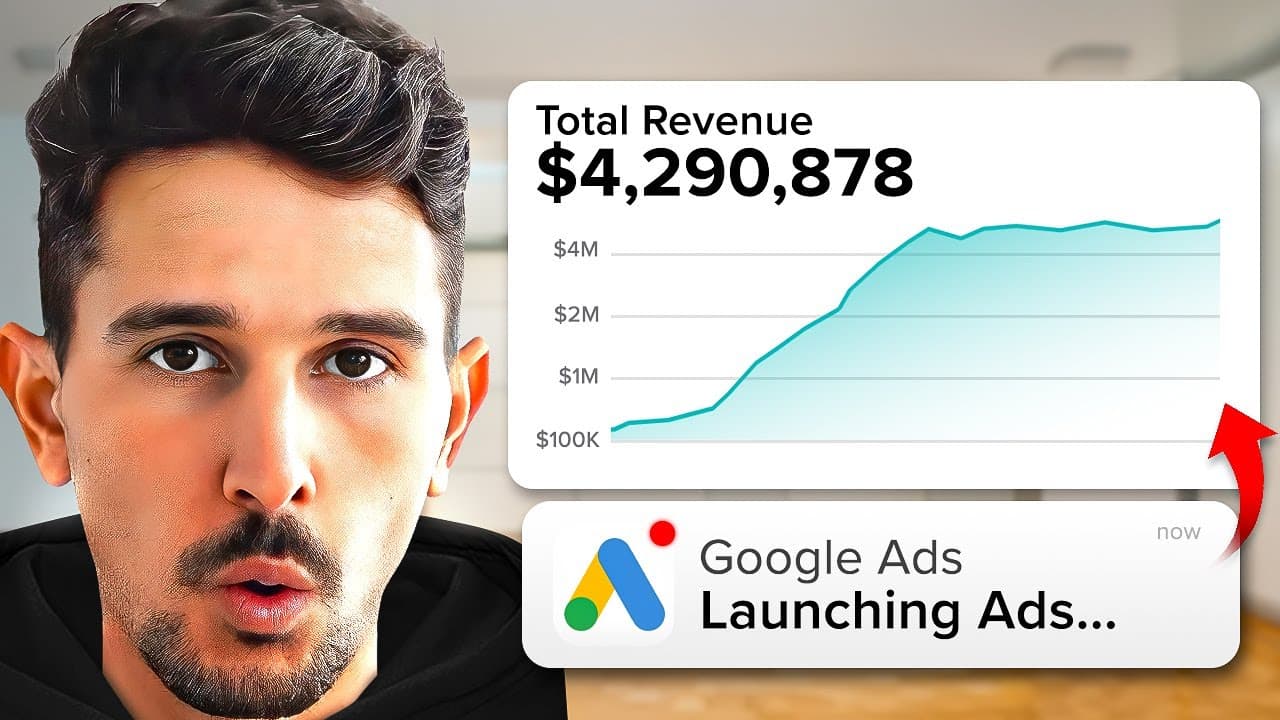
The core method is to start in easy mode, then switch to expert mode, and properly configure tracking with Google and YouTube app integration for Shopify. Focus on two high impact campaigns: brand focused search and performance Max, while avoiding overcounting purchase events. This approach emphasizes precise conversion tracking, clean account structure, and campaign placement choices to maximize ROI.
Transcript
in today's video I'm going to be revealing the exact Google ad strategy that we're using in 2024 across all of our clients that is the absolute most profitable most effective and actually leans into the algorithm more than any strategy we've ever used before so what we're going to go through is campaign setup ad setup ad group setup targeting setti... Read More
Key Insights
- The setup workflow begins in easy mode and requires switching to expert mode for detailed control.
- Tracking is central, and the recommended workflow uses the Google and YouTube app to align Google merchant center, analytics, and product titles for accurate conversion data.
- The campaign mix focuses on two core types: brand search and performance Max, covering shopping, search, display, and video in one unified approach.
- Shopping campaigns are described as the most direct route to purchase with clear ad real estate including images, price, and reviews.
- You should configure single purchase conversion events to avoid double counting and ensure purchases are tracked once per user action.
- Brand management is split into two campaigns to capture core brand terms and additional branded terms with specific targeting to boost coverage.
- Impression share metrics are used to benchmark brand campaigns and inform bidding strategies for top placement.
- Testing and validation are advised through simple checks before scaling, including confirming green checks in conversion tracking and alignment across platforms.
- More videos from this channel:
- More from this channel: Sam Piliero
Install to Summarize YouTube Videos and Get Transcripts
Explore YouTube Video Summarizer or Get YouTube Transcript Extractor
Questions & Answers
Q: How do I start configuring Google Ads for ecommerce in this method?
To start, you would begin by setting up your Google Ads account and switching from easy mode to expert mode, then adjust the interface to show the necessary views. You will configure your tracking using the Google and YouTube app for Shopify, ensuring your Merchant Center and Analytics IDs match across platforms. Next, select the sales objective with a single purchase event as the goal, and choose core campaign types such as brand search and performance Max to drive efficient, high intent traffic. Finally, verify conversion tracking is green and test the setup briefly to confirm data flows correctly.
Q: What are the two core campaigns recommended for ecommerce?
The two core campaigns are brand search campaigns and Performance Max campaigns. Brand search campaigns focus on exact brand terms to secure top visibility when users search for the brand, sometimes splitting into a core and a secondary campaign to cover different branded phrases. Performance Max campaigns combine multiple asset types, including search, display, shopping, video, and discovery into a single campaign to maximize reach and conversions with minimal management. Together these campaigns target high intent traffic and broad, asset rich placements.
Q: Why is single purchase event important in this setup?
Single purchase event is important to avoid overcounting conversions when the same purchase could be attributed multiple times across different channels or events. By ensuring only one purchase event is configured as the conversion goal in the account, you get a cleaner, more reliable measurement of true performance. This clarity helps optimize bidding and budget allocation and reduces inflated ROAS figures caused by duplicate conversions. It also simplifies attribution across campaigns like brand search and Performance Max.
Q: What role does Shopping play in this strategy?
Shopping plays a central role because it is the most direct asset for ecommerce on Google. Shopping ads display product images, price, reviews, and other essential details in one place, allowing customers to compare options and click through to purchase quickly. In this strategy, Shopping is a primary driver of purchases within the broader campaign mix, especially when paired with well-structured product feeds and accurate product titles and descriptions aligned with SEO best practices.
Q: How should I structure brand terms in campaigns?
Brand terms should be structured into two campaigns: a core brand campaign and a secondary campaign that covers branded terms with additional specificity. The core campaign targets the primary brand terms like Nike in the example, while the second campaign handles related terms such as Jordans. This separation lets you bid differently on each set of terms and tailor ad copy and landing pages to match user intent, increasing overall brand visibility and conversion potential.
Q: What settings should I adjust to maximize visibility?
To maximize visibility, adjust your view to show more data on the dashboard, switch to expert mode, and enable key competitive metrics like impression share and top impression share in the columns. This helps you monitor how often your ads appear and where you place relative to competitors. You should also ensure your product feed details and merchant center IDs are properly configured and consistent across platforms for seamless tracking and attribution.
Q: What is the recommended stance on YouTube ads for small budgets?
The guidance for small budgets is to avoid running YouTube ads initially, as they can be high level and may not convert as efficiently as Shopping or brand and performance max campaigns for ecommerce. Focus on high intent, direct response channels like Shopping and search performance max first, build data, and only then consider YouTube or other video placements if additional demand exists and budget allows for testing. This keeps ROAS-focused growth more predictable.
Q: How should I validate the campaign setup before scaling?
Validation should start with ensuring conversion tracking shows a green check mark across the Google and YouTube app integration and the merchant center IDs are in sync. Then, verify that you are not double counting purchases and that the single purchase event is correctly recorded as the account goal. Finally, run a short test period to confirm data flows into your reporting, verify landing page alignment, and ensure the campaign performance aligns with initial expectations before scaling budgets.
Summary & Key Takeaways
-
This summary explains a practical framework for setting up Google Ads for ecommerce, starting with account initialization, switching modes, and ensuring correct tracking through the Google and YouTube app for Shopify. It highlights how to configure campaigns, track conversions, and optimize for ROAS with two core campaign types and disciplined spending.
-
The approach recommends a two campaign structure centered on brand search and performance Max, with a preference for Shopping and Search for direct conversions. It emphasizes clean event goals, accurate attribution, and avoiding double counting to ensure reliable performance data and scalable growth.
-
The video also covers campaign types, settings, and workflow details like impression share tracking, product feed settings, and the importance of aligning merchant center and analytics IDs for accurate measurement and optimization.
Read in Other Languages (beta)
Share This Summary 📚
Summarize YouTube Videos and Get Video Transcripts with 1-Click
Try YouTube Summary with ChatGPT & Claude or YouTube Transcript Generator
Explore More Summaries from Sam Piliero 📚



Summarize YouTube Videos and Get Video Transcripts with 1-Click
Try YouTube Summary with ChatGPT & Claude or YouTube Transcript Generator