How to Use Omarchy for an AI-First Workflow
TL;DR
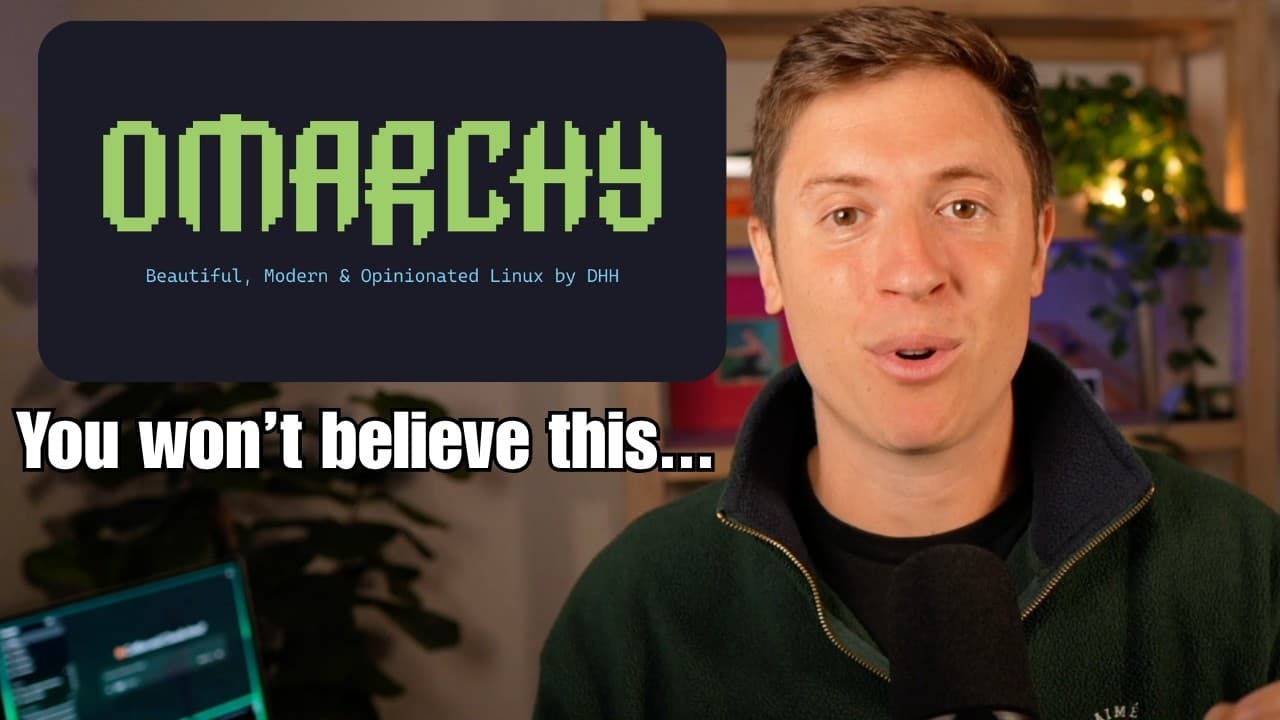
Omarchy combines keyboard shortcuts, tiled windows, multiple desktops, and built-in access to AI agents in a fast, focused workspace. Because the operating system is free and open source, users can also ask AI agents to modify its code, interface, notifications, colors, and other behaviors to match their current needs.
Transcript
The entire internet is going nuts talking about this brand new agentic operating system named Omachi and for good reason. It is the only AI native operating system I've ever used and it has made it basically impossible for me to go back to Mac OS or Windows. Plus, it's completely free and open- source and runs on basically any computer or laptop yo... Read More
Key Insights
- Omarchy is described as a free, open-source, AI-first operating system created by DHH, the developer associated in the transcript with Ruby on Rails and Basecamp. The creator presents it as his daily operating system because it combines a lightweight interface with native support for AI-centered workflows.
- The operating system runs on the creator's 7-year-old Dell Alienware gaming computer. He says the experience remains fast and responsive because Omarchy includes only necessary components and avoids the unwanted software, advertisements, and integrated features that he criticizes in Windows and macOS.
- Omarchy is built around keyboard navigation. Pressing the Super key with arrow keys changes window focus, while Super plus a number switches between desktops. Dedicated shortcuts can also launch applications, including Super plus Enter for the terminal and Super plus Shift plus Enter for Chrome.
- Tiled window management is a central part of Omarchy's workflow. Applications do not float freely or overlap because every newly opened window divides the available screen. The creator says this constraint discourages the accumulation of excessive windows and keeps attention on the tools required for the current task.
- Multiple desktops provide separate spaces for different activities. The demonstration uses numbered Super-key shortcuts to move between AI agents, a command-line music player, and terminal-focused workspaces. The creator says this organization is efficient enough that he no longer feels he needs a second monitor.
- AI tools work directly within the operating system according to the demonstration. The creator shows several agents open together and says ChatGPT desktop, Claude, Grok-related tools, and Hermes Agent work with Omarchy, allowing users to keep different AI systems available across tiled windows and desktops.
- Open-source code makes extensive personalization possible. The creator says users can ask an AI agent to modify interface colors, menu placement, window corners, notifications, and other system behavior because the underlying operating-system code is visible and editable rather than closed to user-directed changes.
- AI-assisted system modification changes personalization from manual configuration into a conversational workflow. In the creator's example, he asked Hermes Agent to edit notification behavior and saw the operating system change, leading him to view Omarchy as a computing environment that can adapt to immediate needs.
- More videos from this channel:
- More from this channel: Alex Finn
Install to Summarize YouTube Videos and Get Transcripts
Explore YouTube Video Summarizer or Get YouTube Transcript Extractor
Questions & Answers
Q: What is Omarchy and why is it designed for AI users?
Omarchy is presented as a free, open-source, AI-first operating system created by DHH. Its interface supports several AI agents working in parallel, and the creator says tools including ChatGPT desktop, Claude, Grok-related tools, and Hermes Agent work with it. Its editable source code also lets users ask AI agents to change system behavior and interface elements.
Q: How does keyboard navigation work in Omarchy?
Omarchy places common navigation and application actions behind keyboard shortcuts. The Super key combined with an arrow key moves focus toward another tiled window, while Super plus a number changes desktops. Super plus Enter opens the terminal, and Super plus Shift plus Enter opens Chrome. The creator says avoiding repeated movement between the keyboard and mouse makes his workflow faster.
Q: How do tiled windows improve focus in Omarchy?
Tiled windows divide the screen whenever another application opens, rather than allowing windows to float, overlap, or become scattered across the desktop. The creator says this structure introduces useful friction because screen space becomes limited as more applications appear. That encourages users to close irrelevant tools and retain only the windows connected to their current work.
Q: Can AI agents customize the Omarchy operating system?
AI agents can modify Omarchy because its source code is available for users to inspect and change. The creator says an agent can adjust colors, menu placement, window corners, notifications, and other parts of the interface or system behavior. He demonstrates the idea by describing how Hermes Agent changed part of his notification setup after receiving a request.
Q: Which AI tools does the creator say work with Omarchy?
The creator says ChatGPT desktop, Claude, Grok-related tools, and Hermes Agent work with Omarchy. His demonstration shows several AI agents open simultaneously in separate tiled windows, allowing him to move among them through keyboard navigation. He presents this compatibility as a core benefit for people who regularly use multiple AI systems in one workflow.
Q: Does Omarchy require a new or powerful computer?
The transcript does not provide detailed minimum hardware requirements, but the creator says Omarchy runs on basically any computer or laptop and demonstrates it on his 7-year-old Dell Alienware gaming computer. He describes the operating system as fast, lightweight, and free from unnecessary software. He also says he ordered a Framework laptop specifically to install Omarchy for mobile use.
Q: How do multiple desktops work in Omarchy?
Multiple desktops give users separate workspaces that can be reached with the Super key and numbered shortcuts. In the demonstration, one desktop contains AI agents, another contains a command-line music player, and another can be reserved for terminal work. The creator says this arrangement organizes tasks efficiently and has reduced his perceived need for a second monitor.
Q: Why does the creator prefer Omarchy to Windows and macOS?
The creator prefers Omarchy because he finds it faster, lighter, more focused, and more enjoyable than Windows or macOS. He criticizes those systems for unwanted features, advertisements, declining performance, and cluttered window management. By contrast, Omarchy combines keyboard shortcuts, tiled windows, multiple desktops, AI-tool compatibility, and open-source customization in the workflow he now uses daily.
Summary & Key Takeaways
-
Omarchy is presented as a free, open-source, AI-first operating system that can run on older hardware, including the creator's 7-year-old Dell Alienware computer. The creator says its lightweight design, visual consistency, built-in AI tools, and lack of unwanted software make it faster and more enjoyable than his experiences with Windows and macOS.
-
The interface prioritizes keyboard control. The Super key, arrow keys, number keys, and application shortcuts let users move between windows, switch desktops, open terminals, and launch Chrome without relying on a mouse. The creator argues that this keyboard-first approach has increased his productivity and made a single-monitor setup sufficient for his daily work.
-
Omarchy uses tiled windows instead of freely floating windows. Each newly opened application divides the available screen space, encouraging users to keep only relevant tools visible. Its open-source code also allows AI agents to alter interface elements and system behavior, creating a computing environment that can evolve around a user's changing requirements.
Read in Other Languages (beta)
Share This Summary 📚
Summarize YouTube Videos and Get Video Transcripts with 1-Click
Try YouTube Summary with ChatGPT & Claude or YouTube Transcript Generator
Explore More Summaries from Alex Finn 📚




Summarize YouTube Videos and Get Video Transcripts with 1-Click
Try YouTube Summary with ChatGPT & Claude or YouTube Transcript Generator