How to Use ChatGPT 5.1 as a Creative Copilot
TL;DR
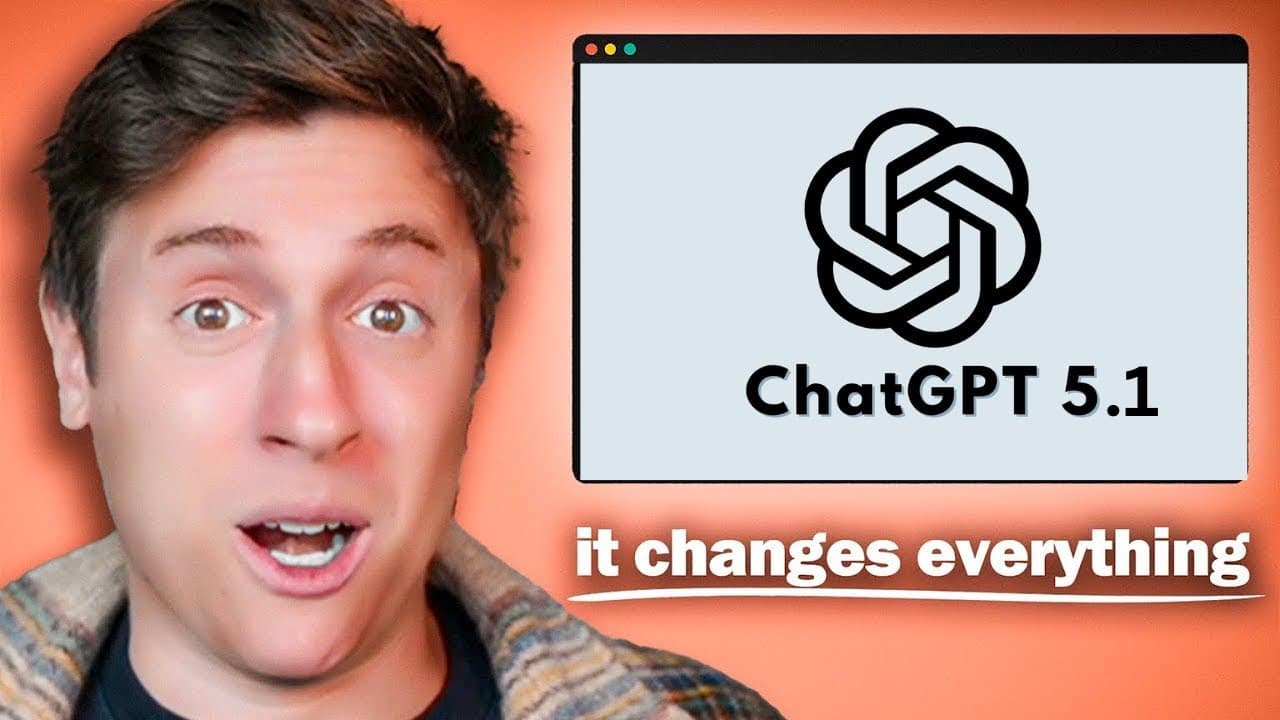
Use ChatGPT 5.1 Thinking as a side-by-side copilot, and ask it for novel ways to approach each task, problem, or project. The recommended setup combines Thinking mode, the Candid response style, custom instructions, and the desktop app. Testing described in the video found major gains in creativity, writing, instruction following, conversational warmth, and customization, but only marginal coding improvement over GPT-5.
Transcript
ChatGBT 5.1 just dropped and do not be fooled. This isn't just a small 0.1 update. This is actually a pretty considerable update and I've really really been enjoying this model. In this video, I'm going to go over all the strengths, all the weaknesses, everything you need to know, and then give you my exact perfect workflow I would use to get the m... Read More
Key Insights
- ChatGPT 5.1 Thinking is the reviewer's preferred available mode because it produced the strongest results in the described tests. The interface also offered Instant and automatic options, while the Pro option still used GPT-5 at the time covered by the video.
- Coding performance is only marginally better than GPT-5 according to the reviewer's app-building and benchmark tests. It did not reach Sonnet's performance in those tests, although the reviewer noted that ChatGPT 5.1 was not a dedicated Codex coding model.
- Creative ideation is ChatGPT 5.1's strongest capability in the reviewer's experience. While developing an app with social-network and gamification features, the model reportedly generated eight novel ideas that felt interesting, practical, and less conventionally artificial than suggestions from previously tested models.
- Writing quality is another reported strength of ChatGPT 5.1. The reviewer found it effective for developing content as well as brainstorming, making the model useful for creators and builders who want both original concepts and assistance turning those concepts into written material.
- Conversational quality is described as warmer, more natural, and more intelligent than that of other models the reviewer had used. This balance matters because an approachable interaction style can encourage people to keep consulting the model throughout their work instead of reserving it for isolated requests.
- Personalization is improved through expanded base style and tone options alongside custom instructions. The reviewer recommends the Candid style because it produces more direct responses and reduces the tendency to flatter the user, soften criticism, or avoid delivering a clear assessment.
- The desktop app supports a side-by-side copilot workflow by keeping ChatGPT visible beside a development environment or another work application. The method is not limited to coding and can also support content creation, workplace tasks, logical challenges, and other computer-based activities.
- The core workflow is to describe each current task to GPT-5.1 Thinking and request new, interesting, or novel approaches. The reviewer reports using this process for app features, social-feed design, challenges, and engagement ideas before continuing implementation in separate coding tools.
Install to Summarize YouTube Videos and Get Transcripts
Explore YouTube Video Summarizer or Get YouTube Transcript Extractor
Questions & Answers
Q: How should I use ChatGPT 5.1 as a daily copilot?
Open the ChatGPT desktop app beside the application where you perform your main work, then select GPT-5.1 Thinking. As each task arises, describe what you are doing and ask for interesting, creative, or novel approaches to the problem. The workflow is intended for continuous consultation across coding, content creation, workplace assignments, logical challenges, and other activities performed on a computer.
Q: Which ChatGPT 5.1 mode should I choose?
The reviewer recommends switching immediately to GPT-5.1 Thinking because it produced the best results in the tests described. GPT-5.1 Instant and an automatic option were also available, but Thinking was preferred for creative ideas and alternative approaches to difficult tasks. GPT-5.1 Pro was not yet available in the account shown, and the existing Pro option still used GPT-5.
Q: What personalization style works best with ChatGPT 5.1?
The Candid base style and tone is the reviewer's preferred personalization setting. It is designed to produce more direct answers and reduce responses that flatter the user, dance around an issue, or prioritize reassurance over clarity. Users can select it through the personalization menu, combine it with their own custom instructions, save the setting, and then apply it throughout their workflow.
Q: Is ChatGPT 5.1 better for coding than GPT-5 or Sonnet?
In the reviewer's app-building and benchmark tests, ChatGPT 5.1 was marginally better at coding than GPT-5 but remained behind Sonnet. The assessment applies to the general ChatGPT 5.1 model discussed, not a dedicated Codex 5.1 coding model. The reviewer therefore uses GPT-5.1 primarily for ideas and problem-solving while continuing implementation in tools such as Claude Code, Cursor, or Codex.
Q: What are ChatGPT 5.1's main creative strengths?
ChatGPT 5.1's main creative strength is generating ideas that the reviewer considers novel, interesting, and humanlike. During work on an app with social-network and gamification features, it reportedly produced eight ideas unlike anything the reviewer had previously received from another AI. The model also suggested new approaches to the social feed, user challenges, and methods for increasing engagement.
Q: What are the main weaknesses of ChatGPT 5.1?
The two highlighted weaknesses are limited coding gains and the absence of artifact-style functionality inside the chat. Coding was only marginally better than GPT-5 and did not surpass Sonnet in the tests described. The chat also could not display generated apps directly within the conversation in the way the reviewer said Claude could, so development still depended on a separate coding environment.
Q: Why use the ChatGPT desktop app for this workflow?
The desktop app makes ChatGPT easier to keep visible beside the user's primary workspace. The reviewer places it next to a coding environment and consults it while building, but the same layout can support creators and office workers. Keeping GPT-5.1 Thinking open at the side helps maintain it as an active copilot and makes frequent brainstorming part of each task rather than a separate activity.
Q: What prompt should I use to get novel ideas from ChatGPT 5.1?
Describe the activity or challenge currently in progress, then ask ChatGPT 5.1 Thinking to suggest new, interesting, creative, or novel ways to approach it. The reviewer uses a simple request such as explaining what is being done and asking for alternative approaches. This prompt can be repeated for each task, including feature design, engagement planning, content development, workplace assignments, and logical problems.
Summary & Key Takeaways
-
ChatGPT 5.1 is presented as a considerable update because of its stronger instruction following, adaptive thinking, intelligence, style, creativity, writing, and conversational quality. The reviewer considers its novel ideas especially valuable, reporting that it suggested eight creative app concepts unlike ideas previously received from other AI models during testing.
-
The main limitations concern coding and the chat interface. ChatGPT 5.1 appeared only marginally better at coding than GPT-5 and did not outperform Sonnet in the reviewer's tests. It also lacked Claude-style artifact functionality for displaying generated apps directly inside the conversation, and GPT-5.1 Pro was not available at the time discussed.
-
The recommended workflow starts by selecting GPT-5.1 Thinking and choosing the Candid personalization style for more direct answers. The desktop app should remain beside the user's primary work environment. For each task, the user can describe the current challenge and request interesting, creative, or novel approaches before deciding how to proceed.
Read in Other Languages (beta)
Share This Summary 📚
Summarize YouTube Videos and Get Video Transcripts with 1-Click
Try YouTube Summary with ChatGPT & Claude or YouTube Transcript Generator
Explore More Summaries from Alex Finn 📚



Summarize YouTube Videos and Get Video Transcripts with 1-Click
Try YouTube Summary with ChatGPT & Claude or YouTube Transcript Generator