How to build AI apps with Google Opal without code
TL;DR
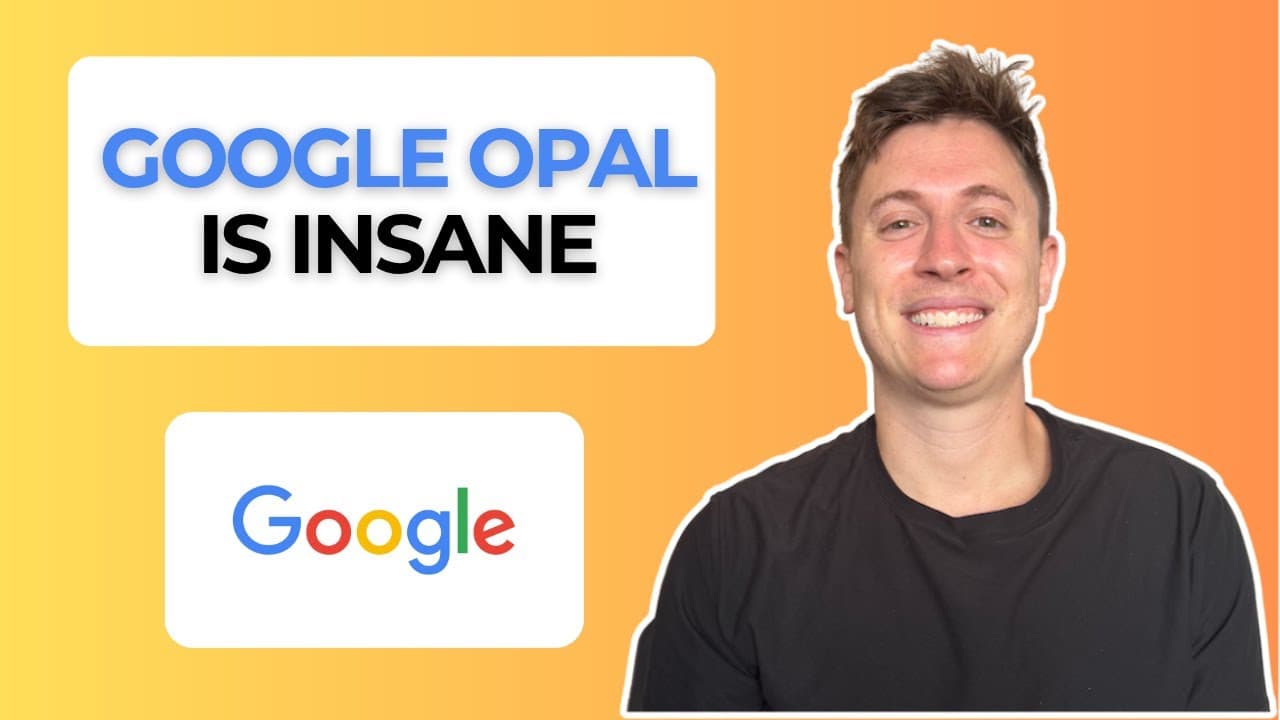
Google Opal lets you build and deploy full apps without coding and for free. It uses a canvas interface to assemble AI powered apps and deploy with one click. It is best for quick micro apps while enterprise scale needs more technical work.
Transcript
Google just released what might be the easiest way to build apps ever with AI. You can build and deploy full apps without even seeing a line of code and it's completely free. You're not paying hundreds of dollars a month like all the other AI apps. The question is, does it compete with cursor and clawed code? Let's find out. So, this is Google Opal... Read More
Key Insights
- Opal builds a complete app in seconds without touching code.
- The middle canvas view replaces traditional code with editable AI cards.
- No installation or libraries are required to run Opal apps.
- Google Opal is integrated with Gemini and built in AI features like image and video generation.
- Data flow is visualized on the canvas, showing input to AI processing to report generation.
- Apps can be deployed with a single click and shared via a link.
- Opal is ideal for quick micro apps that replace day to day processes.
- Enterprise scale app development still benefits from traditional tools, but Opal fills a fast prototyping niche.
Install to Summarize YouTube Videos and Get Transcripts
Explore YouTube Video Summarizer or Get YouTube Transcript Extractor
Questions & Answers
Q: How can I start building an app with Google Opal and what do I need to know first?
To start, you simply enter an app prompt in Opal and specify the goal, such as a stock analysis report. The system immediately builds the app preview on the right and shows how data flows through the cards in the canvas. No coding or libraries are required, and you can deploy with one click. This makes it accessible to non technical users who want rapid, shareable tools.
Q: What makes the Opal interface different from traditional code based app builders?
Opal uses a canvas with cards to represent data input, AI processing, and outputs. This visual approach lets you see data flow and app logic at a glance instead of reading code. It also allows editing by rearranging or changing cards, enabling quick iterations without touching programming languages.
Q: Can Opal integrate with other Google AI features like Gemini and image generation?
Yes, Opal is built to integrate with Google AI features, including Gemini, and supports built in image and video generation models. You can add a card to generate a product image or a video and have it integrated into the generated report, all without configuring external APIs or models.
Q: Is Opal suitable for enterprise scale apps or more for personal use?
Opal is described as great for quick micro apps that replace day to day processes and are shareable for a small group. For enterprise scale apps that require heavy data management and large audience deployment, traditional development with more technical work remains more appropriate according to the description.
Q: How does deployment work in Google Opal?
Deployment in Opal is a one click process. After you finish building the app in the canvas, you can share a link directly from the interface. The app goes live on the internet without needing hosting, Versell deployment, or other infrastructure setup, making distribution fast and simple.
Q: What kinds of apps are demonstrated in the video using Opal?
The video demonstrates building a stock research tool that pulls company information, stock price data, and reports. It shows generating a detailed company report with financial data and the ability to attach images created by the built in image generation model. This showcases how Opal handles real time data and reports.
Q: What are the main benefits of using Opal compared with other tools like Cursor or Claude Code?
Opal offers a no code experience with a visual canvas, built in Google AI features, and free access which makes it quick to prototype micro apps. It accelerates development for personal or small group use, while Cursor and Claude Code may be more suited for larger enterprise oriented projects that require deeper technical control.
Q: Are there any limitations noted about Opal in the video?
The video notes that while Opal excels at quick prototyping and micro apps, it may not replace the need for traditional development when building large scale or revenue generating systems. Some features like deploying at scale, complex databases, and extensive backend services may still require conventional tools.
Summary & Key Takeaways
-
Opal lets you create a stock analysis researcher app by entering a company prompt and generating an entire app in seconds.
-
The tool shows data flow on a canvas instead of code, making app logic easy to read and modify.
-
Deployment is seamless with one click, sharing apps via a link without hosting or setup.
Read in Other Languages (beta)
Share This Summary 📚
Summarize YouTube Videos and Get Video Transcripts with 1-Click
Try YouTube Summary with ChatGPT & Claude or YouTube Transcript Generator
Explore More Summaries from Alex Finn 📚
Summarize YouTube Videos and Get Video Transcripts with 1-Click
Try YouTube Summary with ChatGPT & Claude or YouTube Transcript Generator