How to Install and Use OpenClaw AI Agents
TL;DR
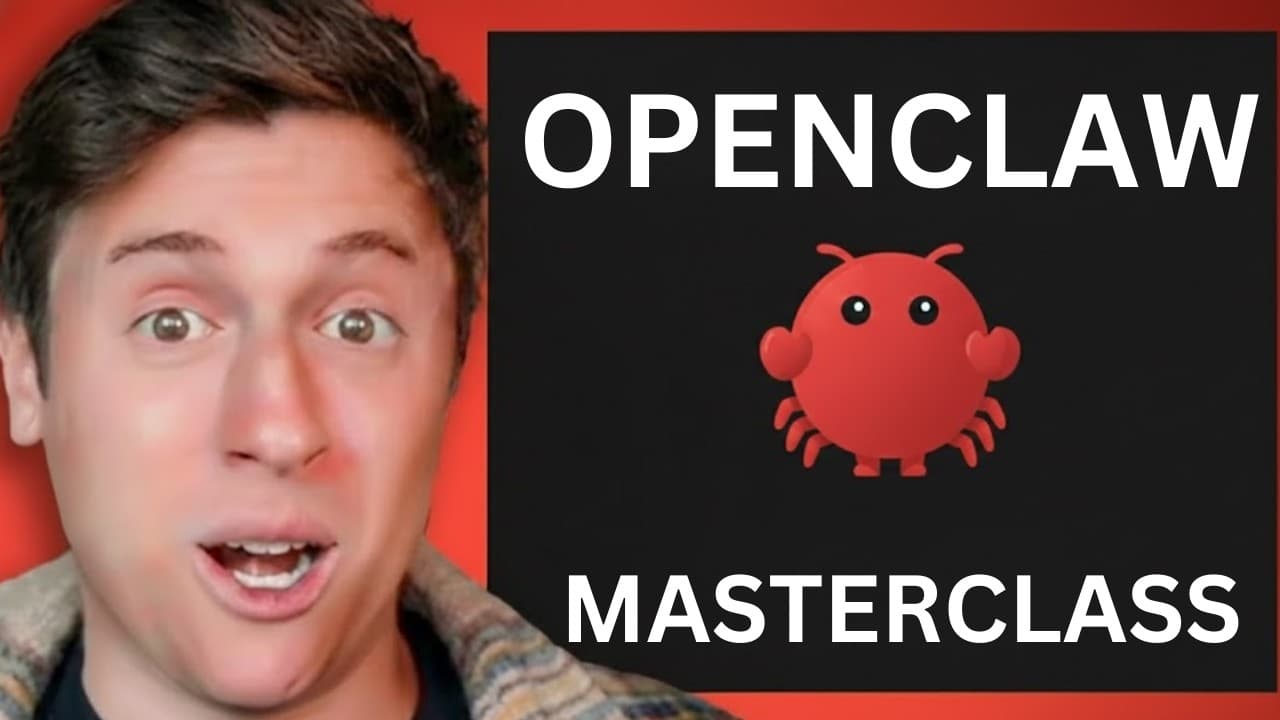
Install OpenClaw on any computer you already own by copying the command from openclaw.ai into your terminal and completing the quick-start onboarding. OpenClaw differs from a chatbot because it accepts goals, takes computer-based actions, iterates on its work, and can operate autonomously through messaging apps, while its open-source design supports extensive customization.
Transcript
It has been four months since the most powerful AI tool ever, OpenClaw, has released, and a lot has changed. In this video, I'm going to go over every single Open Claw concept, lesson, and update from the last 4 months. Whether you are brand new and have no idea what OpenClaw is, or you're a pro, you're going to learn something in this video, and b... Read More
Key Insights
- OpenClaw is an AI agent automation tool that receives a goal, performs actions, delivers a result, and iterates. The central distinction from a conventional chatbot is that it can act like an employee instead of functioning primarily as a question-and-answer interface.
- OpenClaw can use a computer as its operational body. According to the tutorial, it can browse websites, create accounts, write code, send messages and emails, organize files, conduct research, and perform other computer tasks that a person would normally complete manually.
- OpenClaw supports autonomous work around the clock. Agents can monitor the web, scan for news, choose actions as conditions change, proactively identify tasks, and collaborate within pipelines where different agents research, build components, and review one another's code.
- OpenClaw is open source and can be customized with different models and tools. This distinguishes it from systems that restrict users to a predefined collection of models or capabilities, while allowing individuals to shape agents around their own goals and workflows.
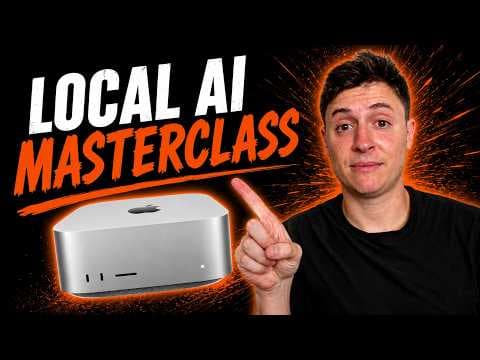
- A local computer is the recommended place to install OpenClaw. The tutorial says users do not need a Mac Mini, Mac Studio, or VPS, because an existing computer, including an inexpensive older laptop, is sufficient for getting started.
- A VPS is described as less secure, harder to use, and less powerful for OpenClaw than a local computer. The tutorial also alleges that many VPS recommendations are sponsored and that some creators promoting those services do not personally use them for OpenClaw.
- OpenClaw installation begins with copying a single command from openclaw.ai into the terminal. After the command runs, the user accepts the risk notice and selects the quick-start onboarding mode, making a separate installation wrapper unnecessary according to the tutorial.
- Claude Opus 46 is presented as the best OpenClaw model because it is smart, personable, and dependable at completing tasks. The tutorial also warns that Anthropic distinguishes pay-as-you-go API access from subsidized account access and does not want subsidized account tokens used in outside tools.
Install to Summarize YouTube Videos and Get Transcripts
Explore YouTube Video Summarizer or Get YouTube Transcript Extractor
Questions & Answers
Q: What is OpenClaw and how does it differ from ChatGPT?
OpenClaw is an open-source AI agent automation tool that accepts goals, takes actions, produces results, and iterates on its work. The tutorial contrasts this with chatbots such as ChatGPT, which are described as systems that primarily answer questions. OpenClaw acts more like an employee because it can use a computer, learn skills, make decisions, and continue working autonomously.
Q: How do you install OpenClaw on a computer?
Visit openclaw.ai, copy the installation command shown there, and paste it into your computer's terminal. On a Mac, the tutorial says to press Command and Space, search for Terminal, and open it. After running the command, follow the onboarding prompts, acknowledge the risk notice, select yes, and choose the quick-start onboarding mode to continue configuring OpenClaw.
Q: Do you need a Mac Mini to run OpenClaw?
No, the tutorial says OpenClaw can run on any computer you already have, including an older inexpensive laptop. A Mac Mini is described as a strong value, but it is not required. The recommended approach for a beginner is to install OpenClaw on existing hardware instead of immediately buying a Mac Mini, Mac Studio, or another powerful computer.
Q: Should OpenClaw be installed on a VPS or locally?
The tutorial strongly recommends installing OpenClaw on a local computer rather than a VPS. It characterizes a VPS installation as less secure, less powerful, and harder to use. It also claims that numerous tutorials recommending VPS hosting are sponsored and that some creators promoting those services do not actually use them for their own OpenClaw installations.
Q: What tasks can OpenClaw automate?
OpenClaw can conduct research, browse websites, create accounts, write software, send messages and emails, organize files, monitor the web, and scan for news. The tutorial also demonstrates a software pipeline in which several agents build different components, investigate what should be built next, perform research, and review one another's code while operating as an autonomous team.
Q: How can users communicate with an OpenClaw agent?
Users can communicate with OpenClaw through messaging services where they already spend time, including iMessage, Telegram, WhatsApp, and Discord. The tutorial gives the example of sending an agent a Telegram message asking it to build an application. The agent can then begin working on the user's computer, removing the need to interact only through a dedicated chatbot website.
Q: Which AI model does the tutorial recommend for OpenClaw?
The tutorial recommends Claude Opus 46 from Anthropic as the best model for OpenClaw, describing it as the smartest option with the strongest personality and reliable task completion. It also identifies an access concern: Anthropic offers pay-as-you-go API usage and subsidized account usage, and the tutorial says Anthropic does not want subsidized account tokens used through external tools such as OpenClaw.
Q: How can multiple OpenClaw agents work together?
Multiple OpenClaw agents can be arranged as an autonomous organization or production pipeline. In the tutorial's software example, four agents work on Creator Buddy at the same time. They build separate components, conduct research, determine what should be developed next, and review each other's code. Their tasks can be observed in real time while the overall workflow continues autonomously.
Summary & Key Takeaways
-
OpenClaw is presented as an open-source AI agent system that turns goals into completed actions. Unlike a chatbot that primarily returns answers, it can operate a computer, browse websites, write code, send messages, organize files, monitor information, and repeat workflows while improving its skills through continued use.
-
The recommended starting setup is a computer the user already owns, including an older laptop, rather than a VPS or newly purchased Mac Mini. The tutorial argues that local installation is easier, safer, and more capable. Installation consists of copying one command from openclaw.ai into a terminal and completing onboarding.
-
OpenClaw can use different AI models and communicate through services such as iMessage, Telegram, WhatsApp, or Discord. Claude Opus 46 is identified as the preferred model because of its intelligence, personality, and task completion. However, the tutorial distinguishes pay-as-you-go API access from subsidized account access and notes Anthropic usage concerns.
Read in Other Languages (beta)
Share This Summary 📚
Summarize YouTube Videos and Get Video Transcripts with 1-Click
Try YouTube Summary with ChatGPT & Claude or YouTube Transcript Generator
Explore More Summaries from Alex Finn 📚


Summarize YouTube Videos and Get Video Transcripts with 1-Click
Try YouTube Summary with ChatGPT & Claude or YouTube Transcript Generator