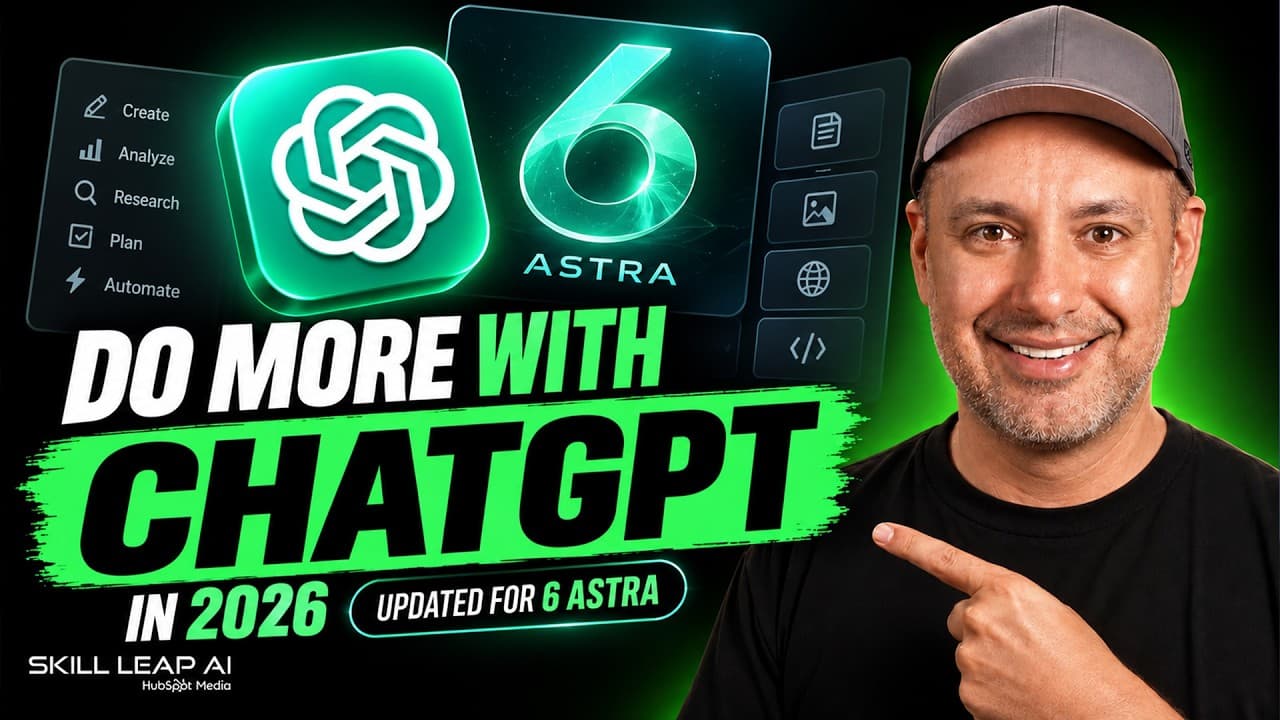
How to Use ChatGPT 6 Astra for Better Work
TL;DR
Use Projects to combine focused instructions, reusable source files, and relevant memory, then choose a reasoning effort that matches the difficulty of each task. Paid plans add model selection and ChatGPT Work, which can produce finished reports, presentations, documents, and folders, while memory, custom instructions, temporary chats, Skills, connected apps, deep research, image tools, Sites, and agents support broader workflows.
Transcript
Chat GPT is a completely different app than it was just 6 months ago, and most people are still using it like it's 2023, just like an AI chatbot. And right now is one of the two most powerful AI tools available alongside another tool called Claude, which I've covered a ton of times on this channel. And the three things that changed the most recentl... Read More
Key Insights
- ChatGPT 6 Astra is presented as the model intended for the hardest tasks, with higher reasoning effort available through paid plans. It is slower and may consume available credits more quickly, so the guide recommends reserving it for work that actually requires deeper reasoning.
- Thinking mode is an option that spends more time generating an answer and, according to the guide, almost always produces a better result. Free users receive a Think option, while paid users can select among several reasoning-effort levels and, depending on their plan, different models.
- Memory is an account setting that lets ChatGPT retain useful information across separate chats. Enabling it improves continuity, while Temporary Chat prevents a conversation from being saved to history or changing memory and can operate with personalization enabled or disabled.
- Custom instructions are account-level directions that shape responses across conversations. Suggested instructions include using simple language, avoiding complex vocabulary, maintaining a conversational tone, and keeping answers concise, and ChatGPT can interview a user to help draft these preferences.
- Projects are folder-like workspaces that combine chats, project-specific instructions, memory, and reusable source files. They are recommended for recurring areas of work because every conversation within a project can access the same context without requiring that information in each new prompt.
- Project memory is configurable as either broader account context or information contained within the project. Broader access is useful in many situations, while contained memory can keep a project focused when information from unrelated conversations should not influence its outputs.
- ChatGPT Work is described as an agentic workspace that completes tasks and returns finished deliverables. Depending on the request, those deliverables can include a report, presentation, document, or a folder containing multiple items, with broader capabilities available through a business account.
- ChatGPT Skills are reusable procedures that teach ChatGPT how to perform a task consistently after being shown the process once. The same procedure can then be repeated without restating every instruction, and team members can also use the established workflow.
- More videos from this channel:
- More from this channel: Skill Leap AI
Install to Summarize YouTube Videos and Get Transcripts
Explore YouTube Video Summarizer or Get YouTube Transcript Extractor
Questions & Answers
Q: How should I choose a ChatGPT model and reasoning effort?
Choose the standard option for simple requests and increase the reasoning effort as the work becomes more complicated. The guide positions the ChatGPT 6 Astra pro option as the choice for the hardest tasks. Using it for everything is not recommended because it responds more slowly and consumes credits, which can cause even paid users to reach their limits.
Q: What is the difference between free and paid ChatGPT plans?
The free account shown in the guide provides a Think option but does not display the full model picker. Paid accounts provide a slider for selecting progressively higher reasoning effort and can offer access to different models, depending on the plan. The paid features also include broader ChatGPT Work capabilities, with the guide demonstrating them through a business account.
Q: How does ChatGPT memory improve everyday use?
Memory allows ChatGPT to retain useful information across separate chats, which makes future conversations more personalized and reduces the need to repeat background details. The guide recommends enabling memory in Personalization settings. Users who do not want a particular conversation to affect memory can open a Temporary Chat instead, with personalization either retained or turned off.
Q: How can I create useful custom instructions for ChatGPT?
Start with direct preferences that should apply across the account, such as using simple and clear language, avoiding complex vocabulary, writing conversationally, and keeping responses short and relevant. If you are unsure what to write, ask ChatGPT to interview you. After several questions, it can produce instruction text that you can copy into the account setting.
Q: What are ChatGPT Projects and how should I use them?
Projects are folder-like workspaces for organizing conversations about a specific subject or recurring task. Each project can contain its own instructions, source files, and memory settings, and every chat inside it can use those materials. The guide recommends creating projects for ongoing areas of work so that relevant context stays organized and does not need to be repeated.
Q: How can source files improve results inside a ChatGPT Project?
Source files give every chat in a project access to reusable reference material. In the demonstrated example, files contained service information, pricing, an existing proposal, and a brand-voice guide. ChatGPT used those sources to draft a proposal with the intended tone and correct pricing even though those details were not repeated in the immediate prompt.
Q: What is ChatGPT Work and what can it produce?
ChatGPT Work is presented as the part of the app where an AI agent performs a requested task and returns a finished result rather than only discussing the task in chat. The deliverable can be an entire report, presentation, document, or folder of requested items. The guide says its broader capabilities are available through paid access, including a business account.
Q: What are ChatGPT Skills and how are they different from repeated prompts?
ChatGPT Skills capture how a task should be performed so the process can be repeated consistently. A user teaches ChatGPT the procedure once, after which it can follow the same approach without requiring the full instructions again. The guide also says a team can use the same Skill, making it useful for shared and repeatable workflows.
Summary & Key Takeaways
-
ChatGPT offers standard responses and a thinking mode that takes longer but often produces better answers. Paid accounts provide a model picker and multiple reasoning-effort levels, including ChatGPT 6 Astra for difficult tasks. The strongest model is slower and can consume limited credits, so model choice should reflect task complexity.
-
Personalization begins with memory and account-level custom instructions. Memory carries useful details across conversations, while custom instructions establish preferences such as clear language, conversational tone, and concise answers. Temporary Chat provides a separate option for conversations that should not enter chat history or change memory, while still allowing optional personalization.
-
Projects organize related conversations, files, instructions, and memory inside folder-like workspaces. A project can use account-wide context or keep its memory contained. Uploaded sources can supply details such as pricing, proposals, and brand voice, allowing ChatGPT to generate relevant work without requiring users to repeat that information in every prompt.
Read in Other Languages (beta)
Share This Summary 📚
Summarize YouTube Videos and Get Video Transcripts with 1-Click
Try YouTube Summary with ChatGPT & Claude or YouTube Transcript Generator
Explore More Summaries from Skill Leap AI 📚





Summarize YouTube Videos and Get Video Transcripts with 1-Click
Try YouTube Summary with ChatGPT & Claude or YouTube Transcript Generator