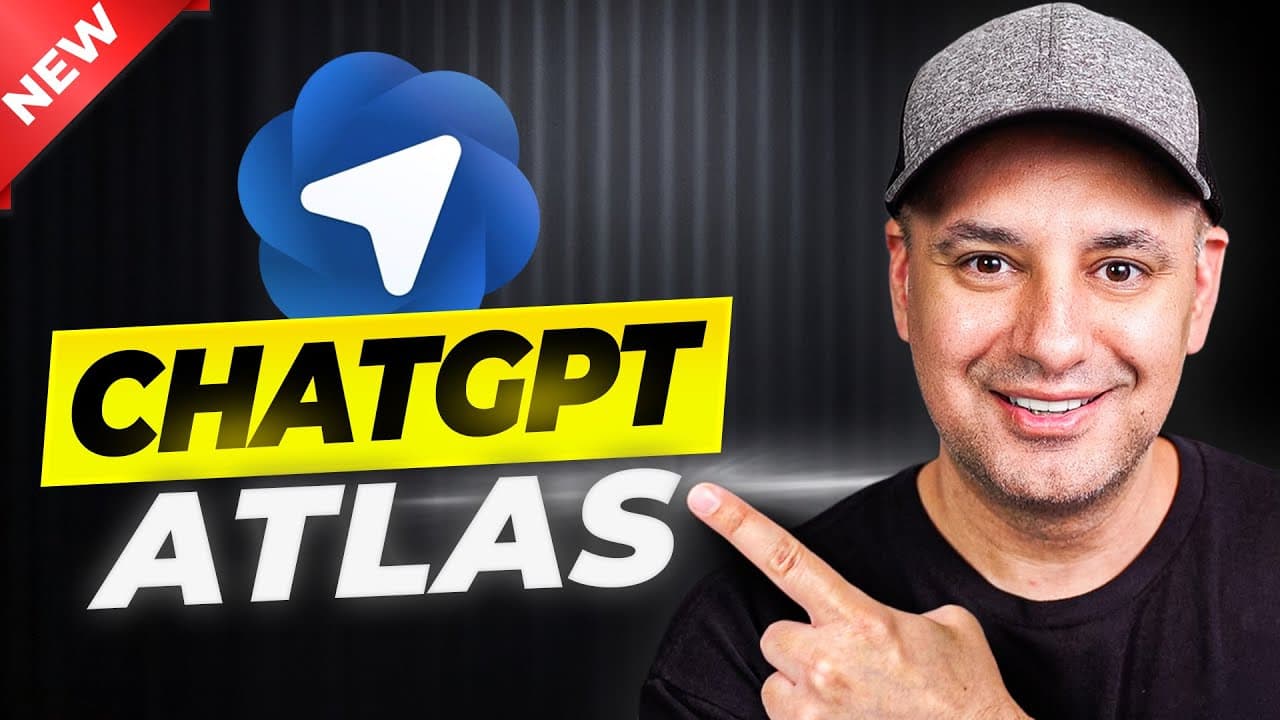
How to use ChatGPT Atlas as an AI browser
TL;DR
ChatGPT Atlas adds an AI powered browsing experience by embedding ChatGPT into a browser interface. It supports two search modes, a memory option, and a contextual sidebar that can summarize pages. The feature set includes tab management, incognito mode, and a pro agent mode for automated tasks, though some reliability issues exist in early testing.
Transcript
ChatGPT just released an AI powered web browser called Chat GPT Atlas and it's available right now. I've had about a day to play around with it. So I want to show you a bunch of different ways you could use it and what is capable of and then at the end of it I'll show you the Aentic use which only comes with the pro version of ChatGpt. Okay. So to ... Read More
Key Insights
- ChatGPT Atlas is accessed through chatgpt.com/atlas and is initially available only on Mac, with Windows and mobile versions planned for later.
- Atlas integrates a standard chat prompt bar with a browser-like address bar, offering traditional search, chat based queries, and tab specific tools inside one interface.
- Memory controls let users decide whether browser memory should remember searches and context, balancing personalized results with privacy preferences.
- A notable feature is the page context sidebar that lets you ask ChatGPT to summarize or analyze the currently viewed web page without copying text.
- Tabs and tab history are visible to the AI, enabling you to compare content across multiple pages and even detect duplicates to close.
- Agent Mode, available in the pro plan, can automate small web tasks by taking actions for you, though reliability and control can vary in early testing.
- Incognito mode exists to avoid saving data, ensuring a private browsing session while still using the AI features.
- The video highlights ongoing refinements as the product evolves, including smoother tab control and more robust interactions with open pages and tabs.
- More videos from this channel:
- More from this channel: Skill Leap AI
Install to Summarize YouTube Videos and Get Transcripts
Explore YouTube Video Summarizer or Get YouTube Transcript Extractor
Questions & Answers
Q: How do you access ChatGPT Atlas and what platforms are supported at launch?
ChatGPT Atlas is accessed via chatgpt.com/atlas and is currently available on Mac, with Windows, Android, and iOS versions planned for later this year. Users can install Atlas from the Mac app environment and begin using the integrated ChatGPT browser features immediately, including browsing, searching, and AI assisted interactions.
Q: What permissions and imports does Atlas request during setup?
During setup Atlas may ask to import data from Chrome or Safari, bringing over saved passwords, bookmarks, and browsing history. Users can choose to skip importing this information if they prefer not to transfer their data, and Atlas provides controls to manage these permissions within the signup flow.
Q: What is browser memory in Atlas and how does it affect privacy and usefulness?
Browser memory allows Atlas to remember useful details from your browsing to offer smarter responses and proactive suggestions. While this can improve relevance and speed, it raises privacy considerations, so users can opt out during setup or adjust memory settings afterward to balance privacy with enhanced context.
Q: How does the on page context feature work in Atlas?
Atlas provides a page context feature via a sidebar that attaches to the current web page. This allows you to ask questions, summarize content, or make edits directly from the page without copying text, enabling a seamless, on page AI assistance within the browsing environment.
Q: What are the two search modes Atlas offers and how do they differ?
Atlas offers two search modes: a ChatGPT based search that integrates web results with AI responses, and a traditional Google style search. The chat mode presents AI generated answers with top links and images, while the Google mode returns standard search results in a more traditional format.
Q: What is Agent Mode and who can use it?
Agent Mode is a pro plan feature that can take over some interactions on your screen to perform tasks automatically, potentially clicking and shopping for you. It is designed for Plus, Pro, and Business users, but in early testing it may require refinement and does not always perform perfectly in every scenario.
Q: What limitations are noted in the first look of Atlas?
The video notes some limitations including occasional failures when the AI is asked to manipulate tabs, speed issues, and uneven reliability with tab control. These observations are from early testing and indicate areas that may improve as Atlas matures and gains more refinements.
Q: How does Atlas handle incognito mode and data control for free users?
Atlas offers an incognito mode that does not save browsing data, while free users can adjust data controls to turn off model improvement data sharing. Paid users typically have this option disabled by default, illustrating a distinction in data handling between free and paid tiers.
Summary & Key Takeaways
-
Atlas exposes a browser wrapped around ChatGPT where you can search, browse, and interact with pages from a chat interface, plus add tabs and view results in a chat style format. It includes browser memory, page context, and a dedicated sidebar for on page questions and summaries, improving workflow. The plus plan adds Agent Mode, enabling automated interactions on web tasks, but some controls like tab manipulation may still need refinement.
-
The setup emphasizes Mac first, with browser import options and memory controls during signup, plus incognito mode for privacy. You can access the tool via chatgpt.com/atlas and use both chat and traditional search results, with image, video, and news tabs available for richer browsing.
-
The video showcases practical use cases like summarizing pages, comparing tab content, and controlling tabs, while also noting current limitations such as occasional inconsistency in tab actions and prototype level performance, especially around speed and tab management.
Read in Other Languages (beta)
Share This Summary 📚
Summarize YouTube Videos and Get Video Transcripts with 1-Click
Try YouTube Summary with ChatGPT & Claude or YouTube Transcript Generator
Explore More Summaries from Skill Leap AI 📚





Summarize YouTube Videos and Get Video Transcripts with 1-Click
Try YouTube Summary with ChatGPT & Claude or YouTube Transcript Generator