How to Run Local AI on Your Computer: 4 Methods Explained
TL;DR
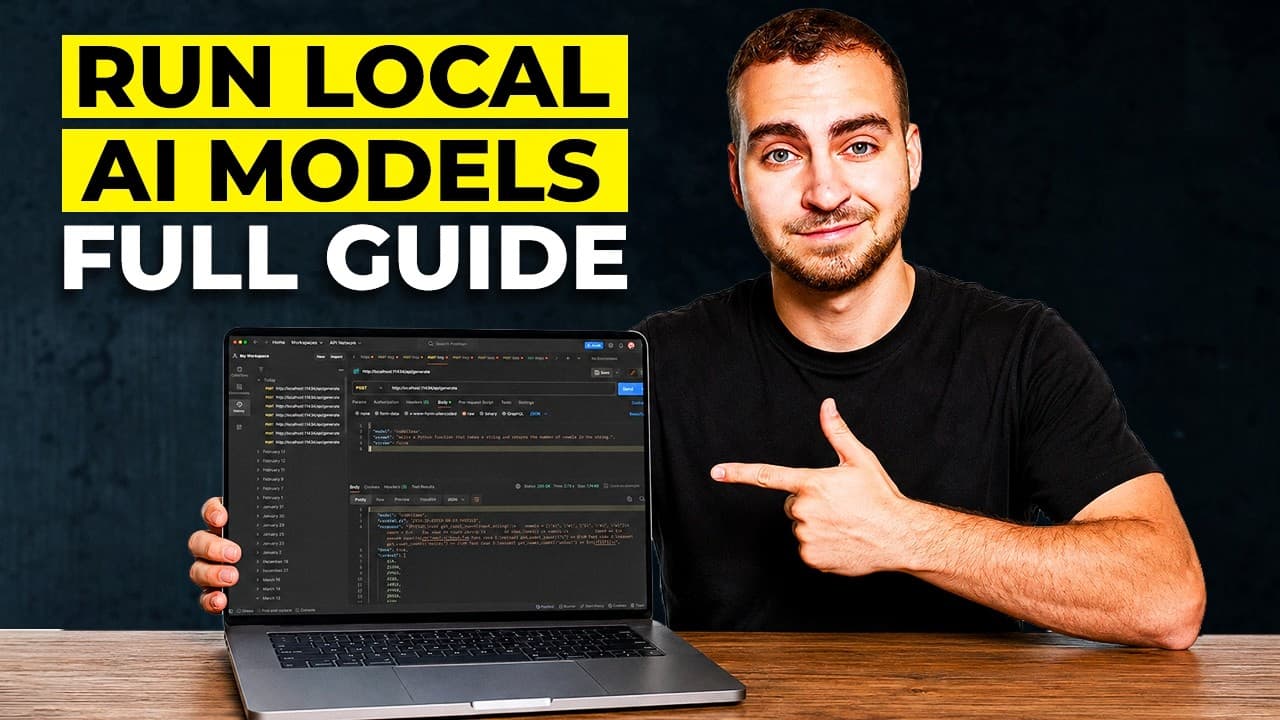
Local AI means having the model file on your computer and a program to run it. It keeps data private, avoids subscriptions, and works offline, but models are smaller and require suitable memory. The video explains the building blocks—model file, sizes, quantization, inference engine, and hardware—and then shows four practical ways to run locally from apps to code.
Transcript
Everybody is talking about running AI locally, but almost nobody explains what it is or how you actually get it to work. Now you get these videos where people throw around terms like weights or quantization your VRM graph, and it sounds like you need a PhD in a $10,000 computer just to try this out. And that's exactly why most people give up and ju... Read More
Key Insights
- A local AI setup consists of three core parts: the model file, the inference engine, and the hardware that runs it.
- Model sizes are described in billions of parameters, and higher counts generally need more memory to run.
- Quantization reduces memory requirements by storing numbers with lower precision without major quality loss.
- An inference engine loads model weights and performs the math that generates predictions.
- Hardware memory type—Vram on GPUs or unified memory on Macs—limits usable model size.
- Faster memory improves tokens per second, so memory speed matters alongside capacity.
- Smaller models run faster and are a practical sweet spot for many tasks.
- You can run local models on devices as modest as phones for small models, not just desktops.
- More videos from this channel:
- More from this channel: Tech With Tim
Install to Summarize YouTube Videos and Get Transcripts
Explore YouTube Video Summarizer or Get YouTube Transcript Extractor
Questions & Answers
Q: What is local AI in simple terms and how does it differ from cloud AI?
Local AI is a model file on your computer plus a program that runs it, with no data leaving your machine. In contrast, cloud AI sends your input to a distant data center where a large model runs and sends back the result. This difference affects privacy, cost, and offline usability, making local AI private, free from subscriptions, and usable offline.
Q: What are the main building blocks of running a local AI model?
The main building blocks are the model file that contains weights, the inference engine that runs the numbers to predict the next token, and the hardware memory that determines how large a model you can run. Understanding these parts helps you decide how big a model you can operate on your device and which tools fit your setup.
Q: How does quantization affect the size and performance of a local AI model?
Quantization compresses the model by reducing numerical precision, which dramatically lowers the memory footprint. This allows a model that would normally require 16GB to run in under 8GB or less, with little to no noticeable loss in quality. It is the key technique enabling mid to large models to fit on regular computers.
Q: What role does the inference engine play in local AI?
The inference engine is the software that loads the model weights from the file into memory and performs the mathematical operations to generate predictions. It acts as a bridge between the raw numbers in the model file and usable outputs, with various engines like llama Dhcp powering diverse tools and interfaces.
Q: How does memory type affect what local models you can run?
Memory type and capacity determine the feasible model size. On GPUs with VRAM, larger models require more memory; on Macs with unified memory, system RAM limits capacity. The model must fit comfortably within available memory, plus room for processing, otherwise performance degrades or the model won’t run.
Q: Why is memory speed important in local AI performance?
Memory speed impacts tokens per second, meaning faster memory yields quicker inference. Even with sufficient capacity, slower memory can bottleneck generation speed, making results feel laggy. Users should consider both memory size and the speed when choosing hardware for local AI.
Q: What is a practical sweet spot for local models in terms of parameter count?
A practical sweet spot for many users is models with between roughly 14 and 35 billion parameters. These offer a balance of decent performance and manageable hardware requirements, enabling usable local AI on common setups without resorting to extreme hardware.
Q: Can you run local AI models on devices other than a desktop PC?
Yes, smaller models can run on phones and other devices, though larger models may require more capable hardware. The principle remains that the model must fit into the device’s available memory, and there are approaches like quantization and lightweight engines that enable operation on less powerful devices.
Summary & Key Takeaways
-
Local AI is a model file plus a running program on your machine, with no cloud involvement.
-
Quantization compresses model data to fit memory, enabling on-device inference while preserving most performance.
-
The hardware constraint is memory capacity and speed, which governs which model sizes you can run locally.
Read in Other Languages (beta)
Share This Summary 📚
Summarize YouTube Videos and Get Video Transcripts with 1-Click
Try YouTube Summary with ChatGPT & Claude or YouTube Transcript Generator
Explore More Summaries from Tech With Tim 📚






Summarize YouTube Videos and Get Video Transcripts with 1-Click
Try YouTube Summary with ChatGPT & Claude or YouTube Transcript Generator