How to Build Advanced AI Systems with LangGraph
TL;DR
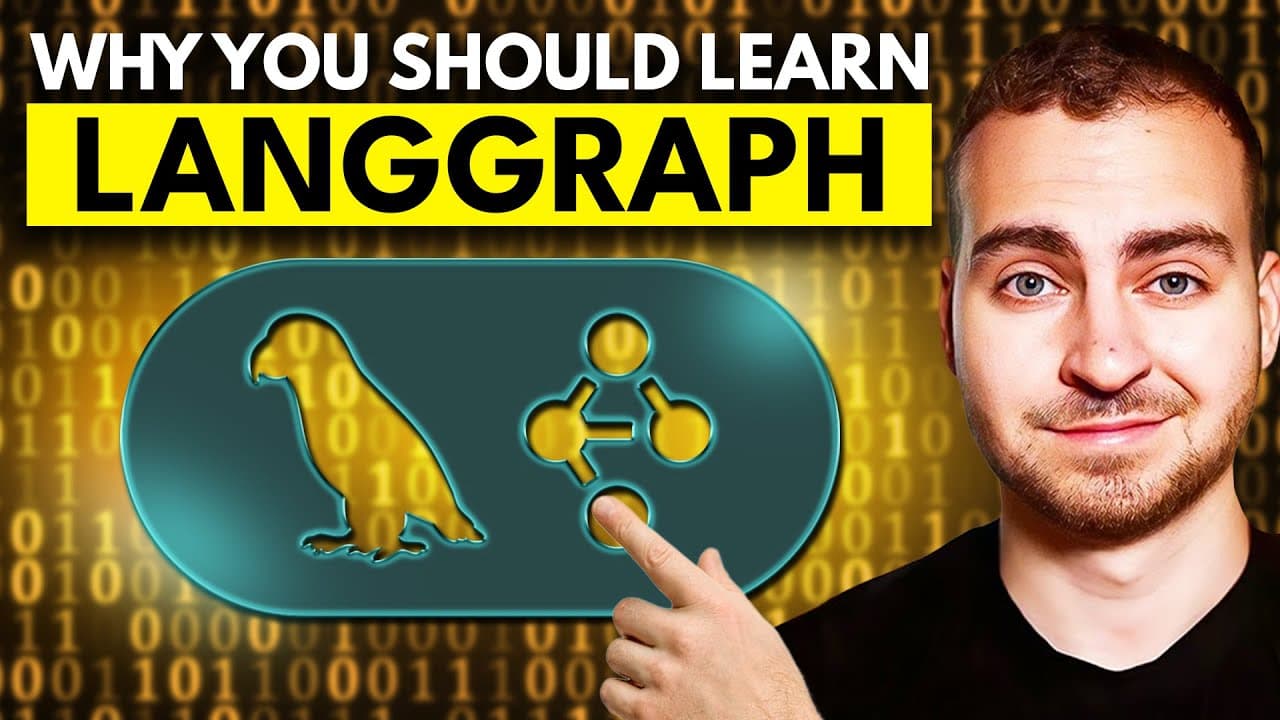
LangGraph is a sophisticated framework for creating complex AI agents, offering more control and scalability compared to LangChain or LlamaIndex. It allows for the orchestration of agent flows using a graph-based representation. This tutorial demonstrates setting up a LangGraph environment, building simple and complex AI agent systems, and using structured output parsers for message classification.
Transcript
In this video, you're going to learn how to build AI agents using LangGraph Lane graph is a much more professional and in-depth framework compared to something like LangChain or Lama Index, which allows you to build a really complicated and well thought out AI agents. If you're looking to push something into production, you want to have scalability... Read More
Key Insights
- LangGraph is a professional framework for building advanced AI agents, offering more control than LangChain or LlamaIndex.
- LangGraph excels in scalability and orchestration, allowing for complex, production-ready AI applications.
- The framework uses a graph-based system to represent data and agent states, facilitating modular and adaptable agent flows.
- LangGraph supports structured output parsers, enabling precise message classification and routing in AI systems.
- The tutorial demonstrates how to set up a LangGraph environment and build both simple and complex AI agent systems.
- Using PyCharm as the IDE is recommended for its professional Python development features, including better autocomplete and environment management.
- LangGraph allows for the creation of conditional edges in graphs, enabling dynamic routing based on state conditions.
- The video provides a comprehensive guide, including code snippets and resources for further exploration of LangGraph's capabilities.
Install to Summarize YouTube Videos and Get Transcripts
Explore YouTube Video Summarizer or Get YouTube Transcript Extractor
Questions & Answers
Q: How to build AI agents with LangGraph?
To build AI agents with LangGraph, start by setting up a development environment, preferably using PyCharm for its advanced features. Install necessary dependencies, including LangGraph and a language model like Claude. Define your agent's state and nodes, create a graph with start and end nodes, and use conditional edges for dynamic routing based on state conditions.
Q: What is LangGraph used for?
LangGraph is used for developing advanced AI agent systems. It provides a graph-based framework for managing agent states and flows, allowing for scalable and production-ready applications. LangGraph excels in orchestrating complex agent interactions and offers more control compared to frameworks like LangChain or LlamaIndex.
Q: Why choose LangGraph over LangChain?
LangGraph offers more control and scalability than LangChain, making it suitable for complex, production-ready AI applications. It uses a graph-based representation to manage agent states and flows, allowing for modular and adaptable agent systems. LangGraph is ideal for developers needing advanced orchestration features and long-term context persistence.
Q: How does LangGraph handle message classification?
LangGraph handles message classification using structured output parsers. These parsers utilize pedantic models to define the expected output structure, allowing for precise classification of messages. This feature enables dynamic routing in agent systems based on message types, facilitating complex agent interactions.
Q: What are the core features of LangGraph?
Core features of LangGraph include a graph-based system for representing agent states and flows, structured output parsers for message classification, and support for conditional edges in graphs. These features enable advanced orchestration, scalability, and modularity in AI agent systems, making LangGraph suitable for complex applications.
Q: How to set up a LangGraph environment?
To set up a LangGraph environment, use PyCharm for its professional development features. Install dependencies like LangGraph and a language model using a package manager such as UV. Set up environment variables for API keys, and configure your IDE to manage the Python environment effectively.
Q: What is the advantage of using PyCharm for LangGraph development?
PyCharm offers advanced features for professional Python development, making it ideal for LangGraph projects. It provides better autocomplete, environment management, and integration with version control systems. PyCharm's robust features streamline the development process, improving efficiency and code quality.
Q: How does LangGraph support scalability?
LangGraph supports scalability through its graph-based representation, which allows for modular and adaptable agent systems. This framework facilitates the orchestration of complex agent interactions, enabling developers to build scalable, production-ready AI applications with ease. LangGraph's design ensures efficient management of agent states and flows.
Summary & Key Takeaways
-
LangGraph is a powerful framework for creating advanced AI agents, offering more control and scalability than LangChain or LlamaIndex. It uses a graph-based system to manage agent states and flows, making it ideal for complex applications. The tutorial covers setting up LangGraph, building AI systems, and using structured output parsers for message classification.
-
The video demonstrates how to build AI agents with LangGraph, a framework that excels in scalability and control. It includes creating simple and complex agent systems, utilizing structured output parsers, and setting up a development environment with PyCharm. LangGraph's graph-based representation allows for modular and adaptable agent flows.
-
LangGraph provides a comprehensive solution for developing sophisticated AI agents, offering features like structured output parsing and graph-based orchestration. The tutorial guides viewers through environment setup, agent system creation, and the use of conditional edges for dynamic routing, emphasizing LangGraph's advantages over other frameworks.
Read in Other Languages (beta)
Share This Summary 📚
Summarize YouTube Videos and Get Video Transcripts with 1-Click
Try YouTube Summary with ChatGPT & Claude or YouTube Transcript Generator
Explore More Summaries from Tech With Tim 📚


Summarize YouTube Videos and Get Video Transcripts with 1-Click
Try YouTube Summary with ChatGPT & Claude or YouTube Transcript Generator