How to Start Vibe Coding with AI Tools
TL;DR
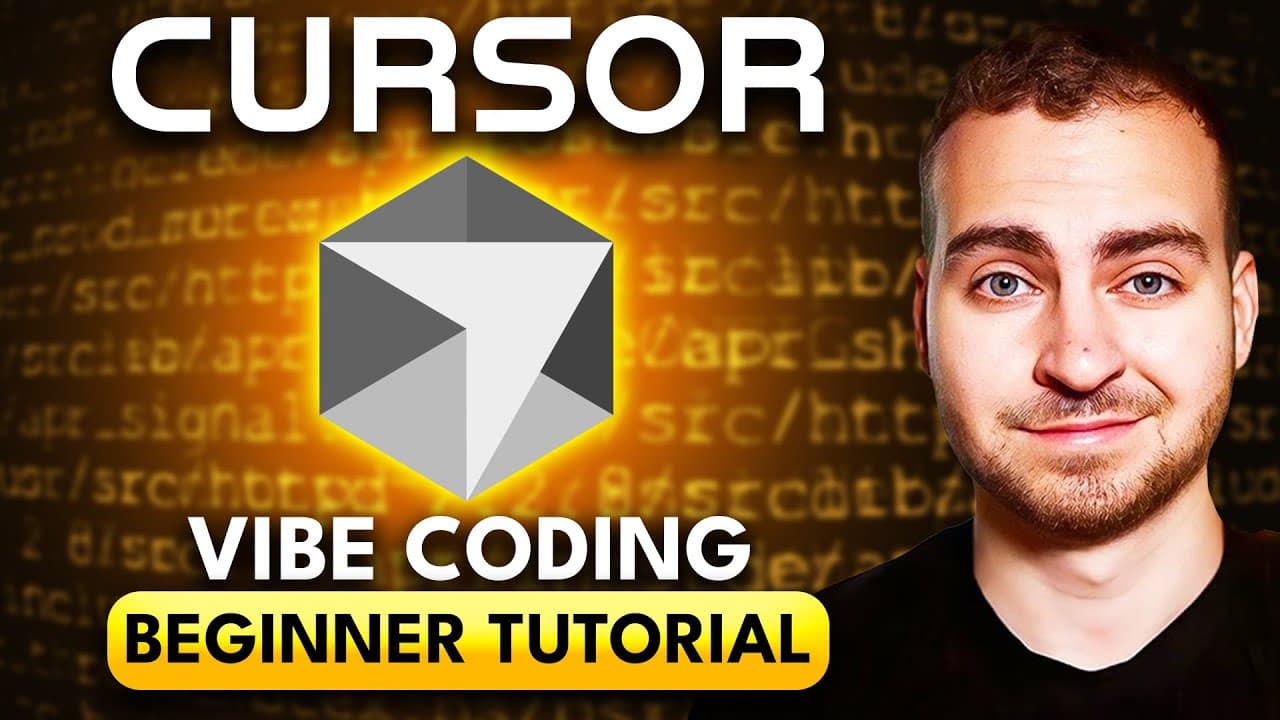
Vibe coding allows beginners to rely on AI models to generate code without needing extensive coding knowledge. By using tools like Cursor and AI models such as GPT or Claude, users can create applications by asking the AI to write code in plain English. This tutorial provides a step-by-step guide to setting up an AI code editor, understanding AI model modes, and utilizing AI-generated code effectively.
Transcript
This video is going to cover absolutely everything you need to start Vibe coding successfully today. Now I'm going to be going through everything extremely slowly, assuming you have no prior experience and explaining everything as step by step as I possibly can. The goal here is not to get you to become a professional software engineer, but it's to... Read More
Key Insights
- Vibe coding involves using AI models to generate code, allowing users to focus on understanding tools rather than syntax.
- AI code editors like Cursor integrate with AI models to assist in code generation and project management.
- Choosing the right AI model and mode (agent or ask) is crucial for effective code generation and project safety.
- Using version control, like Git, helps save project states and revert changes if needed.
- Cursor allows users to set global and project-specific rules to guide AI behavior during code generation.
- Debugging in vibe coding involves providing AI with error messages and context to refine code output.
- Extensions and tools within the editor enhance coding experience by providing additional functionalities.
- Understanding basic coding concepts and tools improves the effectiveness of vibe coding with AI models.
Install to Summarize YouTube Videos and Get Transcripts
Explore YouTube Video Summarizer or Get YouTube Transcript Extractor
Questions & Answers
Q: How to start vibe coding with AI tools?
To start vibe coding, set up an AI code editor like Cursor, which integrates with AI models such as GPT or Claude. Choose the appropriate model and mode (agent or ask) for your project. Begin by asking the AI to generate code in plain English. Use version control, like Git, to save project states and manage changes. Understanding basic coding concepts and using extensions can enhance your coding experience.
Q: What is vibe coding?
Vibe coding is a method of coding where users rely heavily on AI models to generate code, allowing them to focus on understanding tools rather than learning syntax. It involves using AI code editors like Cursor, which integrate with large language models to assist in code generation and project management, making coding more accessible to beginners.
Q: How does Cursor help in vibe coding?
Cursor is an AI code editor that integrates with AI models to assist in code generation and project management. It provides features like version control, rule setting, and extensions to enhance the coding experience. Cursor allows users to choose different AI models and modes for code generation, making it easier for beginners to create applications without extensive coding knowledge.
Q: Why use version control in vibe coding?
Version control, like Git, is crucial in vibe coding as it helps save project states and manage changes effectively. It allows users to create checkpoints of their code, making it easy to revert changes if something goes wrong. This ensures that users can experiment with AI-generated code without the risk of losing a working state, providing a safety net for beginners.
Q: What are the benefits of setting rules in Cursor?
Setting rules in Cursor guides AI behavior during code generation, ensuring that the AI follows specific coding practices or project requirements. Users can create global rules for all projects or specific rules for individual projects. This helps maintain code quality, consistency, and adherence to project specifications, making AI-generated code more reliable and manageable.
Q: How to debug issues in vibe coding?
Debugging in vibe coding involves providing the AI with error messages and context to refine code output. Users can open the console to view errors and use AI models to suggest fixes. If the AI struggles to resolve an issue, users can reference official documentation or manually adjust code. Understanding basic coding concepts can aid in identifying and fixing errors more efficiently.
Q: What extensions are useful for vibe coding?
Useful extensions for vibe coding include language-specific extensions like JavaScript or Python, which enhance code editing capabilities. Other helpful extensions include spell checkers, code formatters like Prettier, and productivity tools. Extensions add extra functionalities to the code editor, making coding more efficient and user-friendly.
Q: Why is understanding basic coding concepts important in vibe coding?
Understanding basic coding concepts is important in vibe coding as it helps users comprehend AI-generated code and make necessary adjustments. Knowledge of programming languages, tools, and frameworks allows users to identify and fix issues more efficiently. It also enables users to provide better prompts to the AI, resulting in more accurate and useful code generation.
Summary & Key Takeaways
-
Vibe coding allows beginners to generate code using AI models like GPT or Claude, focusing on tools rather than syntax. AI code editors, such as Cursor, integrate with these models to aid in code generation and project management.
-
Choosing the right AI model and mode (agent or ask) is crucial for effective code generation. Using version control, like Git, helps save project states and revert changes if needed, ensuring a smooth coding experience.
-
Cursor enables users to set rules to guide AI behavior, and extensions enhance coding functionalities. Understanding basic coding concepts improves vibe coding efficiency, making AI-generated code more manageable.
Read in Other Languages (beta)
Share This Summary 📚
Summarize YouTube Videos and Get Video Transcripts with 1-Click
Try YouTube Summary with ChatGPT & Claude or YouTube Transcript Generator
Explore More Summaries from Tech With Tim 📚


Summarize YouTube Videos and Get Video Transcripts with 1-Click
Try YouTube Summary with ChatGPT & Claude or YouTube Transcript Generator