How to build a B2B SaaS with FastAPI and React
TL;DR
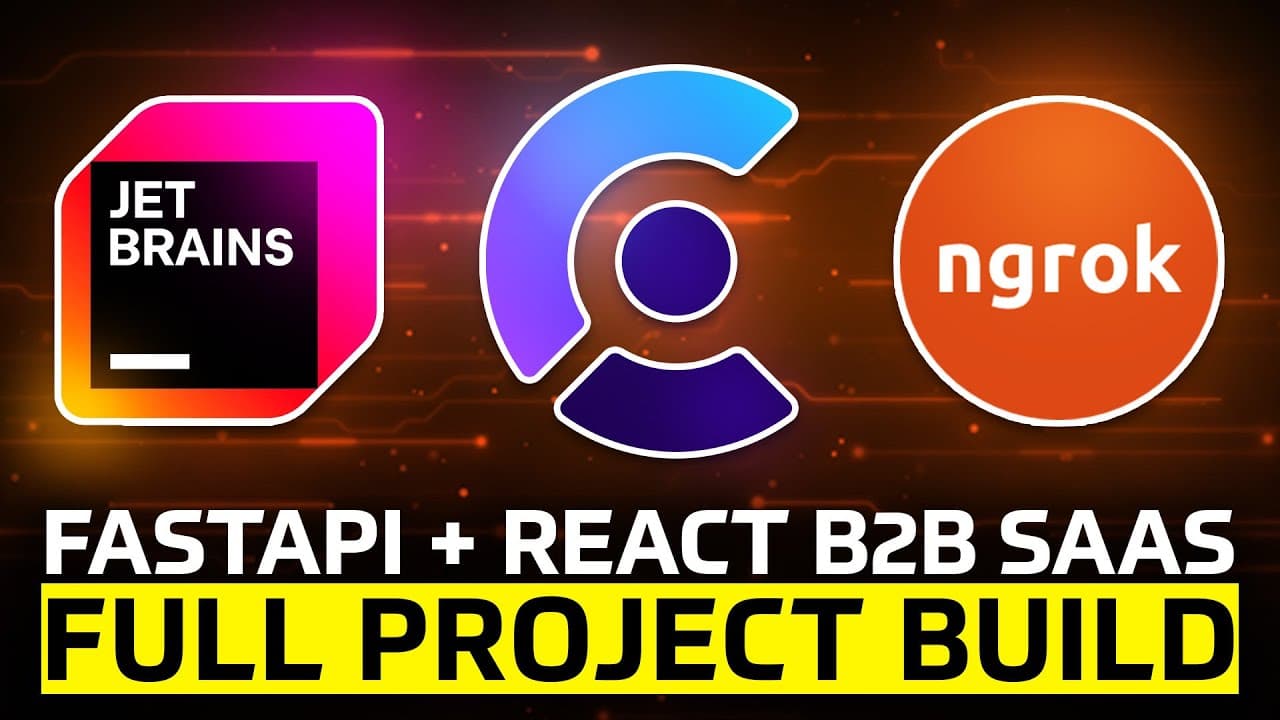
The video demonstrates building a B2B SaaS app using FastAPI for the backend and React for the frontend, with Clerk handling authentication, organization management, and billing. It covers project setup, backend structure, frontend integration, and a demo of orgs, members, roles, and pricing tiers. The approach is architecture focused and not for beginners.
Transcript
In this video, I'll give you a full tutorial on how to build a B-2B SAS application that includes organizations, multiple team members, billing, subscriptions, permissions, roles, and everything you would need to create a SAS app. We're going to be doing this using Python, specifically with fast API for the back end, and then with React and JavaScr... Read More
Key Insights
- Clerk manages authentication, organizations, and billing for the B2B SaaS app.
- The app architecture centers on a backend built with FastAPI and a frontend with React.
- Organizations and perorganization data drive task visibility and permissions.
- Pricing is tiered, with a free tier for two or fewer members and a pro tier for larger teams.
- Users can be assigned roles such as editor, member, or admin.
- The video emphasizes a code-first approach with a GitHub repository for reference.
- Environment variables securely configure keys, URLs, and webhooks.
- The setup includes both local SQLite for storage and Clerk webhooks for live billing events.
Install to Summarize YouTube Videos and Get Transcripts
Explore YouTube Video Summarizer or Get YouTube Transcript Extractor
Questions & Answers
Q: How to set up Clerk for authentication and billing in a B2B SaaS project?
Clerk is used to handle authentication, organization management, and billing for the SaaS project. The setup involves creating a Clerk account, obtaining secret keys, publishable keys, and JWKS URL, and configuring the frontend to sign in users and attach them to organizations. Billing rules and subscriptions are managed through Clerk, simplifying developer workload and ensuring secure user management.
Q: What is the recommended backend stack for the project demo?
The backend stack centers on FastAPI for API development, UVicorn as the web server, SQLAlchemy for database access, and Python dotenv for environment configuration. Clerk provides authentication integration, and SVIX is prepared to validate Clerk webhooks. This stack supports a scalable, modular B2B SaaS architecture while remaining aligned with Python best practices.
Q: How are organizations and members represented in the app?
Organizations represent separate workspaces, and members are associated with these organizations with specific roles. The UI allows creating new organizations, viewing current ones, and switching between them to see perorganization tasks. Roles like editor, member, and admin control permissions, ensuring proper access levels across teams within different organizations.
Q: What role does the pricing model play in the example?
The pricing model demonstrates a free tier for two or fewer members and a pro tier for larger teams. This tiering is implemented in the UI and backend logic to restrict features or scale access based on the number of members signed to an organization. It illustrates how revenue considerations can be integrated into a B2B SaaS demo.
Q: What is the purpose of the frontend setup described in the video?
The frontend setup focuses on creating a React application and wiring it to the FastAPI backend. It demonstrates routing between pages, a pricing page, and an org-based taskboard. The frontend uses Clerk for authentication flows, and it interacts with backend endpoints to manage tasks, organizations, and user roles, providing a cohesive user experience.
Q: Why is the project not intended for beginners?
The video targets developers who already know FastAPI and React at a functional level. It emphasizes assembling multiple components into a large system rather than teaching fundamentals. Viewers should be comfortable with Python, JavaScript, REST APIs, and basic authentication concepts to follow along effectively.
Q: What development tools are recommended for this project?
The trainer recommends PyCharm as a preferred IDE for Python projects, highlighting its strong typing support and framework integration. The video also shows using code editors, terminal commands, and GitHub as a code reference. The setup encourages using NodeJS for the React frontend and SQLite for a local database in the backend.
Q: What files and folders are created at the start of the backend setup?
The backend setup starts with initializing a UV project in the backend folder, then adding FastAPI, Uvicorn, SQLAlchemy, python env, PyJWT, Clerk Python package, and SVIX. An env file holds keys like Clerk secret, publishable keys, JWKS URL, database URL, and frontend URL. This scaffolding prepares a modular structure to build the B2B SaaS backend step by step.
Summary & Key Takeaways
-
The video starts with a live demo of a teambased taskboard that supports multiple organizations and members, then outlines project structure and workflow. It demonstrates switching between organizations and tasks, and how pricing tiers govern member counts. It emphasizes Clerk as the core tool for authentication, billing, and organization features.
-
Next the instructor walks through backend setup using FastAPI, uvicorn, SQLAlchemy, and Clerk integration, detailing environment variables and project scaffolding. It explains how to prepare the frontend and backend folders, and how to wire authentication and billing with Clerk.
-
Finally the video dives into frontend development and subscription management, showing how to connect UI components to backend APIs, manage roles and permissions, and demonstrate the pricing model. It provides guidance on using PyCharm and setting up a full base for a B2B SaaS project.
Read in Other Languages (beta)
Share This Summary 📚
Summarize YouTube Videos and Get Video Transcripts with 1-Click
Try YouTube Summary with ChatGPT & Claude or YouTube Transcript Generator
Explore More Summaries from Tech With Tim 📚

Summarize YouTube Videos and Get Video Transcripts with 1-Click
Try YouTube Summary with ChatGPT & Claude or YouTube Transcript Generator