How to Build a Production-Ready RAG AI Agent in Python Step by Step
TL;DR
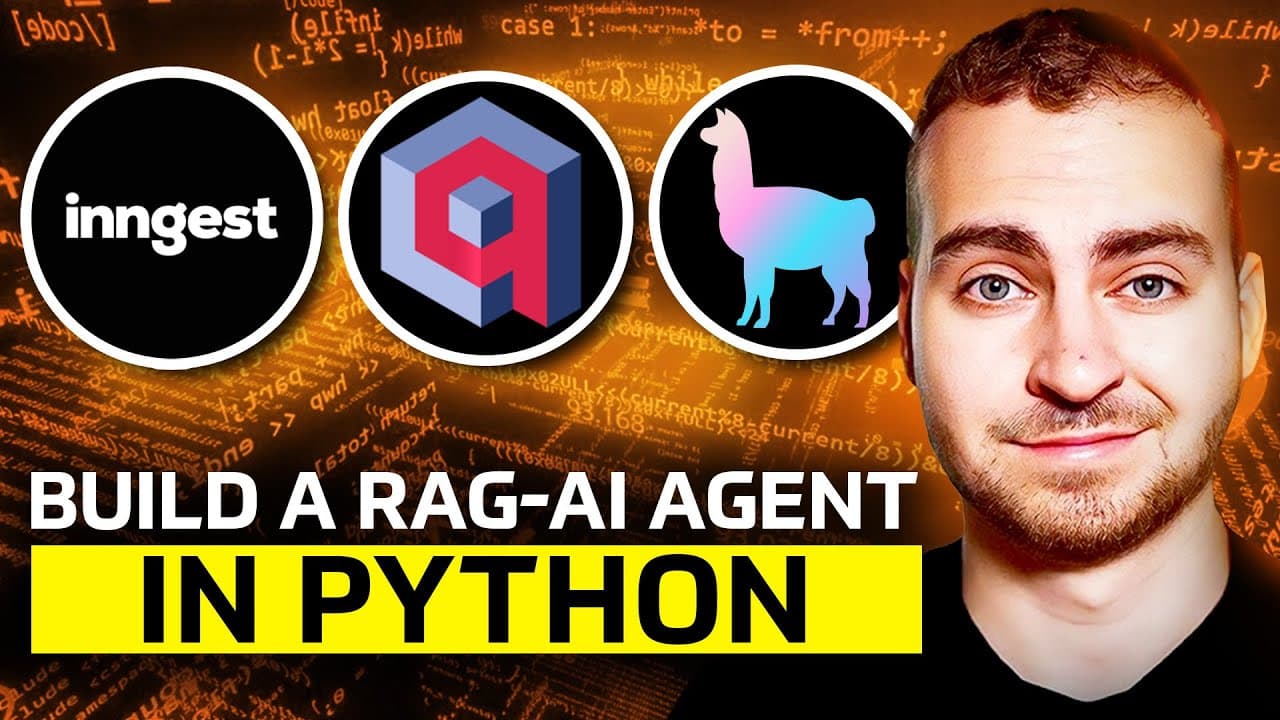
Build a production-ready RAG AI agent in Python by combining a FastAPI backend and Streamlit front end with Inngest orchestration, Qdrant vector storage, LlamaIndex PDF ingestion, and OpenAI components. The demonstrated app can upload, vectorize, search, and answer questions about PDFs, while adding logging, observability, throttling, rate limiting, and up to five automatic retries. Read on to understand each component and the production safeguards it provides.
Transcript
In this video, I'll show you how to build an AI rig application in Python and how to get it ready to deploy to production. Now, I say that because I myself have made many AI projects on this channel, you've probably seen a few of them. And while those projects are super fun and cool and you can learn a lot, they're not ready to be deployed into the... Read More
Key Insights
- RAG stands for retrieval-augmented generation, enhancing AI responses with additional data.
- Inngest provides orchestration for AI apps, offering retries, logging, and observability.
- Qdrant is a vector database that stores data in a format suitable for fast similarity searches.
- LlamaIndex is used for ingesting and parsing PDFs, converting them into vector formats.
- Streamlit is a Python library for creating web apps, used here for the front-end interface.
- OpenAI's API is used for embedding text and generating AI responses.
- The application architecture includes a FastAPI backend, handling API requests and responses.
- Throttling and rate limiting are crucial for managing API usage and ensuring app stability.
Install to Summarize YouTube Videos and Get Transcripts
Explore YouTube Video Summarizer or Get YouTube Transcript Extractor
Questions & Answers
Q: How do you build a production-ready RAG AI agent in Python?
Build the agent with Python, using Streamlit for the interface, Qdrant for vector storage, LlamaIndex for PDF ingestion, OpenAI for the AI components, and Inngest for orchestration and observability. To prepare it for production, add logging, retries, throttling, and rate limiting rather than stopping at a basic RAG prototype.
Q: What does RAG mean in this Python application?
RAG stands for retrieval-augmented generation. Instead of relying only on a model's base training, the application searches uploaded PDF data and passes relevant information into the prompt so the model can answer from that material.
Q: How does the application answer questions about uploaded PDFs?
The application turns an uploaded PDF into vectors that can be searched quickly. When a user asks a question, it searches the vector database for relevant information, supplies that information to the model, and returns an answer based on the document.
Q: What role does Inngest play in the RAG agent?
Inngest orchestrates the PDF-ingestion and PDF-query functions while exposing their runs, steps, logs, errors, and results. It also supplies production features such as automatic retries, throttling, rate limiting, and observability.
Q: How are failures and retries handled?
The demonstrated setup retries a failed run automatically up to five times. Its development interface shows how long each retry took, exposes the associated logs and error, and allows a particular step to be rerun for testing.
Q: Why does the application use Qdrant?
Qdrant is the vector database used to store searchable representations of the uploaded information. It supports the fast search needed to retrieve relevant PDF content, and the tutorial notes that it can run locally.
Q: What are LlamaIndex, Streamlit, and OpenAI used for?
LlamaIndex handles PDF ingestion, while Streamlit provides the interface for uploading documents, asking questions, and viewing answers. OpenAI supplies the application's AI components.
Q: What observability does the finished RAG application provide?
The local development interface shows the ingestion and query functions, their completed or failed runs, and the results of individual steps such as embedding, searching, and generating an answer. In the demonstrated PDF run, loading and chunking took 3.4 seconds, embedding took 74 milliseconds, and finalization took 1.2 seconds.
Summary & Key Takeaways
-
This tutorial guides you through building a production-ready RAG AI application in Python. It covers integrating essential features like observability, retries, and rate limiting using Inngest for orchestration. The application uses Qdrant as a vector database and LlamaIndex for document ingestion.
-
The project includes a FastAPI backend and a Streamlit front-end, with OpenAI powering the AI components. The tutorial demonstrates setting up the architecture, loading and chunking PDFs, and querying the vector database.
-
Additional features like throttling and concurrency control are discussed, ensuring the AI app is robust and scalable for production environments. The video provides code examples and a detailed walkthrough of each step.
Read in Other Languages (beta)
Share This Summary 📚
Summarize YouTube Videos and Get Video Transcripts with 1-Click
Try YouTube Summary with ChatGPT & Claude or YouTube Transcript Generator
Explore More Summaries from Tech With Tim 📚
Summarize YouTube Videos and Get Video Transcripts with 1-Click
Try YouTube Summary with ChatGPT & Claude or YouTube Transcript Generator