How to Build a Local AI Agent With Python, Ollama, LangChain, ChromaDB, and RAG
TL;DR
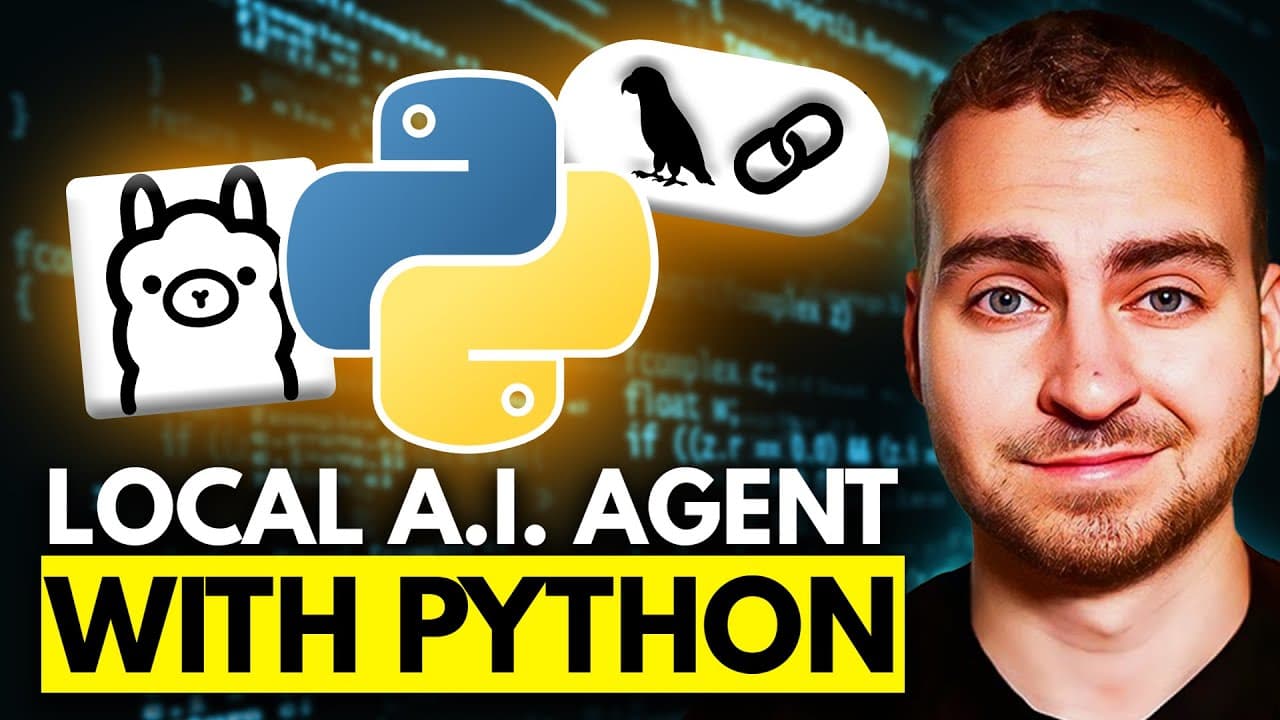
Build a local AI agent by creating a Python virtual environment, installing the LangChain and ChromaDB integrations, and using Ollama to run the model on your own computer. The agent applies retrieval augmented generation to find relevant information in a CSV file or PDF before answering questions, without requiring an OpenAI or cloud account. Read on for the setup steps, component roles, and restaurant-review example.
Transcript
In this video, I'll be showing you how to build a local AI agent in just a few minutes using Python. We'll be using Ollama, LangChain and something called ChromeDB to act as our vector search database. Because I'm going to show you how to add retrieval augmented generation into this app. That essentially means we can retrieve relevant information f... Read More
Key Insights
- A local AI agent can be built using Python without cloud or OpenAI accounts.
- Ollama, LangChain, and ChromaDB are key tools for creating local AI agents.
- Retrieval augmented generation allows models to pull relevant data from documents.
- ChromaDB acts as a vector search database, enabling efficient data retrieval.
- The AI agent can analyze CSV files to answer user queries about the data.
- Virtual environments in Python help isolate dependencies for the project.
- Ollama enables running models locally using personal computer hardware.
- GitHub Copilot assists with code prediction and reduces manual typing effort.
Install to Summarize YouTube Videos and Get Transcripts
Explore YouTube Video Summarizer or Get YouTube Transcript Extractor
Questions & Answers
Q: How do you build a local AI agent with Python?
Create a project folder containing your data file and requirements.txt, then create and activate a Python virtual environment. Install the required LangChain and ChromaDB integrations, download Ollama, and connect these components so the model can retrieve relevant document content before answering questions.
Q: Which tools are used to build this local AI agent?
The project uses Python, Ollama, LangChain, and ChromaDB. Ollama runs the model on local hardware, while ChromaDB serves as the vector search database used to retrieve relevant information for the model.
Q: What does retrieval augmented generation do in this project?
Retrieval augmented generation finds relevant information in a source such as a CSV file or PDF and brings it into the model. This lets the agent base its response on retrieved document content rather than answering without that context.
Q: How do you create a virtual environment for the project?
Open a terminal inside the project directory and run python -m venv venv; on Mac or Linux, the tutorial says you can use python3. Activate the environment using the platform-specific activation command, and confirm that its name appears before the command line.
Q: How do you install the Python dependencies?
With the virtual environment active, run pip install -r requirements.txt if the project includes that file. Otherwise, the tutorial demonstrates installing the LangChain, Ollama, and ChromaDB integrations individually.
Q: What role does Ollama play in the local AI agent?
Ollama allows the model to run on your own computer using your own hardware. This removes the need to use an OpenAI API key, an OpenAI account, or a cloud account for the demonstrated setup.
Q: How does the agent answer questions about a CSV file?
The example CSV contains fake pizza-restaurant reviews with a title, date, rating out of five, and review text. The agent retrieves relevant reviews and analyzes them to answer questions such as how good the pizza is or whether vegan options appear to be available.
Q: Can this local AI agent retrieve information from PDFs?
Yes. The tutorial says retrieval augmented generation can retrieve relevant information from a CSV file or a PDF and bring it into the model, although the demonstrated data source is a CSV of restaurant reviews.
Summary & Key Takeaways
-
This tutorial demonstrates building a local AI agent using Python, Ollama, LangChain, and ChromaDB. It covers setting up a virtual environment, installing necessary libraries, and using a vector database for efficient data retrieval. The AI agent can analyze CSV files to answer specific queries, all running locally without cloud dependencies.
-
By utilizing retrieval augmented generation, the AI agent retrieves relevant data from documents to provide contextually accurate responses. The setup includes creating a virtual environment, installing dependencies, and configuring Ollama for local model execution.
-
The video highlights the integration of GitHub Copilot for code assistance, showcasing its ability to predict and simplify coding tasks. The final AI agent is capable of processing and analyzing local data files, offering insights based on user queries without relying on external APIs.
Read in Other Languages (beta)
Share This Summary 📚
Summarize YouTube Videos and Get Video Transcripts with 1-Click
Try YouTube Summary with ChatGPT & Claude or YouTube Transcript Generator
Explore More Summaries from Tech With Tim 📚
Summarize YouTube Videos and Get Video Transcripts with 1-Click
Try YouTube Summary with ChatGPT & Claude or YouTube Transcript Generator