How to set up a global error workflow in n8n
TL;DR
You can attach a single error workflow to all active workflows so errors are captured automatically and notifications are sent. The video demonstrates creating an error logger, linking it to active workflows, logging the error data into Google Sheets, and sending alerts via Slack or other channels.
Transcript
Today I'm going to be showing you guys how you can set up an error workflow in Naden so that you can log all of your errors as well as get notified every time one of your active workflows fails. The cool part is all we have to do is set up one error workflow and then we can link that one to all of our different active workflows. So I think you'll b... Read More
Key Insights
- The error workflow is activated first so it can be linked to other workflows that may fail later. This setup ensures automatic triggering upon any error event across the system.
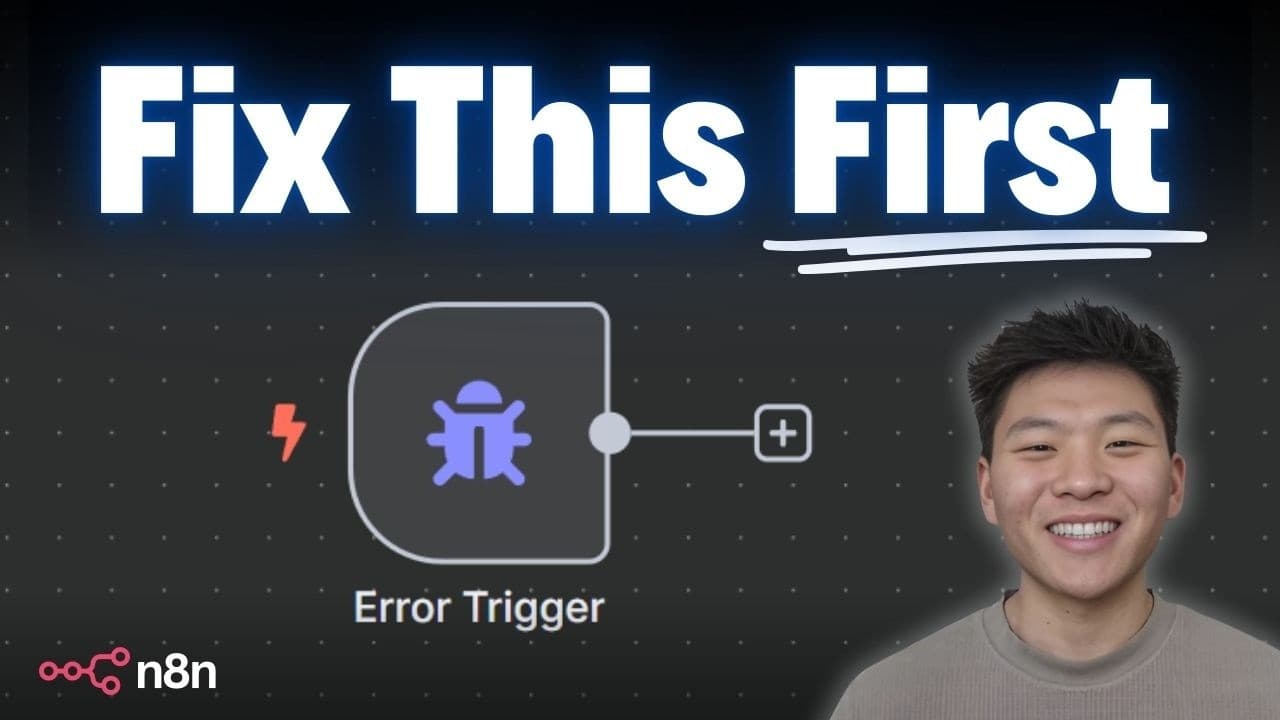
- An error trigger is used in the error logger to start the logging process whenever another workflow encounters a failure, enabling real time capture of error data.
- The error data captured includes execution ID, workflow name, URL, failing node, and the error message, which are essential for debugging and root cause analysis.
- Google Sheets is used as a lightweight log store by appending a row with time, workflow name, URL, node, and error details, preserving a retrievable history.
- Slack notifications are configured to alert a channel with structured details, including a timestamp, node name, and error message, facilitating rapid response and collaboration.
- The video demonstrates the distinction between a true workflow error and a tool or step that merely returns a non ideal result, clarifying when the error logger should trigger.
- The think tool or similar helper nodes can influence the behavior of a workflow, but the error logger relies on actual errors to activate logging and alerts for reliability.
- A practical example is shown where an error is triggered by an incompatible tool connection, validating the end to end error handling flow and notification path.
- More videos from this channel:
- More from this channel: Nate Herk | AI Automation
Install to Summarize YouTube Videos and Get Transcripts
Explore YouTube Video Summarizer or Get YouTube Transcript Extractor
Questions & Answers
Q: How to trigger a global error workflow in n8n
To trigger a global error workflow in n8n you enable an error workflow on the main active workflow and select a dedicated error logger. When the main workflow encounters an error the error trigger activates the error logger automatically, allowing it to run and perform actions such as logging data, sending notifications, and storing details for later review. This approach centralizes error management across multiple workflows and reduces scattered error handling logic.
Q: What information is logged when an error occurs
When an error occurs the logger records key details to enable debugging and tracing. The information includes the execution ID, the URL and name of the workflow, the node where the error happened, and the actual error message. This structured data helps quickly pinpoint root causes and supports audits for compliance or SLA reporting.
Q: How is Google Sheets used in the error workflow
Google Sheets acts as a simple persistent log by appending a row for each error event. The fields typically include a timestamp, workflow name, workflow URL, node name, and the error message. This lightweight log enables easy viewing, filtering, and sharing of error history without requiring a database setup.
Q: How are Slack notifications configured for errors
Slack notifications are configured by adding a Slack node to the error logger after the trigger. The message is crafted to include the workflow name, the node that errored, the timestamp, and the error text, along with a link to the failing workflow. This provides immediate visibility for the team in a common collaboration channel.
Q: What is the difference between a true workflow error and a non critical failure
A true workflow error is a condition where a node or tool fails to execute as expected, causing the workflow to terminate or be marked as failed. A non critical failure may produce a warning or partial success where the overall flow still completes, but some data or output is incomplete. The error logger should differentiate these to avoid false alarms and ensure real issues are reported.
Q: Can one error workflow monitor multiple active workflows
Yes, the core idea is to link one error workflow to all active workflows. By configuring the error workflow as the designated error handler for each active workflow, any true error will trigger the centralized logger. This reduces duplication and ensures consistent error handling across the system.
Q: What steps are involved to set up the error logger
The setup involves creating and activating the error logger workflow, choosing an error trigger, and configuring data capture. Next you connect the error logger to the target workflows by selecting it as the error workflow in each one. Finally you add logging and notification nodes such as Google Sheets and Slack to the error logger and test the flow.
Q: Why is it important to distinguish between error types in logs
Distinguishing error types helps teams react appropriately and reduces noise. True errors indicate failed execution requiring remediation, while non critical issues may reflect misconfigurations or recoverable states. Clear categorization in the logs supports faster debugging, better resource allocation, and improved reliability of automated processes.
Summary & Key Takeaways
-
A global error workflow is created and activated to monitor all workflows, ensuring errors are captured regardless of where they occur.
-
The error logger workflow uses an error trigger to start when any linked workflow fails, enabling centralized error handling and consistent data collection.
-
Notifications and logging are configured to push error details to Google Sheets and Slack, providing quick visibility and a persistent audit trail.
Read in Other Languages (beta)
Share This Summary 📚
Summarize YouTube Videos and Get Video Transcripts with 1-Click
Try YouTube Summary with ChatGPT & Claude or YouTube Transcript Generator
Explore More Summaries from Nate Herk | AI Automation 📚






Summarize YouTube Videos and Get Video Transcripts with 1-Click
Try YouTube Summary with ChatGPT & Claude or YouTube Transcript Generator