How to Organize Your Life Using Notion's PARA Method
TL;DR
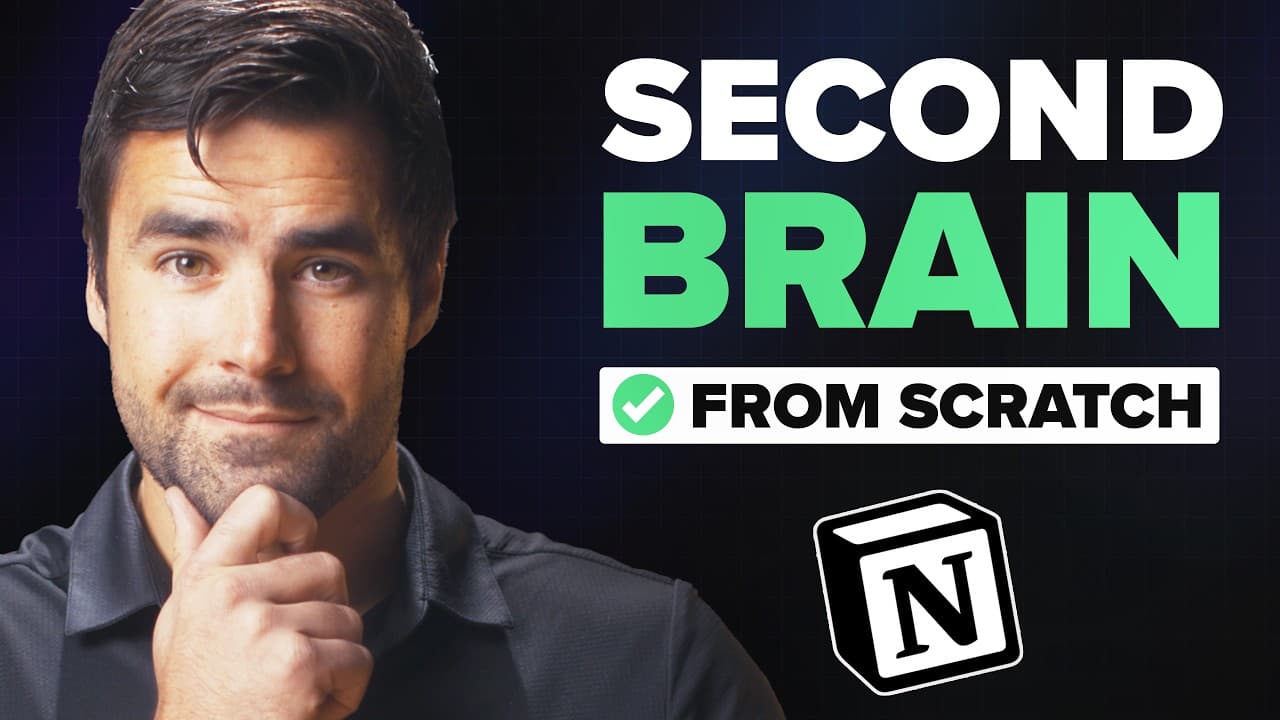
Implement the PARA method in Notion to effectively organize your tasks, notes, projects, and resources. This video demonstrates how to create a comprehensive dashboard featuring linked databases, filters, and templates for a streamlined digital organization system.
Transcript
well hello there welcome back to Thomas Frank explains in this video I'm going to show you how to build a simple yet complete life organization system inside an ocean using the para method which stands for projects areas resources and archive now para was created by my friend Thiago Forte as part of his building second brain course and also book of... Read More
Key Insights
- 🎵 The PARA method provides a comprehensive framework for organizing tasks, notes, projects, and resources in Notion.
- 🍻 Linked databases and templates are powerful features in Notion that can automate and streamline the organization process.
- 👻 The archive section allows you to keep a record of completed tasks and reference materials without cluttering your main sections.
- 🫵 Customization of views, filters, and properties helps tailor the organization system to your specific needs and preferences.
Install to Summarize YouTube Videos and Get Transcripts
Explore YouTube Video Summarizer or Get YouTube Transcript Extractor
Questions & Answers
Q: What is the PARA method and how does it work in Notion?
The PARA method stands for projects, areas, resources, and archive. It is a system for organizing tasks, notes, projects, and reference materials in a hierarchical structure in Notion. By categorizing your digital life into these four components, you can easily find and manage your information efficiently.
Q: How does the linked database feature in Notion help with organization?
Linked databases in Notion allow you to establish relationships between different databases, such as relating tasks to projects or notes to areas. This enables you to create a streamlined workflow by easily accessing and navigating related information across different areas of your life.
Q: How can I use templates to automate my organization system?
Templates in Notion allow you to create pre-designed layouts with predefined properties and filters. By setting up templates for tasks, notes, projects, and resources, you can quickly apply them to new entries and ensure consistent organization within your system.
Q: What is the purpose of the archive section in the PARA system?
The archive section serves as a repository for completed tasks, outdated notes, and other items you want to keep but no longer need in your main sections. By archiving instead of deleting these items, you can easily retrieve them if needed in the future.
Key Insights:
- The PARA method provides a comprehensive framework for organizing tasks, notes, projects, and resources in Notion.
- Linked databases and templates are powerful features in Notion that can automate and streamline the organization process.
- The archive section allows you to keep a record of completed tasks and reference materials without cluttering your main sections.
- Customization of views, filters, and properties helps tailor the organization system to your specific needs and preferences.
- Notion provides a versatile and flexible platform for building a complete life organization system, allowing for seamless integration of tasks, notes, projects, and resources.
Summary & Key Takeaways
-
Learn how to implement the PARA method in Notion to organize tasks, notes, projects, and resources in a single, integrated system.
-
Create a complete dashboard in Notion with different sections for tasks, notes, projects, areas, resources, and an archive.
-
Utilize linked databases, filters, and templates to customize and automate the organization of your digital life.
Read in Other Languages (beta)
Share This Summary 📚
Summarize YouTube Videos and Get Video Transcripts with 1-Click
Try YouTube Summary with ChatGPT & Claude or YouTube Transcript Generator
Explore More Summaries from Thomas Frank Explains 📚

Summarize YouTube Videos and Get Video Transcripts with 1-Click
Try YouTube Summary with ChatGPT & Claude or YouTube Transcript Generator