How to Create and Customize Notion Pages
TL;DR
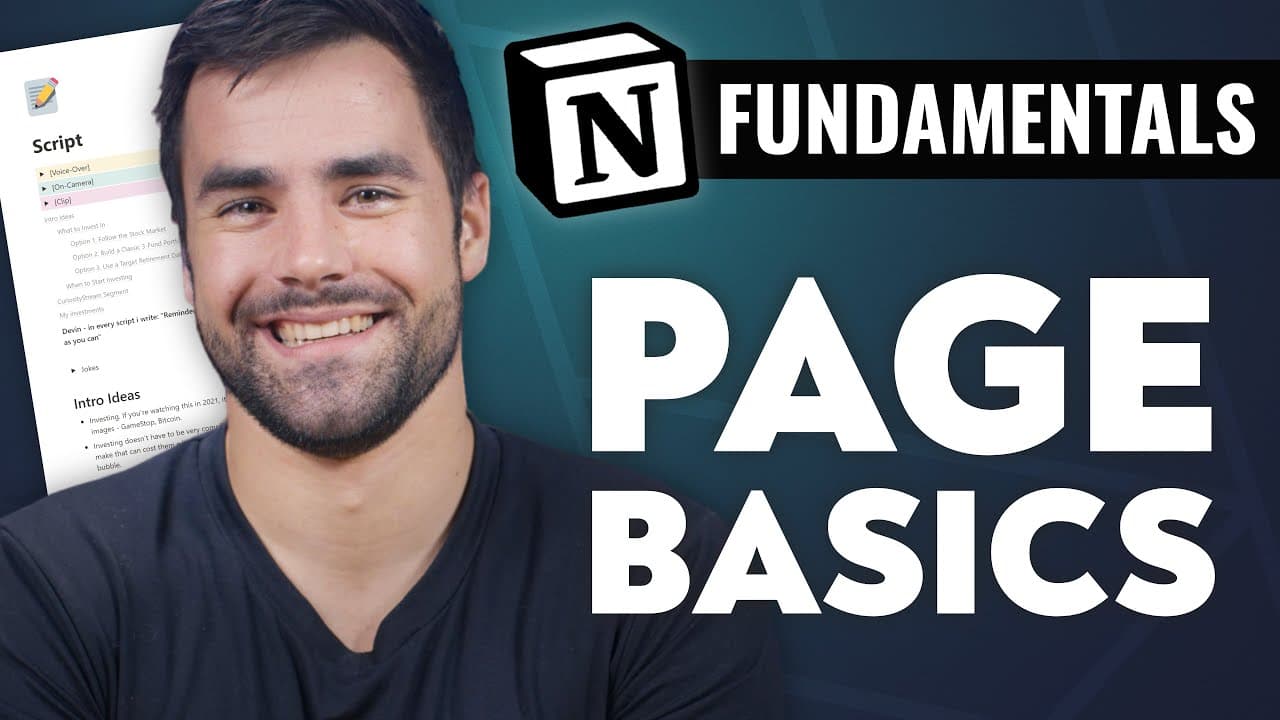
In Notion, pages serve as fundamental building blocks for organizing information. Users can create pages from scratch, customize them with icons and covers, and use them to navigate their workspace. Understanding how to effectively use pages is essential for leveraging Notion's full potential, especially when transitioning to more complex database structures.
Transcript
- Hello and welcome back to Thomas Frank Explains. In this Notion fundamentals video, we are going to talk about Notion's page feature. It's one of the most basic foundational features in Notion, but understanding how pages work is key to understanding all of the more complex features in Notion. So specifically, we're going to be building this exam... Read More
Key Insights
- Pages in Notion are foundational elements that act as canvases for content creation and organization.
- Notion pages can be customized with icons and covers to enhance visual appeal and organization.
- Pages serve as navigational structures within Notion, differing from traditional note-taking apps.
- In Notion, pages can exist independently, within other pages, or within databases.
- Users can create pages from a blank slate or use templates provided by Notion for guidance.
- Backlinks in Notion allow users to track connections between pages, enhancing cross-referencing.
- Notion allows for hierarchical organization of pages, facilitating complex information structures.
- Comments can be added to entire pages or specific blocks, enabling collaborative discussions.
Install to Summarize YouTube Videos and Get Transcripts
Explore YouTube Video Summarizer or Get YouTube Transcript Extractor
Questions & Answers
Q: How to create a new page in Notion?
To create a new page in Notion, you can start from a blank page by clicking the 'New Page' button. You have the option to choose from various templates, import existing content, or create a database page. Once created, you can customize the page with text, icons, covers, and more.
Q: What is the difference between a page and a database in Notion?
In Notion, a page is a flexible canvas for content creation and organization, whereas a database is a structured collection of pages with properties. Pages can exist independently or within databases, and databases allow for sorting, filtering, and viewing data in various formats.
Q: How can you customize a Notion page?
You can customize a Notion page by adding icons and covers to enhance its visual appeal. Additionally, you can change the font style and size, and decide whether to display comments and backlinks. These customization options help in organizing and personalizing your workspace.
Q: How do backlinks work in Notion?
Backlinks in Notion allow you to see which pages link to the current page, creating a network of interconnected content. When a page is linked from another location in your workspace, it appears as a backlink, providing context and enhancing navigation between related pages.
Q: What are the navigation options in Notion pages?
Navigation in Notion pages is facilitated through breadcrumbs, which show the hierarchical structure of pages. Pages can be nested within other pages, creating a layered organization. The sidebar displays views of databases rather than individual pages, requiring users to navigate databases directly.
Q: How do you add comments to a Notion page?
Comments can be added to a Notion page by clicking the comment icon and typing your message. Comments can be applied to the entire page or specific blocks of content. This feature is useful for collaboration, allowing team members to discuss and provide feedback directly on the page.
Q: What are the options for adding content to a Notion page?
Content can be added to a Notion page by typing directly, pasting text, or using templates. You can also import content from other platforms like Evernote or Asana. Notion supports rich text formatting, allowing you to create structured and visually appealing documents.
Q: How can you use templates in Notion?
Templates in Notion provide pre-designed page layouts that can be imported and customized for your needs. Notion offers a variety of templates for different purposes, such as task management or note-taking, which can serve as a starting point for building your workspace.
Summary & Key Takeaways
-
Notion pages are versatile tools for content creation and workspace navigation. They can be customized with icons and covers, and serve as the primary structure for organizing information. Understanding how to create and edit pages is crucial for utilizing Notion effectively, especially when working with databases.
-
The video explains the differences between pages and databases in Notion, highlighting how pages can serve multiple roles in organizing and navigating content. Pages can be standalone, nested within other pages, or integrated into databases, providing flexibility in structuring information.
-
Customization options for Notion pages include adding icons, covers, and comments. These features enhance the functionality and visual organization of pages, making them more interactive and easier to navigate. The video also covers the basics of page creation, including using templates and importing content.
Read in Other Languages (beta)
Share This Summary 📚
Summarize YouTube Videos and Get Video Transcripts with 1-Click
Try YouTube Summary with ChatGPT & Claude or YouTube Transcript Generator
Explore More Summaries from Thomas Frank Explains 📚




Summarize YouTube Videos and Get Video Transcripts with 1-Click
Try YouTube Summary with ChatGPT & Claude or YouTube Transcript Generator