How to Connect Notion with KRON Calendar
TL;DR
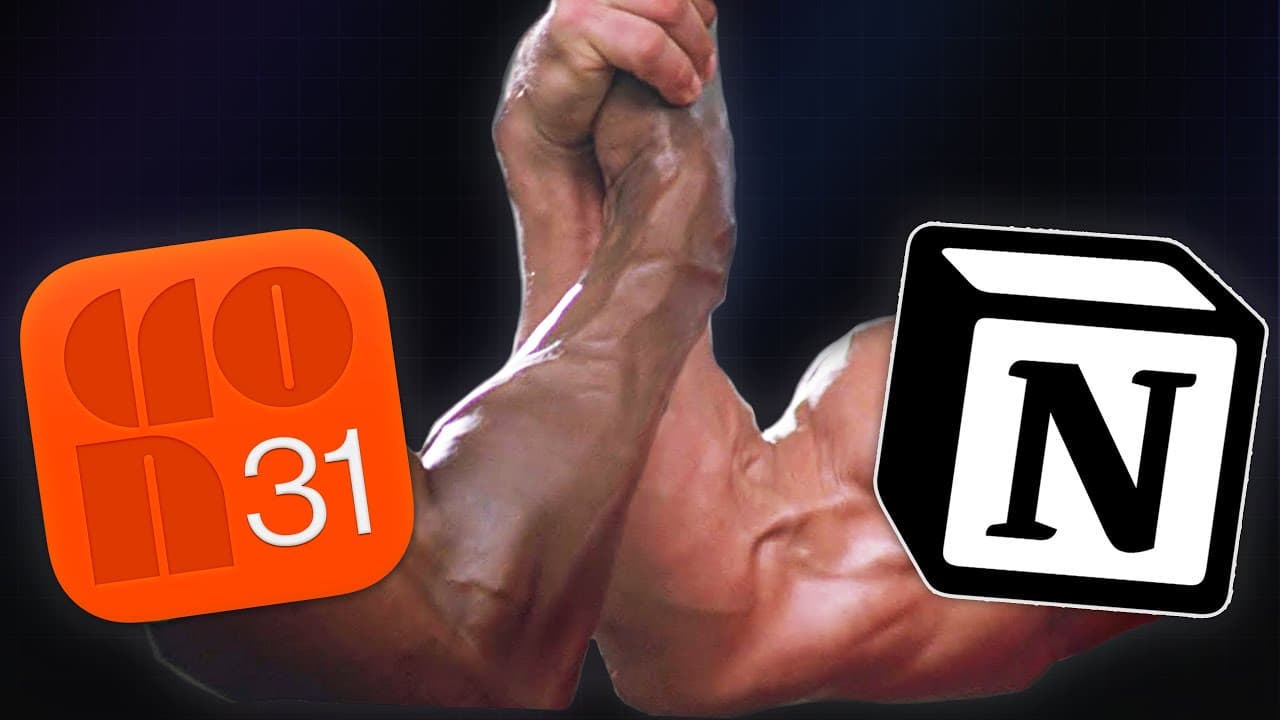
Connect your Notion workspace to KRON Calendar to easily link Notion pages in your calendar events. Although direct syncing of events isn't available, a custom automation can push new events from Notion to Google Calendar, enhancing productivity and collaboration.
Transcript
notion just launched a brand new integration with KRON the Calendar app that they acquired last year and in this quick video I'm going to show you exactly how to use this brand new integration and as a little bonus I'm also going to share a little integration that I coded up today which will actually sync new events from notion to your calendar bec... Read More
Key Insights
- 📅 Notion has launched a new integration with KRON, a calendar app they acquired last year. The integration allows users to link Notion pages directly in their calendar events, making it easy to share relevant information.
- 🔗 Users can connect their Notion workspace to KRON and easily add notion page attachments to their calendar events by copying the URL and pasting it into KRON. This seamless integration allows for better collaboration and access to meeting notes. ⏰ KRON also offers a conferencing option where users can automatically add a Zoom or Google Meet URL to new events they create. This feature streamlines the process of setting up virtual meetings.
- 🔄 The current integration with KRON does not include syncing events from Notion to your calendar. However, the content creator has personally built an automation workflow using Pipedream that pushes new events from Notion to Google Calendar every hour.
- 💡 Pipedream, an automation builder platform, offers a customizable workflow that triggers every 15 minutes or can be adjusted to fit the user's schedule. It allows users to sync tasks from their Notion workspace to their Google Calendar.
- 🤝 Pipedream is an affordable automation platform, even on the free plan, and offers more capabilities than other platforms like Zapier or Maker.com.
- 💻 To set up the automation, users can follow the provided link to access the workflow on Pipedream, connect their Notion and Google Calendar accounts, and choose the specific Notion database and properties they want to sync with their calendar.
- 💪 While the current automation only pushes new events from Notion to Google Calendar and doesn't handle updates or two-way sync, it provides a useful solution for automatically adding tasks or events to a Notion database and having them appear in the user's calendar app.
Install to Summarize YouTube Videos and Get Transcripts
Explore YouTube Video Summarizer or Get YouTube Transcript Extractor
Questions & Answers
Q: How does the integration between Notion and KRON Calendar app work?
The integration allows users to link Notion pages directly in the KRON Calendar app, making it seamless to share meeting notes or other relevant pages with event invitees.
Q: Can users connect multiple Notion workspaces to the KRON Calendar app?
Yes, users can easily connect multiple Notion workspaces within the KRON Calendar app by going to "Manage Workspaces" and selecting the desired workspace to connect.
Q: Does the integration between Notion and KRON Calendar support other apps besides Notion?
Yes, the integration supports other apps like Figma, allowing users to add attachments from those apps directly in the KRON Calendar app.
Q: Can the integration sync events from Notion to the calendar?
Currently, the integration does not sync events from Notion to the calendar. However, the video presenter demonstrates a syncing automation they coded up that pushes new events from Notion to Google Calendar.
Q: What automation platform did the presenter use to build the syncing automation?
The presenter used Pipedream, an automation builder platform, to create the syncing automation that pushes new events from Notion to Google Calendar.
Q: Is Pipedream a free platform?
Yes, Pipedream offers a free plan that allows users to create and run automations, making it an affordable choice compared to other automation platforms like Zapier or Integromat.
Q: Can the syncing automation handle updating events and two-way sync?
The current version of the syncing automation only pushes new events from Notion to the calendar and does not handle updating events or two-way sync.
Summary & Key Takeaways
-
The video introduces the new integration between Notion and the KRON Calendar app, allowing users to link Notion pages directly in the calendar.
-
The integration makes it easy to share relevant meeting notes and other Notion pages with event invitees.
-
The video also demonstrates a syncing automation built by the presenter that pushes new events from Notion to Google Calendar.
Read in Other Languages (beta)
Share This Summary 📚
Summarize YouTube Videos and Get Video Transcripts with 1-Click
Try YouTube Summary with ChatGPT & Claude or YouTube Transcript Generator
Explore More Summaries from Thomas Frank Explains 📚
Summarize YouTube Videos and Get Video Transcripts with 1-Click
Try YouTube Summary with ChatGPT & Claude or YouTube Transcript Generator