How to Automate Voice Notes into Notion with AI
TL;DR
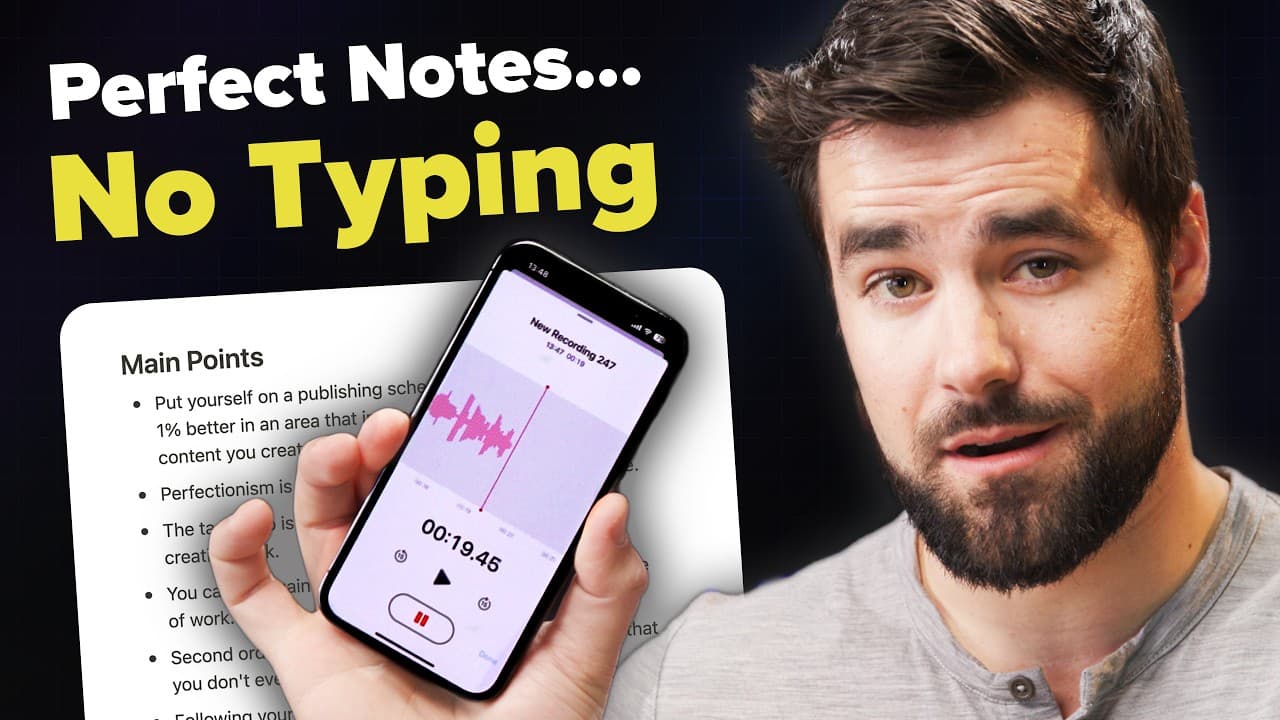
Create a seamless workflow that automatically converts your voice notes into text, summaries, and action items in Notion using AI tools like OpenAI’s Whisper and Chat GPT. This efficient method enhances your note-taking process, making it quick and hands-free.
Transcript
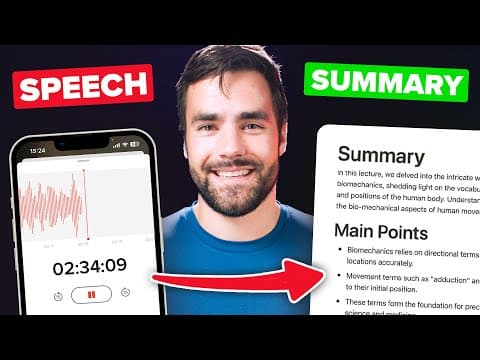
well hello there so this week I built a bot that takes voice notes like the one that I'm recording right now turns into text and sends that text to my notes database in notion and by text I don't just mean a transcript I also get a full summary a list of the main points in the text and also a list of action items today I'm going to show you exactly... Read More
Key Insights
- 🛀 Building an automated voice-to-text workflow streamlines the note-taking process, saving time and effort.
- 👊 AI tools like OpenAI's Whisper model and Chat GPT make it possible to convert voice notes into detailed text, summaries, and action items.
- 👻 Customizing prompts for AI models allows for personalized output based on individual preferences and needs.
- 🥡 Integrating the workflow with note-taking platforms like Notion creates a seamless connection between voice inputs and organized, searchable text outputs.
- 👨💻 The code-heavy version of the workflow offers more customization options and is suitable for handling large audio files beyond the size limitations of the no-code version.
- 🛀 The workflow can be easily adapted and customized to fit various note-taking requirements and preferences.
- 😶🌫️ The automation process relies on four tools: Notion, OpenAI, a cloud storage provider (e.g., Google Drive), and Pipedream for connecting and automating the entire workflow.
Install to Summarize YouTube Videos and Get Transcripts
Explore YouTube Video Summarizer or Get YouTube Transcript Extractor
Questions & Answers
Q: What AI tools are used in building the voice-to-text workflow?
The workflow utilizes OpenAI's Whisper model for transcription and Chat GPT for generating summaries and action items.
Q: How can the prompts be customized for better output from Chat GPT?
By modifying the prompts given to Chat GPT, users can change the output, such as requesting a blog post draft instead of a summary.
Q: What are the benefits of using this automated workflow for note-taking?
The workflow eliminates the need to manually type notes, allowing users to quickly and accurately transcribe voice notes into text with minimal effort.
Q: How does the integration with Notion improve the note-taking experience?
By sending the transcribed text to Notion, users can easily organize and access their notes within their existing Notion setup, creating a comprehensive digital second brain.
Key Insights:
- Building an automated voice-to-text workflow streamlines the note-taking process, saving time and effort.
- AI tools like OpenAI's Whisper model and Chat GPT make it possible to convert voice notes into detailed text, summaries, and action items.
- Customizing prompts for AI models allows for personalized output based on individual preferences and needs.
- Integrating the workflow with note-taking platforms like Notion creates a seamless connection between voice inputs and organized, searchable text outputs.
- The code-heavy version of the workflow offers more customization options and is suitable for handling large audio files beyond the size limitations of the no-code version.
- The workflow can be easily adapted and customized to fit various note-taking requirements and preferences.
- The automation process relies on four tools: Notion, OpenAI, a cloud storage provider (e.g., Google Drive), and Pipedream for connecting and automating the entire workflow.
- The transparency and support provided by the creator, along with resources like the Notion fundamentals course, enable users to build and optimize their AI-powered note-taking systems.
Summary & Key Takeaways
-
The content discusses the process of building a workflow that converts voice notes into text and sends them to a notes database on Notion.
-
The workflow utilizes AI tools such as OpenAI's Whisper model for transcription and Chat GPT for generating summaries and action items from the text.
-
The customization of the prompts used with Chat GPT allows for flexibility in the output, catering to individual note-taking needs.
-
The integration of this workflow with Notion creates a seamless connection between the user's thoughts and their digital second brain.
Read in Other Languages (beta)
Share This Summary 📚
Summarize YouTube Videos and Get Video Transcripts with 1-Click
Try YouTube Summary with ChatGPT & Claude or YouTube Transcript Generator
Explore More Summaries from Thomas Frank Explains 📚
Summarize YouTube Videos and Get Video Transcripts with 1-Click
Try YouTube Summary with ChatGPT & Claude or YouTube Transcript Generator