How to Build a Team of Grok Bots for Work
TL;DR
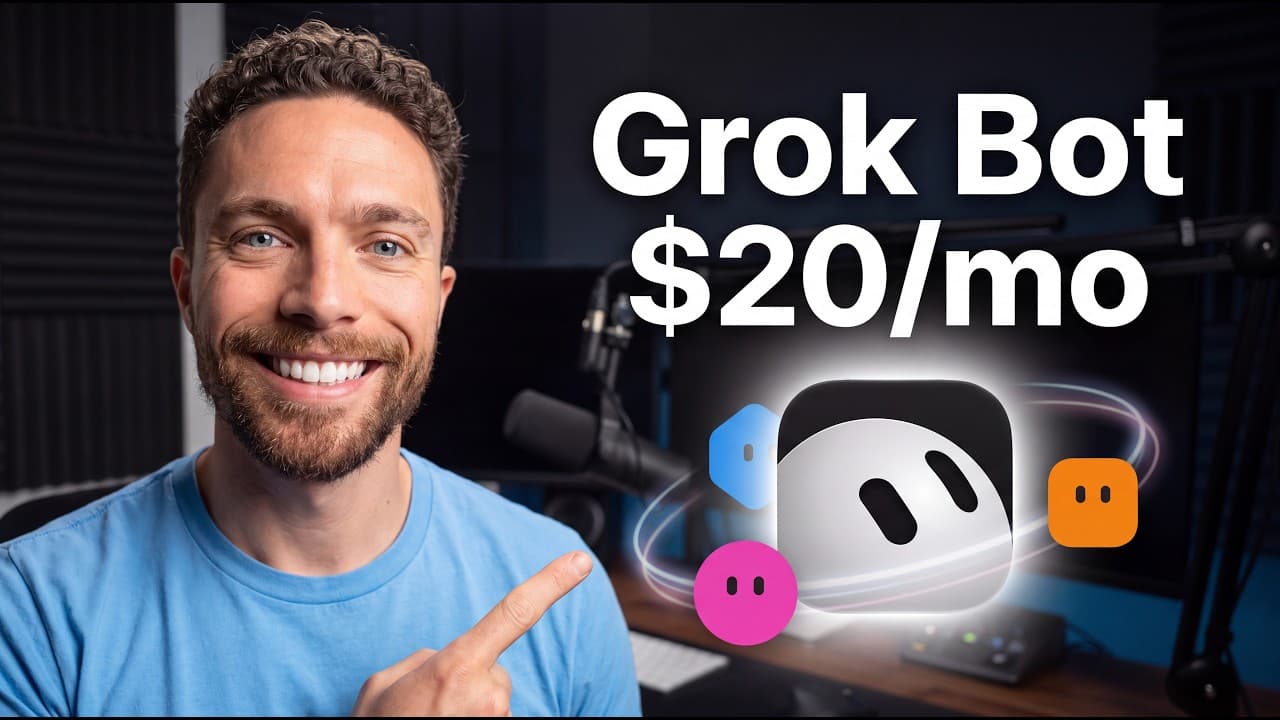
Create specialized Grok Bots for recurring roles, then use a chief-of-staff bot to delegate work among them. Bots can connect to tools, operate through cloud computers, follow routines while your desktop is off, and collaborate without requiring approval at every step. Grok Bot starts at $20 per month and is included with certain eligible plans.
Transcript
Grockbot is so powerful and so simple that using it is such a delight because anything you throw at it, it just does. The more I use it, the more I'm blown away by what it can do. So, in this video, I'm going to show you five of the wildest ways I've been using Grockbot, plus how you can set up your own team of bots. A quick heads up before we get ... Read More
Key Insights
- Grok Bot starts at $20 per month, addressing complaints about its earlier $200 monthly price. Access is also included with certain eligible Cursor, Super Grok, or Teams plans, according to the presentation, although the specific eligibility requirements are not detailed.
- A chief-of-staff bot is the recommended starting point because it can serve as the user's main contact and delegate assignments to specialized bots. The creator suggests defining this responsibility conversationally and giving the bot a memorable name that reflects its organizational role.
- Bot creation is handled through ordinary conversation rather than technical configuration. Users describe the desired role, answer several questions, and can request changes to the bot's name, description, title, or avatar directly in chat without configuring API keys or writing system instructions.
- Specialized bots work best when each one consistently owns a defined responsibility. The demonstrated team includes bots for email and content scheduling, design, scriptwriting, research, brainstorming, delegation, personal assistance, contract review, and website updates rather than using unrelated chat threads for recurring work.
- Scribe manages email with broader business context instead of drafting replies in isolation. It can inspect recent messages, consult a Notion CRM, research companies, compare requests against a content calendar, help with brand-deal negotiations, and prepare suggested responses on a recurring schedule.
- Cloud computers allow bot routines to continue while the user's desktop is off. Connected bots can remain logged in to required tools, periodically check for new work, and produce drafts or recommendations without depending on the local application remaining open.
- Multi-bot channels allow assistants to transfer work directly between specialized roles. In the example, Chief asks Seeker for research, Hemingway develops video outlines, and Prism proposes thumbnail concepts, with the bots exchanging messages and deliverables without involving the user in every intermediate step.
- Human approval can be inserted at selected points instead of every step. Seeker monitors X for possible topics, Mapmaker evaluates their suitability and potential angle, and only promising ideas reach the user before an approved concept is passed to Hemingway for outlining.
Install to Summarize YouTube Videos and Get Transcripts
Explore YouTube Video Summarizer or Get YouTube Transcript Extractor
Questions & Answers
Q: How do you create your first Grok Bot?
Open the desktop application, select the plus icon, choose “new bot,” and then select “create new bot.” Describe what you want the assistant to do and answer its follow-up questions. The setup happens through conversation, so you do not need to choose a model, configure API keys, or manually write system instructions. You can also ask the bot to change its own name, description, title, or avatar.
Q: What should your first Grok Bot be used for?
The recommended first bot is a chief of staff or delegator that becomes your main point of contact. You send tasks to this bot, and it assigns the appropriate portions to other specialized bots. A useful setup instruction is to tell it that it should receive your requests and delegate them to the rest of your bot team. The example names are Chief and Captain.
Q: How much does Grok Bot cost?
Grok Bot starts at $20 per month, according to the presentation. The creator contrasts that price with an earlier cost of $200 per month, which viewers had criticized as too expensive. Grok Bot is also said to be included for users on certain eligible Cursor, Super Grok, or Teams plans, but the source does not provide further details about eligibility or plan conditions.
Q: How can Grok Bot manage an email inbox?
An email bot can connect to Gmail, examine recent messages to understand the types of email you receive and how you respond, and consult resources such as a Notion CRM and content calendar. It can research senders, draft replies, suggest how to handle messages, support brand-deal negotiations, and repeat the process on a routine, such as every 2 hours during the day.
Q: Can Grok Bot run tasks when the computer is off?
Yes. The described bots have access to cloud computers that can remain logged in to the tools they use. This allows scheduled routines to continue even when the user's desktop computer is turned off. For example, an email bot can check the inbox several times per day, research incoming companies, compare messages with the content calendar, and prepare replies or recommendations without the local machine remaining active.
Q: How do multiple Grok Bots collaborate on one project?
Several bots can be placed in the same channel and given a shared project. They can then message one another, pass deliverables between roles, and continue the workflow without asking the user to approve every intermediate action. In the content example, Chief requests research from Seeker, Hemingway turns selected ideas into outlines, and Prism receives the work to develop possible thumbnail concepts.
Q: How can Grok Bot help find YouTube video ideas?
A research bot named Seeker can use the X plugin to monitor X for trending topics and possible video opportunities. It passes candidates to Mapmaker, a brainstorming bot that considers whether each topic fits the channel and which angle might work. The user can approve a promising idea before it moves to Hemingway, which creates the outline, keeping human judgment at a chosen checkpoint.
Q: Why should each Grok Bot have a specialized role?
A specialized role gives each recurring responsibility a consistent destination, similar to assigning work to a particular employee. The creator always returns to the same bot for the same topic, such as contract review, research, writing, design, or email. This structure also supports delegation because a chief-of-staff bot can identify the appropriate specialist and transfer work without making the user coordinate every step manually.
Summary & Key Takeaways
-
Grok Bot lets users create specialized assistants through conversation instead of manually selecting models, configuring API keys, or writing system instructions. The recommended first assistant is a chief-of-staff bot that receives requests and delegates individual tasks to other bots with focused roles, such as research, writing, design, email, contracts, or personal assistance.
-
Each bot should consistently handle the same topic or responsibility so it can act like a specialized employee. Bots can request access to required third-party tools, use business context and connected resources, and follow scheduled routines. Cloud computers allow these routines to continue operating even when the user's desktop computer is turned off.
-
Multiple bots can share a channel and pass projects between themselves. In the demonstrated content workflow, a researcher identifies opportunities, a brainstormer evaluates their relevance, a scriptwriter creates outlines, and a designer develops thumbnail ideas. Human approval can remain at selected checkpoints while repetitive research and coordination happen automatically in the background.
Read in Other Languages (beta)
Share This Summary 📚
Summarize YouTube Videos and Get Video Transcripts with 1-Click
Try YouTube Summary with ChatGPT & Claude or YouTube Transcript Generator
Explore More Summaries from Paul J Lipsky 📚


Summarize YouTube Videos and Get Video Transcripts with 1-Click
Try YouTube Summary with ChatGPT & Claude or YouTube Transcript Generator