How to edit YouTube videos with Opus 5.5 and Claude
TL;DR
Opus 5.5 handles the core editing tasks including silence removal, bad takes, layouts, zooms, highlights, motion graphics and screen recordings using Claude and Burumi. The workflow starts with Claude desktop app and Burumi, then moves to manual edits and motion graphics creation, with a final review and polish.
Transcript
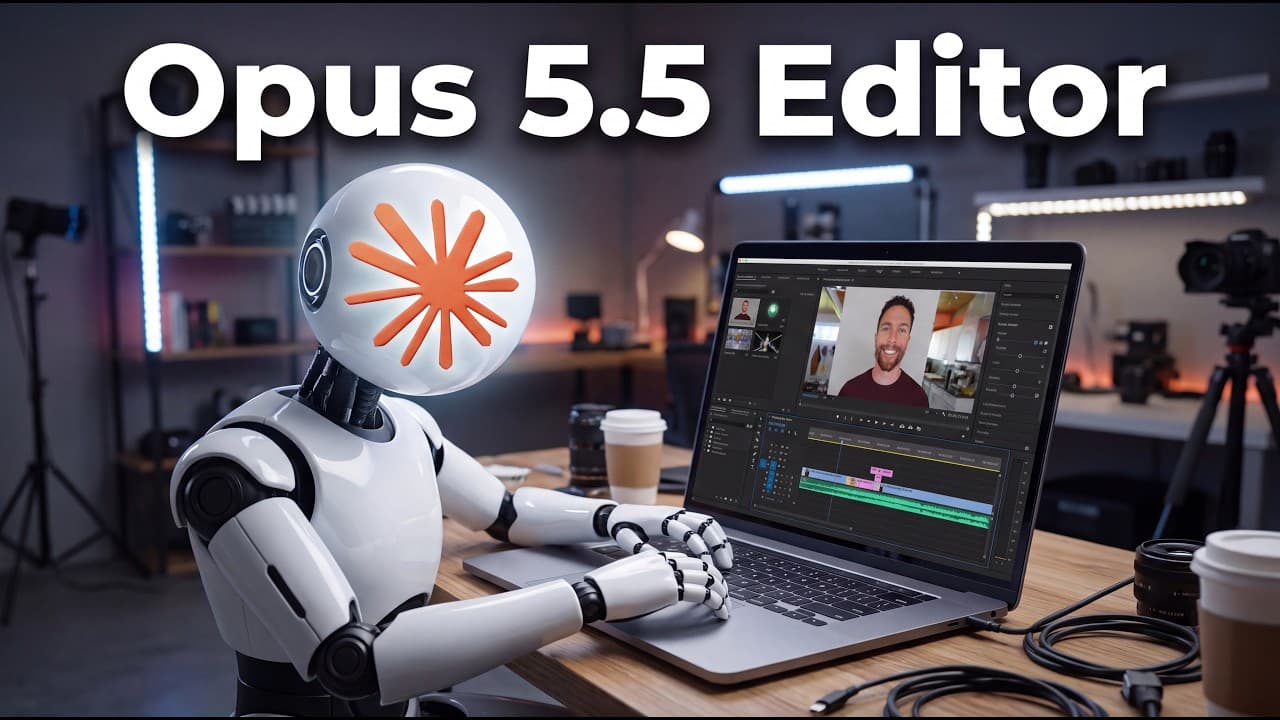
This video and the YouTube video you're watching right now were both edited by Opus 5.5, and it is now the best model I have ever used for editing videos. It cuts out the silences, removes bad takes, add effects, and even creates motion graphics all by itself. Today, I'm going to show you my whole setup and how I edit all my YouTube videos now usin... Read More
Key Insights
- Opus 5.5 edits videos by removing silences and bad takes.
- Claude is used to drive the editing workflow inside Burumi.
- The workflow is organized around scenes with script, record, and edit stages.
- Burumi provides a transcript based timeline and layout customization.
- Motion graphics can be created within the editor and synchronized to narration.
- A repeatable skill is created in Claude to automate common edits.
- Screen recording can be incorporated for scenes lacking footage.
- Human input is still required to guide creative direction.
Install to Summarize YouTube Videos and Get Transcripts
Explore YouTube Video Summarizer or Get YouTube Transcript Extractor
Questions & Answers
Q: What is Opus 5.5 used for in the workflow?
Opus 5.5 is described as handling the core editing tasks for YouTube videos, including removing silences, cutting bad takes, applying layouts, adding zooms, and generating motion graphics. It can also manage screen recording inputs, making it a central automation tool in the creator's workflow. The user emphasizes that while AI handles the heavy edits, human direction remains essential for creative decisions.
Q: How does Claude interact with the editing process?
Claude is used to control the editing process within Burumi. The editor sets up projects, defines the basic edits like silence removal and cleanup, and creates skills for repeated tasks such as editing a video. Claude then executes these instructions, performs edits, and can be instructed to adjust layouts and effects in subsequent passes, requiring human feedback for refinement.
Q: What is Burumi and how is it used?
Burumi is a tool that integrates with Claude and Opus 5.5 to manage video projects. It shows a timeline, transcripts, and scene structure. It enables recording in scenes, allows switching layouts, and supports adding zoom and highlight effects. It also supports generating and applying motion graphics to match the narration beat.
Q: What are the three tabs in Burumi and what do they do?
Burumi has three tabs: script, record, and edit. The script tab lets you input the video script or set up scenes. The record tab lets you capture content directly into Burumi, choosing camera, microphone, screen, and whether to record the full screen or a single app. The edit tab provides a timeline and a transcript for editing decisions.
Q: How are motion graphics created and used in the workflow?
Motion graphics are created to match the beat of the narration and are added to scenes where needed. The workflow allows dictation to describe the required graphics, which are then generated and inserted into the timeline. This process helps illustrate points, such as a weekly AI news recap, and can be tailored per scene.
Q: What is the recommended approach to layout and zoom effects?
The editor shows various layout options for video scenes, including picture in picture, full screen, circle avatars, or fixed corner placements. Zoom effects are added at specific points to emphasize topics as they are discussed, and highlight effects can darken or emphasize selected sections for emphasis.
Q: What is the role of the human editor in this AI-driven workflow?
The human editor provides creative direction and oversight, guiding the AI to perform routine edits while making final decisions on layouts, timing, and graphics. The process emphasizes a first pass by AI followed by human adjustments to ensure the final video aligns with the creator’s intent and quality standards.
Q: What does the final polish step involve in the workflow?
The final polish step involves reviewing the generated edit, adjusting any inconsistencies, and applying finishing touches to ensure a clean, coherent video. This includes confirming that silences are trimmed, scenes flow smoothly, motion graphics align with narration, and the overall pacing supports clear communication to the audience.
Summary & Key Takeaways
-
Opus 5.5 is presented as the best video editor used for creating YouTube videos, capable of removing silences and bad takes while adding motion graphics and simple layouts. The presenter emphasizes using Claude for editing and Burumi for project management, with a focus on scenes and transcripts. The process includes recording in scenes, automatic transcripts, and a later motion graphics stage.
-
The video walks through the setup of Claude with Burumi, showing how to create a project, configure AI assistance, and push edits through a loop of first-pass results and human feedback. It also covers timing, screen recording, and layout options to improve visual storytelling.
-
The final portion highlights reviewing the edit, making adjustments, and polishing the video before publication, with emphasis on not relying solely on AI for creative direction and ensuring human oversight.
Read in Other Languages (beta)
Share This Summary 📚
Summarize YouTube Videos and Get Video Transcripts with 1-Click
Try YouTube Summary with ChatGPT & Claude or YouTube Transcript Generator
Explore More Summaries from Paul J Lipsky 📚






Summarize YouTube Videos and Get Video Transcripts with 1-Click
Try YouTube Summary with ChatGPT & Claude or YouTube Transcript Generator