How to Use Free Google AI Tools Effectively
TL;DR
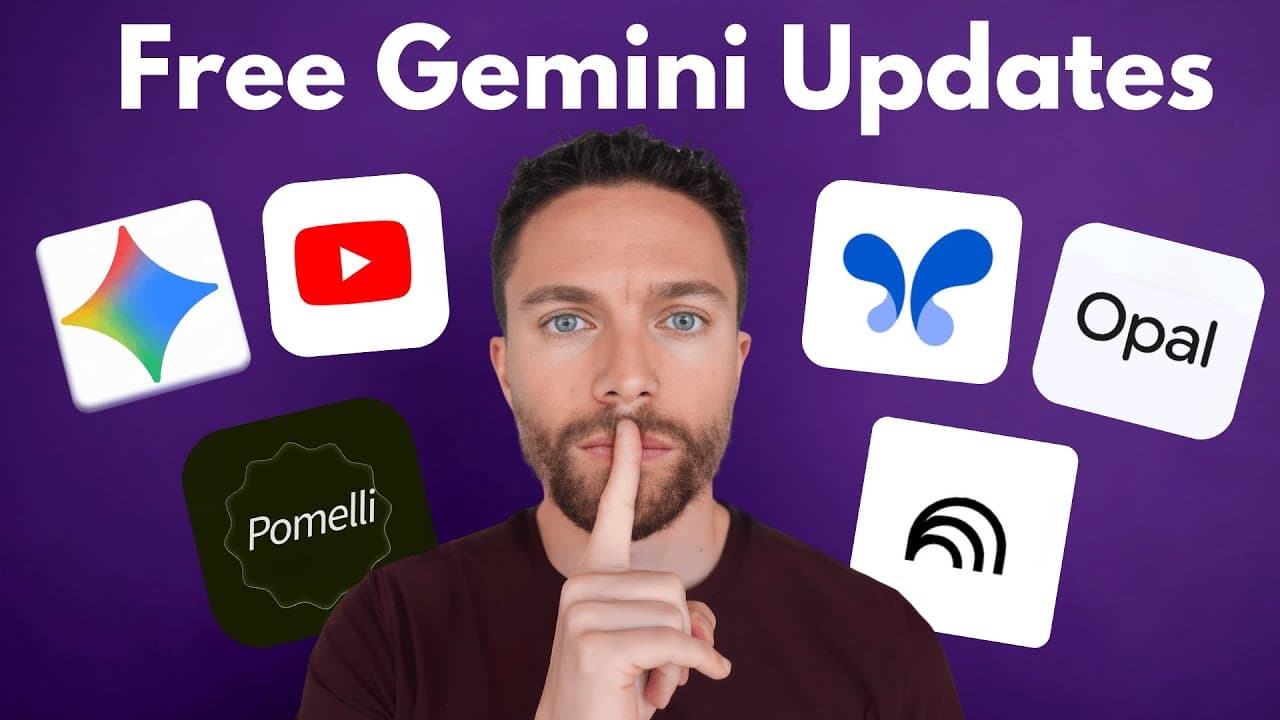
Google offers a range of powerful AI tools that are completely free to use, including Opel for app building and AI Studio for coding. These tools are accessible without a paid subscription, allowing users to create apps, enhance research, and generate multimedia content efficiently. Users can leverage these tools for personal projects or to potentially monetize their creations.
Transcript
So, over the past few months, Google has quietly been rolling out these incredible free AI tools, but most people have no idea they even exist. Today, I'm walking you through seven of the best ones that are out right now, including some brand new features that just dropped. And the best part is all of them are completely free to use. Now, before we... Read More
Key Insights
- Opel allows users to build apps using plain English descriptions, generating complex workflows automatically.
- Google's AI Studio provides a suite of AI tools for developers, including a feature for coding entire apps for free.
- Notebook LM is an excellent tool for research, allowing users to chat with multiple resources and create video overviews.
- Gemini's canvas feature can transform plain text documents into visually appealing presentations with ease.
- The AI summary feature under YouTube videos provides a quick overview, helping users decide whether to watch the content.
- Pimelli analyzes websites to create social media posts using the site's branding and tone of voice.
- Google's text-to-speech model in AI Studio offers high-quality audio generation for free, with customizable speaker settings.
- These free tools empower users to create, share, and potentially monetize their projects without incurring costs.
Install to Summarize YouTube Videos and Get Transcripts
Explore YouTube Video Summarizer or Get YouTube Transcript Extractor
Questions & Answers
Q: How to build apps using Opel?
Opel allows users to create apps by simply describing the desired functionality in plain English. Users input their requirements, such as the number of users or specific features, and Opel automatically generates the app's workflow. This tool is ideal for casual users who want to create apps without coding knowledge.
Q: What is Google's AI Studio?
Google's AI Studio is a comprehensive suite of AI tools designed for developers. It allows users to code entire applications for free, using features like the build tool for app development. AI Studio is more suited for users looking to create sophisticated applications that may be monetized or deployed on platforms like Google Cloud.
Q: How does Notebook LM assist with research?
Notebook LM is a research tool that allows users to compile and interact with multiple resources, such as websites and videos. It offers features like chat with resources and video overviews, making it easier to gather and synthesize information for research projects. Users can customize their notebooks to prioritize certain resources.
Q: What are the new features of Gemini?
Gemini has introduced features like the canvas tool, which transforms text documents into presentations, and customizable instruction settings for personalized interactions. Users can tailor Gemini's responses to suit their preferences, enhancing both personal and business communication.
Q: How does Pimelli generate social media posts?
Pimelli analyzes a user's website to extract brand elements like colors, fonts, and tone of voice. It uses this information to create social media campaigns and posts that align with the brand's identity. Users can further customize these posts to suit specific marketing needs.
Q: What is Google's text-to-speech audio model?
Google's text-to-speech audio model in AI Studio allows users to generate high-quality audio from text scripts. The tool supports multiple speakers and customizable settings, offering a powerful and free alternative to paid audio generation services. Users can download and use the generated audio for various applications.
Q: What is the AI summary feature on YouTube?
The AI summary feature provides a brief overview of YouTube videos, helping viewers quickly understand the content before deciding to watch. This feature is located under the video and can be expanded for more information, enhancing the user experience by saving time and guiding content selection.
Q: Why should users explore free Google AI tools?
Free Google AI tools offer powerful capabilities for app development, research, content creation, and more, without the need for paid subscriptions. These tools are designed to be user-friendly and accessible, making them valuable resources for individuals and businesses looking to leverage AI technology cost-effectively.
Summary & Key Takeaways
-
Google has released several free AI tools that are accessible to all users. Opel enables app creation through simple text inputs, while AI Studio offers a comprehensive suite of AI development tools. Users can explore Notebook LM for research and Gemini's features for presentation creation.
-
Pimelli helps users generate social media content by analyzing their websites, and Google's text-to-speech model provides high-quality audio generation. These tools are designed to be user-friendly and do not require a subscription.
-
The AI summary feature under YouTube videos offers a quick overview of content, enhancing the viewing experience. These tools provide a cost-effective way for individuals and businesses to leverage AI technology for various applications.
Read in Other Languages (beta)
Share This Summary 📚
Summarize YouTube Videos and Get Video Transcripts with 1-Click
Try YouTube Summary with ChatGPT & Claude or YouTube Transcript Generator
Explore More Summaries from Paul J Lipsky 📚




Summarize YouTube Videos and Get Video Transcripts with 1-Click
Try YouTube Summary with ChatGPT & Claude or YouTube Transcript Generator