How to Build a Self-Updating AI Knowledge Base
TL;DR
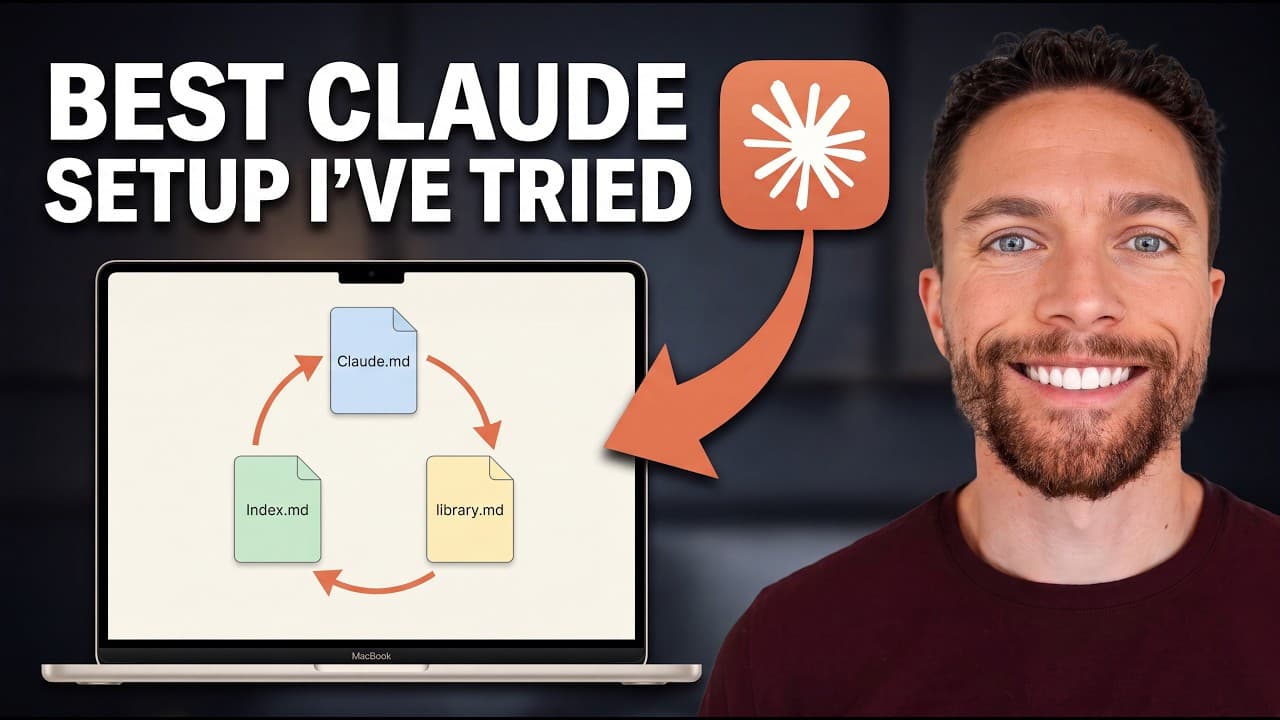
Create a folder of markdown notes, give Claude Cowork or OpenAI Codex access to it, and prompt the AI to organize the files into a connected wiki with an index. A nightly scheduled task can process new material, update relationships, and maintain the map, while Obsidian provides a free visual interface and connectors or Zapier MCP can import information from other apps.
Transcript
When most people use tools like Claude Co-work or Codeex, they build a static system, something they have to constantly feed before it gets any smarter. But there's a way to build a knowledge base that improves itself. One that proactively gets smarter every single day without you having to do the work. Mine, for instance, forms connections between... Read More
Key Insights
- A self-updating knowledge base is a folder-based system in which AI organizes stored material, identifies relationships, and maintains an index. This map prevents the AI from repeatedly analyzing every file from scratch whenever the user begins a new task or conversation.
- The index is a table of contents designed primarily for the AI. It records categories and connections across tools, topics, sponsors, important people, videos, articles, and other saved material, helping the system locate relevant information and understand how separate notes relate.
- The knowledge base becomes personalized by extracting what matters to its owner instead of merely storing raw transcripts or articles. When the user later asks about a topic, the AI can incorporate previously identified priorities and connections into answers or future content planning.
- Obsidian is a free application for viewing and managing the knowledge base. Its vault is simply a folder on the computer, so users can import existing notes, create new files, and inspect the structure that the AI builds without adopting a proprietary file format.
- Obsidian Web Clipper is a free Chrome extension that can add articles and YouTube videos to an Obsidian vault. Captured material becomes part of the folder and can subsequently be processed, categorized, and connected by the AI knowledge-management workflow.
- Claude Cowork can access a selected folder and work with every file stored inside it. After receiving the setup prompt, it proposes an organizational plan, requests approval, sorts knowledge into folders, reuses existing categories, and creates the wiki index in the selected location.
- Connectors expand the knowledge base beyond manually added files by allowing Claude to communicate with supported services such as email, calendars, and Notion. Zapier MCP extends this approach to additional apps and offers granular permissions for choosing which tools and features the AI may access.
- A nightly scheduled task is the mechanism that keeps the map current. It can examine new material, determine where each item fits, connect it with related older files, and update the knowledge base while the user is not actively maintaining it.
Install to Summarize YouTube Videos and Get Transcripts
Explore YouTube Video Summarizer or Get YouTube Transcript Extractor
Questions & Answers
Q: How do you build a self-updating AI knowledge base?
Create an Obsidian vault, which is a normal folder on your computer, and place your notes, transcripts, articles, and other useful material inside it. Give Claude Cowork or OpenAI Codex access to that folder, then submit the provided setup prompt. The AI can propose a plan, organize the files, create a wiki index, and maintain the map through a nightly scheduled task.
Q: What is an LLM wiki and how does it work?
An LLM wiki is a connected map of information that helps an AI understand what files exist, where they are stored, and how they relate. Instead of analyzing a messy collection of files again for every request, the AI consults an index built for its use. It can then retrieve relevant context faster and update the map as new material enters the knowledge base.
Q: Why does an AI knowledge base need an index?
An index serves as the AI's table of contents for the entire knowledge base. It can list categories such as tools, topics, sponsors, important people, videos, and articles while recording connections among them. The user does not need to rely on this index directly. Its main purpose is to help the AI navigate the folder and identify relevant context without reconstructing the system each time.
Q: How can Obsidian be used for an AI knowledge base?
Obsidian provides a free interface for viewing and managing the markdown files in the knowledge base. When creating a vault, the user names it, chooses where its folder will be stored, and can then add existing notes or write new ones. Because the vault is an ordinary computer folder, Claude Cowork or OpenAI Codex can access its contents and organize them into a connected wiki.
Q: How can articles and YouTube videos be added to the knowledge base?
Articles and YouTube videos can be captured with the free Obsidian Web Clipper Chrome extension. While viewing material worth saving, the user opens the extension and selects the option to add it to Obsidian. The captured content enters the chosen vault, where the AI can later process it, assign it to appropriate folders, connect it with older information, and update the index.
Q: How does Claude Cowork organize knowledge-base files?
Claude Cowork can be pointed at the folder containing the knowledge base, giving it access to the files stored there. After the user pastes the setup prompt, Cowork reviews the material and prepares an organizational plan for approval. It can sort information into folders, preserve useful folders that already exist, create a wiki directory, and place the index in the location chosen by the user.
Q: How does Zapier MCP expand a Claude Cowork knowledge base?
Zapier MCP connects Claude Cowork with apps that may not have native Cowork connectors. The user creates an MCP server, connects it to Claude Cowork, and selects the apps the AI may access. Granular permissions limit access to approved tools and features. This allows the system to pull information from more places instead of requiring the user to copy and paste everything into the folder manually.
Q: What information can a self-updating knowledge base track?
The same setup can support business, fitness, research, hobbies, content creation, or other personal projects. The demonstrated work knowledge base tracks tools, sponsors, important people, topics, videos, articles, and saved online material. A separate health system tracks sleep, calories, weight, resting heart rate, HRV, daily pages, readiness, and progress toward the user's goals.
Summary & Key Takeaways
-
A self-improving knowledge base replaces repeated file analysis with a maintained map of notes, sources, topics, people, and relationships. The AI creates an index that functions as its table of contents, allowing it to locate relevant context quickly and understand how new material connects with information already stored in the system.
-
The setup begins with an Obsidian vault, which is simply a folder containing markdown files. Users can add existing notes, write new ideas, or capture articles and YouTube videos with Obsidian Web Clipper. Claude Cowork or OpenAI Codex can then access the folder and organize its contents using the provided setup prompt.
-
Automation keeps the knowledge base current. A nightly scheduled task can review newly created material, determine where it belongs, connect it with older files, and update the index. Native connectors can supply information from supported services, while Zapier MCP can connect Claude Cowork with additional apps under granular permissions selected by the user.
Read in Other Languages (beta)
Share This Summary 📚
Summarize YouTube Videos and Get Video Transcripts with 1-Click
Try YouTube Summary with ChatGPT & Claude or YouTube Transcript Generator
Explore More Summaries from Paul J Lipsky 📚






Summarize YouTube Videos and Get Video Transcripts with 1-Click
Try YouTube Summary with ChatGPT & Claude or YouTube Transcript Generator