How to Use ChatGPT Work Skills Every Day
TL;DR
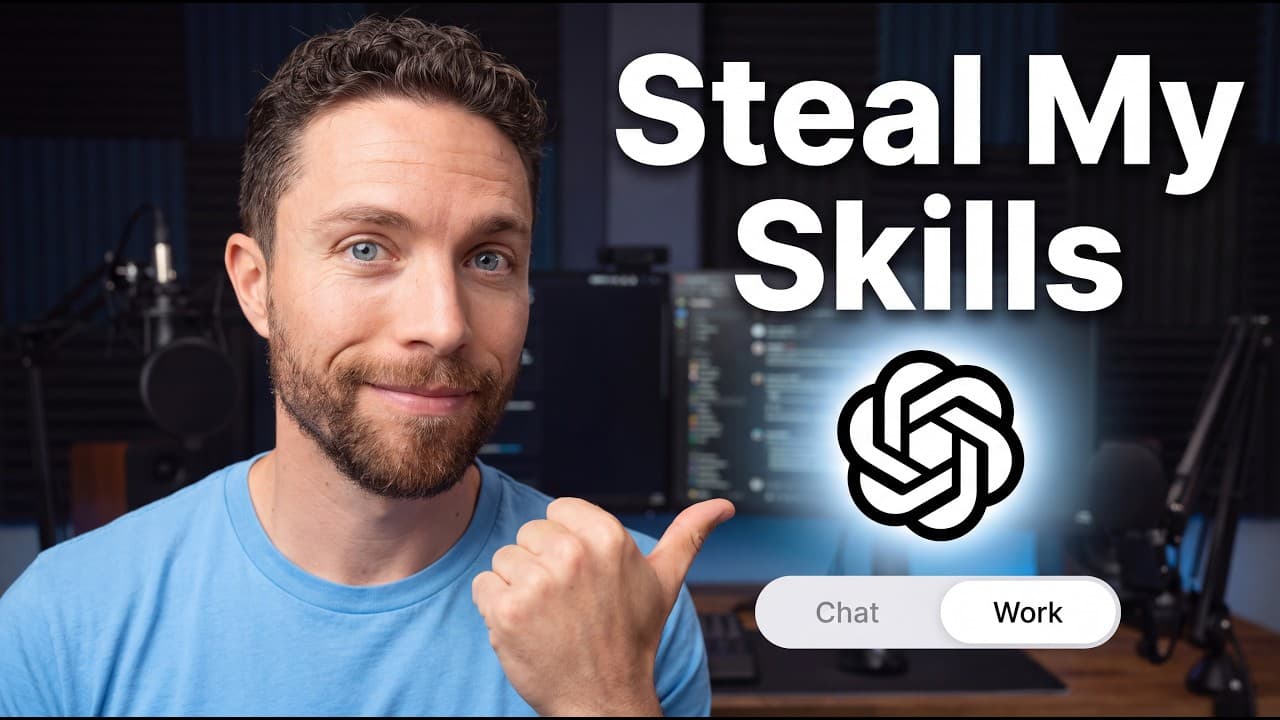
ChatGPT Work skills save repeatable instructions so tasks produce more consistent results without requiring the workflow to be explained again. The featured skills can turn data into interactive visualizations, notify a phone when work finishes, package projects for transfer between AI tools, consult other AI services through a browser, support research and automations, and help create motion graphics.
Transcript
If you ask chatbt work to summarize your work for you, it might give you something like this. Use a skill though and it can create something like this. That is the power of using skills in chat GBT work. If you use the right skills, you will get better, more consistent outputs every time you use them. In this video, I'm going to share with you seve... Read More
Key Insights
- ChatGPT Work skills are repeatable instructions that preserve how a task should be performed. They reduce the need to explain the same workflow repeatedly and are presented as a way to achieve more consistent outputs across recurring work.
- Personal skills can be created by describing the desired capability in a new ChatGPT Work conversation. The resulting skill can be saved for future use, while installed and preloaded skills can be viewed from the desktop application's Plugins and Skills area.
- The slash command is the method shown for finding and invoking installed skills. Typing a forward slash followed by a skill name, such as Visualize or LMK, lets the user select that reusable workflow within a new task.
- Visualize transforms information into an interactive visual response. In the budgeting example, it displayed spending, savings, planned cash out, expense allocation, and known costs, with controls for changing the view from monthly figures to annual figures.
- LMK sends a phone notification when ChatGPT finishes a task. It uses Pushover, which offers a free trial followed by a one-time payment of $5, and requires the user's Pushover user key plus an application API token.
- Handoff creates a compact, structured package for continuing work in another AI tool. It includes the project goal, completed work, prior decisions, necessary files or links, and the next required action so the user does not need to reconstruct the context manually.
- Ask directs ChatGPT Work to open another AI service through browser use and request targeted assistance. The examples include asking Grok about real-time topics from X and asking Gemini to create images when its image results are preferred.
- ChatGPT Work can act as a central delegator across automated workflows. The demonstrated approach lets it perform scheduled research, consult other subscribed AI services through the browser, collect their contributions, and notify the user only when something may require attention.
Install to Summarize YouTube Videos and Get Transcripts
Explore YouTube Video Summarizer or Get YouTube Transcript Extractor
Questions & Answers
Q: What are ChatGPT Work skills and why use them?
ChatGPT Work skills are repeatable instructions that specify how ChatGPT should complete a particular kind of task. They eliminate the need to explain the same workflow every time and are intended to produce better, more consistent results. The examples cover interactive visualization, completion notifications, project transfers between AI tools, browser-based consultation, research automation, and motion graphics creation.
Q: How do you create a personal skill in ChatGPT Work?
Open a new chat in ChatGPT Work and describe the skill you want ChatGPT to create. ChatGPT can then save it as a reusable personal skill for future tasks. The desktop application also has an Add option in the Skills area, but the demonstrated preferred method is to explain the desired workflow directly in a new conversation.
Q: How do you find and run an installed ChatGPT skill?
Start a new task and type a forward slash, which is the command shown for locating skills already loaded into ChatGPT Work. Begin typing the relevant skill name, such as Visualize or LMK, and select it when it appears. This invokes the stored instructions so ChatGPT can follow that workflow without requiring the full process to be entered again.
Q: How does the Visualize skill make data easier to understand?
Visualize changes a standard text-heavy response into a more visual and interactive presentation. In the example, it analyzed a folder containing family budgeting, savings, and spending plans. The result displayed core spending, savings, total planned cash out, expense allocation, and known costs, while allowing the view to switch between monthly and annual figures.
Q: How can ChatGPT notify your phone when a task is finished?
The LMK skill can send a push notification through the third-party Pushover app when ChatGPT completes a task. Setup requires downloading Pushover, signing in on its website, giving ChatGPT the displayed user key, creating an application, and providing its API token. The skill can then be invoked with the slash command followed by LMK.
Q: What information does the Handoff skill transfer to another AI?
Handoff packages the important context from an active project into a smaller, structured set of instructions. The package includes the project's goal, work already completed, decisions already made, required files or links, and the exact next action. It can be pasted into another AI, allowing that tool to continue without the user explaining the entire project again.
Q: When should you use Ask instead of Handoff?
Use Ask when another AI only needs to provide limited assistance rather than take over the whole project. Handoff is designed to transfer comprehensive project context, while Ask directs ChatGPT Work to open another AI service in the browser and request specific help. Examples include checking Grok for trending topics or requesting images from Gemini.
Q: How can ChatGPT Work coordinate research across other AI tools?
ChatGPT Work can use browser-based workflows to consult other AI services as part of scheduled or automated tasks. One example runs research three or four times per day and asks Grok for potentially relevant AI news from X. ChatGPT can gather that contribution, incorporate it into broader research, and use LMK to notify the user's phone when attention may be needed.
Summary & Key Takeaways
-
Skills are reusable instructions that tell ChatGPT Work how a task should be completed. They reduce repeated explanations and help produce more consistent results. Users can view installed skills in the desktop app under Plugins and Skills, or ask ChatGPT Work in a new chat to create and save a personal skill.
-
Visualize converts ordinary responses into clearer visual presentations. In the demonstrated family budget example, it organized planned spending, savings, total cash out, and known costs into an interactive display. The user could switch between monthly and annual views, making complex financial information easier to inspect and understand.
-
LMK sends completion alerts through Pushover, while Handoff packages project context for another AI. Ask uses browser control to consult services such as Grok or Gemini. Together, these skills support unattended tasks, cross-model collaboration, live-topic research, image creation, scheduled workflows, and centralized delegation through ChatGPT Work.
Read in Other Languages (beta)
Share This Summary 📚
Summarize YouTube Videos and Get Video Transcripts with 1-Click
Try YouTube Summary with ChatGPT & Claude or YouTube Transcript Generator
Explore More Summaries from Paul J Lipsky 📚




Summarize YouTube Videos and Get Video Transcripts with 1-Click
Try YouTube Summary with ChatGPT & Claude or YouTube Transcript Generator