How to Make Money With AI-Generated Music
TL;DR
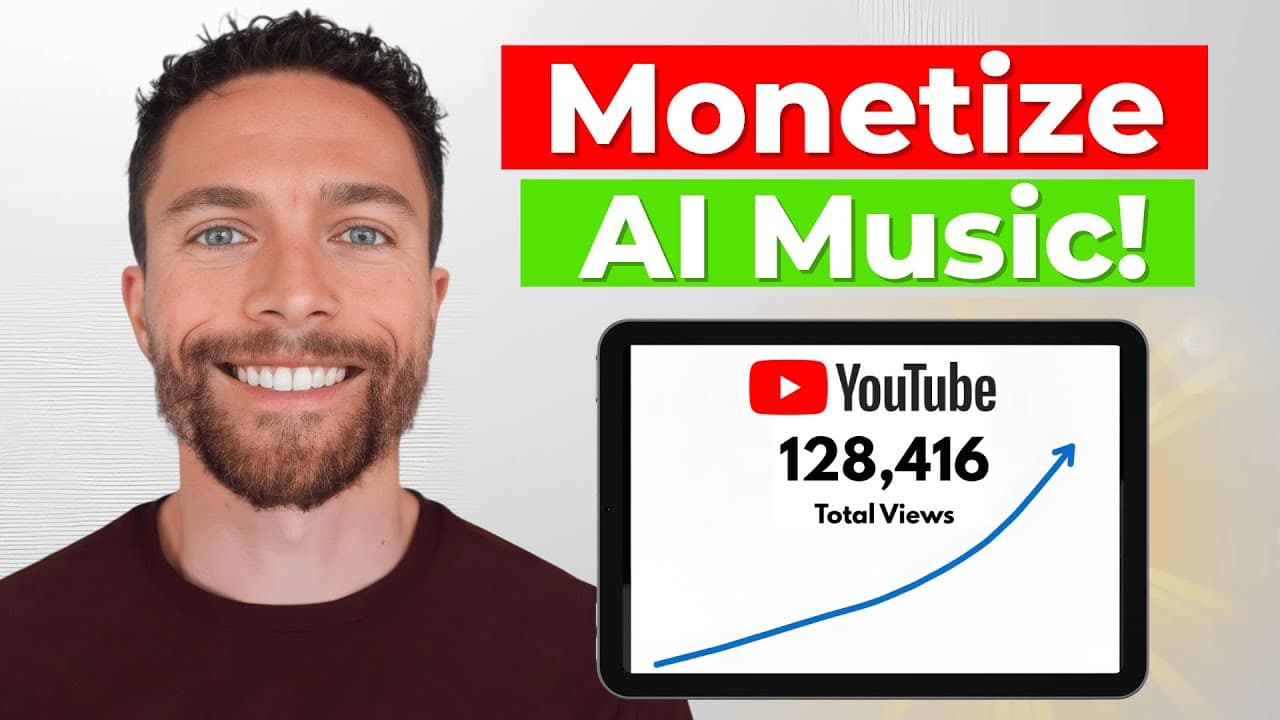
Create original songs or sound effects with MusicGPT, then potentially monetize them through YouTube content, freelance commissions, or downloadable sound packs. The demonstrated workflow uses short text prompts, selects a preferred result from generated variations, and combines the audio with simple visuals, while emphasizing that earnings are never guaranteed and original music is safest for avoiding copyright problems.
Transcript
So, I just discovered this insane AI tool that can create professional AI music like this and like this all in a matter of seconds. And I was shocked to learn that you can actually monetize this AI music. In fact, I've discovered five different ways you could potentially make money online with AI music. And the best part about this is because the A... Read More
Key Insights
- MusicGPT is an AI generation platform that creates full songs, instrumentals, lyrics, sound effects, text-to-speech voiceovers, remixes, track extensions, and replacements for selected song sections from user instructions.
- Commercial-use permission is presented as a central feature of MusicGPT because monetization requires audio that creators can sell or include in revenue-producing projects. The description still recommends creating original music as the safest approach to avoiding copyright issues.
- Song creation begins with a descriptive prompt specifying musical qualities such as genre, bass, vocal style, instrumental preference, or lyrical subject. Users can provide their own lyrics, request generated lyrics, or describe a theme for the system to develop.
- MusicGPT generates two song variations for each demonstrated request, allowing the creator to compare alternatives and choose the stronger result. The presenter uses this selection process before preparing a track for publication or possible sale.
- A YouTube music workflow is demonstrated by generating or remixing audio, creating a related AI image, and combining both assets in Canva. The static image is extended across the full song, producing a simple video that can be uploaded.
- Low-fi study content is suited to simple production because repetitive instrumental tracks can be looped or arranged into long videos. The demonstrated version pairs gentle music with a calming, loopable visual designed for people who want background audio while working.
- Freelance music services can target YouTubers who need custom background tracks without distracting vocals or copyright strikes. The presenter suggests beginning with modest expectations, collecting customer reviews, and potentially increasing prices after establishing a track record.
- Sound-effect packs can serve video creators, app developers, and game designers through marketplaces such as Etsy and Gumroad. MusicGPT's sound generator accepts specific descriptions, durations, and variation counts, as demonstrated with a short mobile-app interface click.
Install to Summarize YouTube Videos and Get Transcripts
Explore YouTube Video Summarizer or Get YouTube Transcript Extractor
Questions & Answers
Q: How do you create a song with MusicGPT?
Enter a description of the desired track in MusicGPT's prompt box, including details such as genre, bass style, vocal type, mood, or subject. Choose whether the result should be instrumental, add your own lyrics, request generated lyrics, or describe the lyrical theme. Submit the request, compare the two generated versions, and select the result that best matches the intended use.
Q: How can AI-generated music be used for YouTube videos?
Generate or remix a track in MusicGPT, choose the preferred version, and create a related image with an AI image generator. Place the image and audio in a simple editor such as Canva, then extend the image so it lasts for the full song. The resulting static-image music video can be previewed and uploaded to YouTube, subject to appropriate copyright and commercial-use rights.
Q: How can you make low-fi study music with AI?
Create instrumental low-fi tracks in MusicGPT, listen to the generated options, and select the most calming result. Generate a gentle visual that can loop, then combine the music and visual in Canva. A short track can repeat, or several tracks can be arranged and repeated, producing longer background videos that viewers may leave playing while studying or working.
Q: How can you sell AI music services on Fiverr?
Offer custom background tracks to YouTubers who need music for intros or other video segments. Use MusicGPT to generate audio from a client's requested style, selecting instrumental output when vocals would be distracting. Compare the generated variations and deliver the most suitable track. The presenter recommends realistic starting expectations, building reviews first, and only then considering higher prices.
Q: What can MusicGPT generate besides complete songs?
MusicGPT can generate sound effects and text-to-speech voiceovers in addition to complete songs. Its available tools also include instrumental selection, lyric generation, remixes of uploaded audio, replacement of part of a song, and extension of a track beyond its original length. These capabilities support several kinds of audio projects without requiring the user to play instruments or operate traditional music software.
Q: How can you create sound effects to sell online?
Describe the exact sound needed, such as a sharp interface click for a mobile application, and select MusicGPT's sound generator. Set a suitable duration and request multiple variations, then submit the prompt and evaluate the outputs. The presenter proposes packaging generated effects for sale on Etsy or Gumroad to customers such as video creators, application developers, and game designers.
Q: Is MusicGPT music safe for commercial use?
The presenter states that everything created with MusicGPT is safe for commercial use, meaning users can sell the generated music or include it in monetized work. The description nevertheless says creating original music is the best way to avoid copyright issues. Anyone applying these methods should also remember that the video makes no guarantee of earnings and recommends doing independent research.
Q: Was the MusicGPT review sponsored?
Yes, MusicGPT sponsored the video and had contacted the presenter about featuring the product. The presenter says the sponsorship was accepted after evaluating the tool and also states that MusicGPT had no control over the review or opinions expressed. The description repeats the sponsorship disclosure and warns that all money-making methods are presented without any guarantee of success.
Summary & Key Takeaways
-
MusicGPT generates full songs, instrumental tracks, lyrics, voiceovers, and sound effects from text prompts. Its tools can also remix, extend, or replace parts of uploaded tracks. The presenter says creations are safe for commercial use, but advises making original music to reduce copyright concerns and clearly states that financial success is not guaranteed.
-
One proposed strategy is publishing AI music on YouTube. The presenter demonstrates a Motown-style remix paired with a static AI-generated image, plus calming low-fi study music paired with a looping visual. Longer, repetitive study tracks may encourage listeners to leave videos playing, potentially accumulating viewing time for a channel.
-
Other proposed strategies involve selling custom instrumental tracks to YouTubers through Fiverr and packaging generated sound effects for Etsy or Gumroad. Potential customers include video creators, app developers, and game designers seeking usable audio. The video is sponsored by MusicGPT, although the presenter says the opinions and review remain independent.
-
Key Insights Scope Note: The supplied transcript ends during the fourth demonstrated method, so a fifth monetization method cannot be identified without speculation.
Read in Other Languages (beta)
Share This Summary 📚
Summarize YouTube Videos and Get Video Transcripts with 1-Click
Try YouTube Summary with ChatGPT & Claude or YouTube Transcript Generator
Explore More Summaries from Paul J Lipsky 📚

Summarize YouTube Videos and Get Video Transcripts with 1-Click
Try YouTube Summary with ChatGPT & Claude or YouTube Transcript Generator