How to build a no code AI chatbot for your website?
TL;DR
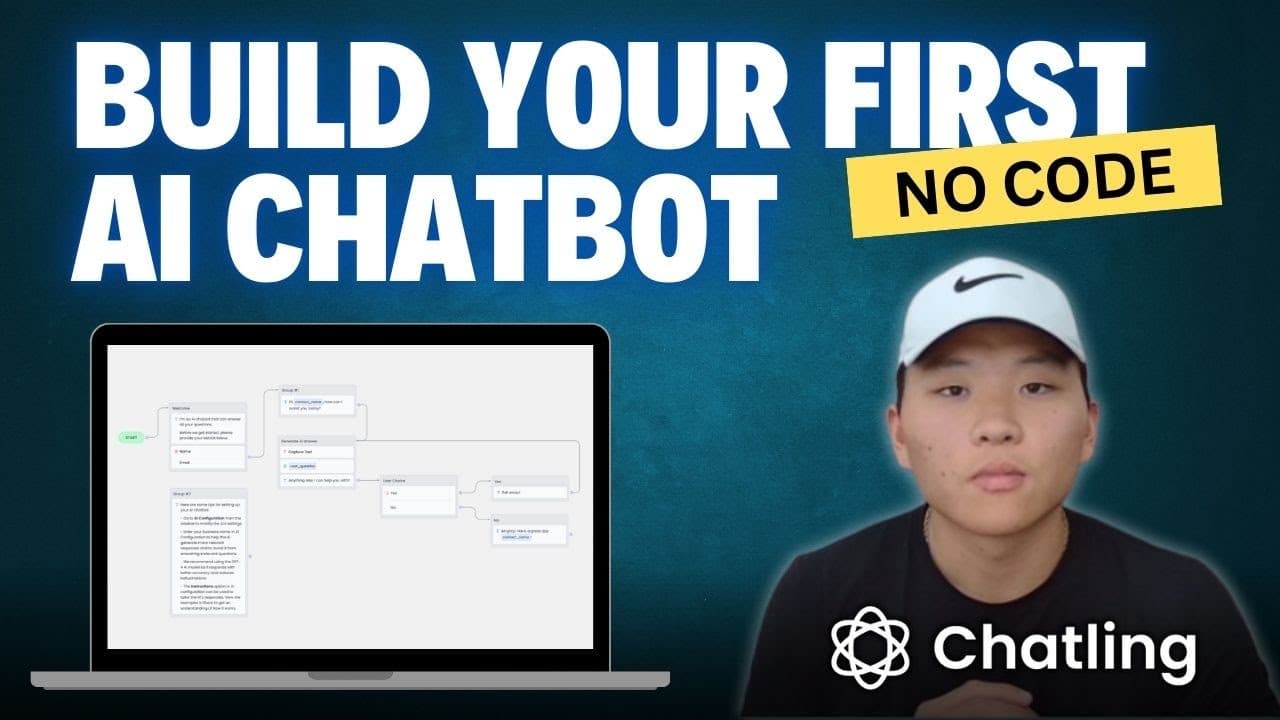
You can create and deploy a no code AI chatbot on your website for free using Chatling. The video guides you through choosing a template, setting up a knowledge base from your site and a PDF, building conversation logic, and embedding the bot on your site. Benefits include higher conversions and time saved on support.
Transcript
today I'm going to be walking through step- by-step how to build an AI chatbot with absolutely no code by the end of this video you'll be able to have this thing up and running on your website for free and the one I'm going to build today is actually going to be deployed onto my website so I'll show you guys how to do that and walk you through that... Read More
Key Insights
- The video demonstrates building a no code AI chatbot using Chatling and deploying it to a website for free.
- Knowledge bases are built from website URLs and documents to enable the bot to answer product and service questions.
- Templates offer an AI chatbot, lead generation, and lead generation plus AI options to speed setup and customization.
- Blocks in the builder include messages, user input, and AI responses for flexible conversation flow.
- Variables store data like contact name, email, and user questions to personalize responses.
- AI configuration allows prompts, tone, and model settings to guide how the bot answers queries.
- Previewing the bot shows how questions flow into AI responses and how data is captured for later use.
- Embedding on a website completes the workflow by making the bot accessible to users outside the builder.”],
- Q_and_A":[{
- question':'Question 1','answer':'To start, you select a template in Chatling and create a bot name. Then you configure a knowledge base by adding your site URL and uploading relevant documents. The AI builder lets you arrange blocks for messages, user responses, and AI answers, forming a complete conversation path.'},{
- question':'Question 2','answer':'How does the knowledge base get populated? You provide a website URL to crawl and a document such as a PDF with FAQs. The system adds these sources to the bot so it can pull information during conversations.'},{
- question':'Question 3','answer':'What are the main building blocks in the chatbot builder? You have message blocks, input blocks to capture data, and AI response blocks. These combine to create a logical flow where user questions trigger AI answers based on the knowledge base.'},{
- question':'Question 4','answer':'How are user details stored? The builder uses variables like contact name and contact email to store responses. These variables can be referenced later to personalize follow ups, such as addressing the user by name in subsequent messages.'},{
- question':'Question 5','answer':'Can you customize how the AI answers? Yes, you can configure AI prompts, set a tone, and even specify a brand name. These instructions influence the model’s replies and help keep responses aligned with your business voice.'},{
- question':'Question 6','answer':'What happens in the preview? The preview runs a mocked conversation from start to finish, showing how the form collects data, stores it in variables, and delivers an AI response based on the user question and knowledge sources.'},{
- question':'Question 7','answer':'How do you test and refine the bot’s conversations? After building initial flows, you use the preview to test different user questions. You can add extra text blocks to guide users and improve the bot’s helpfulness.'},{
- question':'Question 8','answer':'How do you deploy the bot on your site? Once configured, you embed the chatbot into your website so visitors can interact with it in real time, benefiting from 24/7 availability and automated responses.
- More videos from this channel:
- More from this channel: Nate Herk | AI Automation
Install to Summarize YouTube Videos and Get Transcripts
Explore YouTube Video Summarizer or Get YouTube Transcript Extractor
Questions & Answers
Q: Question 1
To start, you select a template in Chatling and create a bot name. Then you configure a knowledge base by adding your site URL and uploading relevant documents. The AI builder lets you arrange blocks for messages, user responses, and AI answers, forming a complete conversation path.
Q: Question 2
How does the knowledge base get populated? You provide a website URL to crawl and a document such as a PDF with FAQs. The system adds these sources to the bot so it can pull information during conversations.
Q: Question 3
What are the main building blocks in the chatbot builder? You have message blocks, input blocks to capture data, and AI response blocks. These combine to create a logical flow where user questions trigger AI answers based on the knowledge base.
Q: Question 4
How are user details stored? The builder uses variables like contact name and contact email to store responses. These variables can be referenced later to personalize follow ups, such as addressing the user by name in subsequent messages.
Q: Question 5
Can you customize how the AI answers? Yes, you can configure AI prompts, set a tone, and even specify a brand name. These instructions influence the model’s replies and help keep responses aligned with your business voice.
Q: Question 6
What happens in the preview? The preview runs a mocked conversation from start to finish, showing how the form collects data, stores it in variables, and delivers an AI response based on the user question and knowledge sources.
Q: Question 7
How do you test and refine the bot’s conversations? After building initial flows, you use the preview to test different user questions. You can add extra text blocks to guide users and improve the bot’s helpfulness.
Q: Question 8
How do you deploy the bot on your site? Once configured, you embed the chatbot into your website so visitors can interact with it in real time, benefiting from 24/7 availability and automated responses.
Summary & Key Takeaways
-
A no code AI chatbot can be built and deployed on a website using a guided builder, templates, and a knowledge base to answer customer questions.
-
The process starts with selecting a chatbot template, naming your bot, and configuring the knowledge sources to feed the AI, such as website content and PDFs.
-
The final steps cover testing the bot, using variables to store user data, and embedding the chatbot on a website for live interactions.
Read in Other Languages (beta)
Share This Summary 📚
Summarize YouTube Videos and Get Video Transcripts with 1-Click
Try YouTube Summary with ChatGPT & Claude or YouTube Transcript Generator
Explore More Summaries from Nate Herk | AI Automation 📚






Summarize YouTube Videos and Get Video Transcripts with 1-Click
Try YouTube Summary with ChatGPT & Claude or YouTube Transcript Generator