How to Build a Free No-Code YouTube Strategist AI
TL;DR
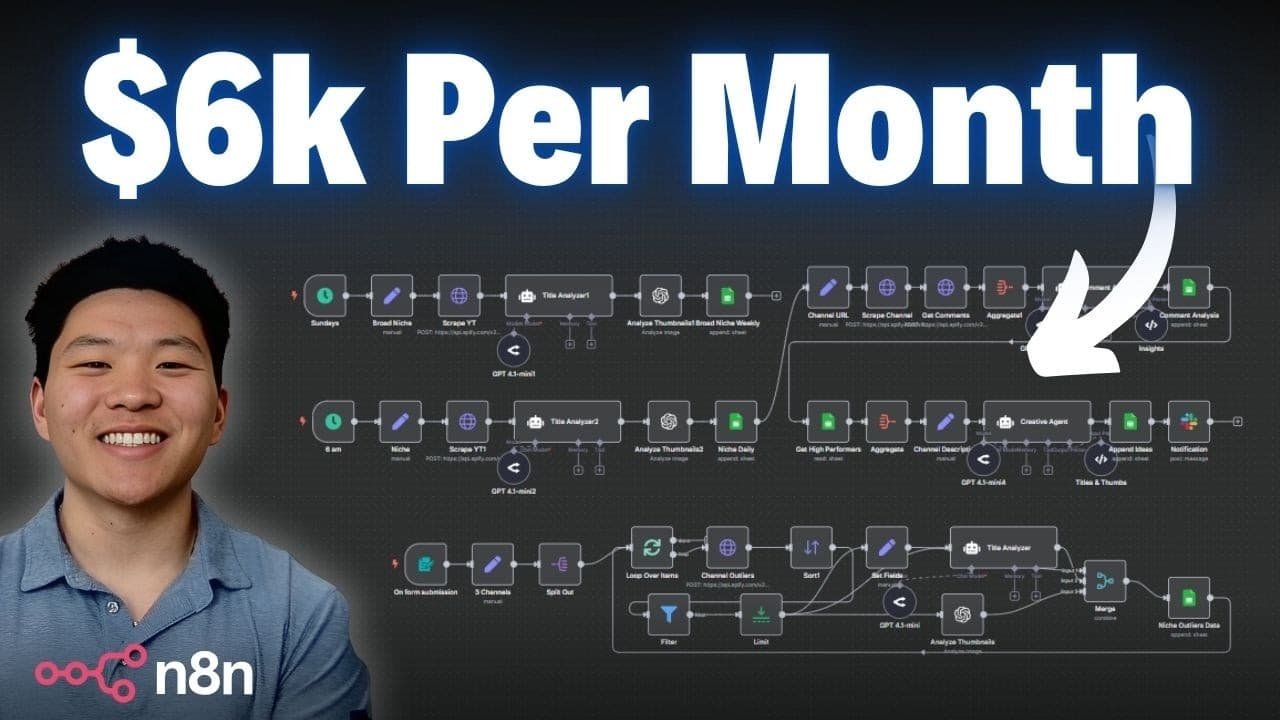
The video shows a no-code system that acts as a YouTube strategist, used daily to grow a channel and earn over six thousand dollars a month. It uses five phases to extract patterns from top videos, analyzes titles and thumbnails, and outputs data to Google Sheets with daily video idea prompts.
Transcript
Today I'm going to be showing you guys this AI system that I built that I actually use every single day. It essentially acts as my YouTube strategist and it's been helping me grow my channel and consistently bring in over $6,000 a month from YouTube. As always, I'm giving you all the resources that you need to set the system up completely for free.... Read More
Key Insights
- The system functions as a daily YouTube strategist used to grow a channel
- The first phase collects top videos from three channels and analyzes their titles and thumbnails
- The data from phase one is stored in Google Sheets for packaging patterns
- Phase two expands insights to a broad niche on a weekly cycle
- Phase three to five run daily analyses of niche videos and the user’s own channel
- The workflow includes a dedicated comments analyzer to capture audience feedback
- Ideation combines niche performance with audience requests to package new ideas
- Three new video ideas are generated each day based on combined insights
- More videos from this channel:
- More from this channel: Nate Herk | AI Automation
Install to Summarize YouTube Videos and Get Transcripts
Explore YouTube Video Summarizer or Get YouTube Transcript Extractor
Questions & Answers
Q: What is the purpose of the five phase workflow in the system?
The five phase workflow is designed to automate the process of finding, analyzing, and applying successful YouTube packaging patterns. Phase one pulls top videos from trusted channels to extract power words and thumbnail dynamics. Phase two broadens scope to weekly niche insights. Phases three through five focus on daily targeted analysis of recent content and audience feedback, culminating in three packaged video ideas each day.
Q: How are top performing videos selected in phase one?
Phase one selects the top performing videos by scraping the best performing videos from three chosen channels over the past six months. It then analyzes each video’s title and thumbnail to extract patterns, such as power words and visual packaging, and writes this data into a Google Sheet for further use.
Q: What kind of data is stored in Google Sheets in phase one?
Google Sheets stores the video title, URL, thumbnail, views and likes, and the AI analysis results such as power words used in titles and packaging cues from thumbnails. This structured data allows for pattern comparison across channels and informs future video packaging decisions.
Q: What is the goal of phase two in the workflow?
The goal of phase two is to surface broad niche insights by repeating the scraping and analysis process for a wider target like artificial intelligence. It provides weekly insights in a separate sheet, helping to avoid tunnel vision by comparing patterns beyond a single niche.
Q: How does the system handle audience feedback?
The system analyzes comments from the user’s recent videos daily. It buckets feedback into things done well, things that need improvement, and topics the audience wants more of. This structured feedback informs subsequent ideation and content planning.
Q: What does phase five deliver on a daily basis?
Phase five generates three new video ideas every day by combining insights from niche performance, current audience requests, and packaging cues. It suggests potential titles, concepts, and thumbnail directions to align with what viewers are responding to currently.
Q: What is the significance of thumbnail analysis in this workflow?
Thumbnail analysis is significant because it helps identify how bold text, contrasts, and layout contribute to clickability. By studying actual thumbnails from top videos, the system derives packaging patterns that can be adapted to the user’s content and improve viewer engagement.
Q: Is the system code free and accessible for users to implement?
Yes, the system is presented as a free template that users can implement without writing code. The video emphasizes that all phases can run with no-code tools and data is organized in Google Sheets, enabling users to replicate the setup and start generating YouTube strategic insights quickly.
Summary & Key Takeaways
-
The video introduces a five phase workflow that automates YouTube strategy tasks, enabling daily insights and weekly broad niche analysis. It demonstrates live how to set up and run the system using free templates and Google Sheets integration. The goal is to replicate scalable optimization without coding.
-
The system collects data from multiple niche channels to identify top performing video patterns, including title wording and thumbnail design, and then applies these patterns to the user’s own content scheduling and packaging.
-
Daily and weekly automation surfaces audience signals from comments and recent videos, delivering three packaged video ideas each day to guide future content and ensure alignment with current trends and audience interest.
Read in Other Languages (beta)
Share This Summary 📚
Summarize YouTube Videos and Get Video Transcripts with 1-Click
Try YouTube Summary with ChatGPT & Claude or YouTube Transcript Generator
Explore More Summaries from Nate Herk | AI Automation 📚






Summarize YouTube Videos and Get Video Transcripts with 1-Click
Try YouTube Summary with ChatGPT & Claude or YouTube Transcript Generator