How to power n8n AI agents with Grok 4 model
TL;DR
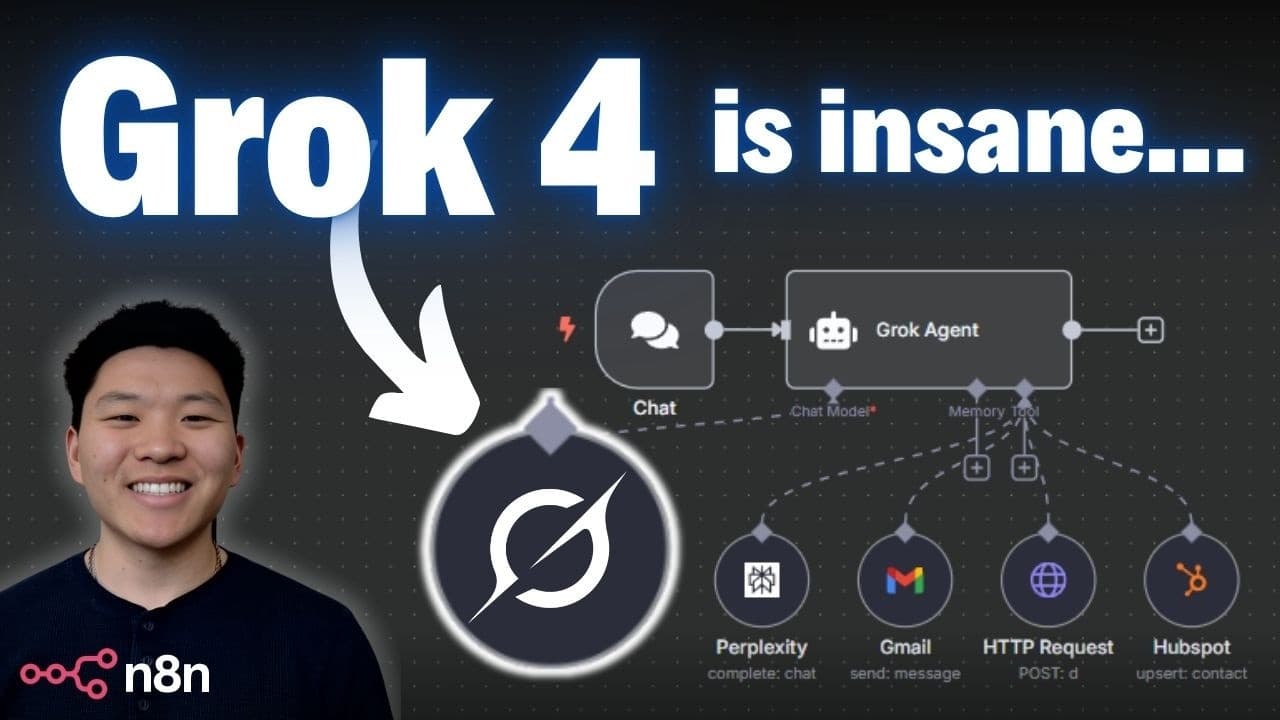
Grok 4 is presented as a cutting edge AI model with strong benchmarks, designed to outperform many rivals in speed and capability. The video shows how to connect Grok 4 to n8n to empower AI agents in automations, including handling tools and JSON tool arguments. Practical setup steps and tradeoffs are discussed.
Transcript
Today we're going to be talking about the world's new best AI model, Gro 4. We're going to be breaking down what it is, why it's a big deal. We're going to look at the benchmarks and compare it to other models. And then finally, I'm going to show you guys how to actually connect it to Nitn to power your AI agents in your AI automations to make them... Read More
Key Insights
- Grok 4 is a large AI model designed to be smarter and faster across many tasks.
- The video compares Grok 4 against competing models showing it performs well on benchmarks like math and software engineering tasks.
- Grok 4 can be integrated into n8n by creating a Grok chat model, obtaining an API key, and selecting the Grok 4 model for agents.
- Tool calling with Grok 4 is demonstrated, including using perplexity and other tools to enhance research capabilities.
- OpenRouter can be used as a centralized way to connect Grok 4 to n8n and manage credentials and billing.
- The presenter notes tradeoffs such as context window size and cost, advising practical considerations for deployment.
- The workflow includes using a tool to gather information and then compose an email, illustrating end-to-end automation.
- The video emphasizes practical steps for setup rather than deep theory, making it accessible for builders.
- More videos from this channel:
- More from this channel: Nate Herk | AI Automation
Install to Summarize YouTube Videos and Get Transcripts
Explore YouTube Video Summarizer or Get YouTube Transcript Extractor
Questions & Answers
Q: How can I connect Grok 4 to n8n for AI agents?
To connect Grok 4 to n8n, you first create a Grok account and obtain an API key from the Grok admin console. In n8n, add a chat model credential using that API key, then select the Grok 4 model from the model list. This enables the AI agent to respond using Grok 4 in your automations, and you can enable tool calling for more advanced tasks.
Q: What is Grok 4 capable of compared to other models?
Grok 4 is described as a very capable model with fast multi task handling and strong performance on benchmarks, including math and physics question sets. It is positioned as smarter and faster overall, with the ability to work in teams and handle complex reasoning tasks, though it may have tradeoffs like context window size and cost compared to some rivals.
Q: How do you set up tool calling with Grok 4 in n8n?
Tool calling with Grok 4 in n8n involves adding a tool to the agent, configuring the tool to be invoked by the model, and ensuring the tool arguments are formatted as valid JSON. You may need to adjust the system prompt to require JSON responses for tool usage, and verify that the tool can be parsed by the automation runtime to avoid errors.
Q: What is the role of OpenRouter in this setup?
OpenRouter can be used to connect Grok 4 to n8n as a single billing and credential management point. It provides a centralized place to manage API keys, monitor usage, and configure credentials for Grok 4, simplifying maintenance when you are running multiple automations or agents across different environments.
Q: What benchmarks are discussed for Grok 4?
The video highlights several benchmarks such as tests in areas like mathematical problem solving, physics and astronomy questions, and software engineering. Grok 4 is shown performing well relative to competing models, indicating strength in reasoning, multi domain knowledge, and practical code related tasks.
Q: What are the tradeoffs of Grok 4 mentioned in the video?
Tradeoffs discussed include the context window size being smaller than some competitors, implying potential limits on single prompt length and history. There is also a note about cost, as larger models can be more expensive to run in production. The presenter suggests weighing these factors against practical needs and automation goals.
Q: How does the video suggest handling JSON tool results?
The video demonstrates ensuring that tool results are formatted as valid JSON so the automation runtime can parse them correctly. This may involve configuring prompts to enforce JSON output, and adjusting tool interfaces to return well structured data that can be consumed by downstream steps such as emailing results.
Q: What is the end goal of the Grok 4 and n8n integration shown?
The end goal is to show a practical end to end workflow where Grok 4 powers an AI agent in n8n to perform research, call tools, and compose outputs like an email. This illustrates how advanced AI models can automate complex tasks across data gathering, decision making and content generation within automation platforms.
Summary & Key Takeaways
-
Grok 4 is introduced as a highly capable AI model from xAI, designed to be faster and smarter for complex tasks, with demonstrated benchmarks across multiple domains.
-
The presenter walks through comparing Grok 4 to other closed source models and explains where it shines and where it has limits, especially regarding context window and cost considerations.
-
A step by step demonstration shows how to connect Grok 4 to n8n, configure credentials, and run a test agent that uses tool calling to perform research and automation tasks.
Read in Other Languages (beta)
Share This Summary 📚
Summarize YouTube Videos and Get Video Transcripts with 1-Click
Try YouTube Summary with ChatGPT & Claude or YouTube Transcript Generator
Explore More Summaries from Nate Herk | AI Automation 📚






Summarize YouTube Videos and Get Video Transcripts with 1-Click
Try YouTube Summary with ChatGPT & Claude or YouTube Transcript Generator