How to automate content with Poppy and n8n no code
TL;DR
Poppy and n8n let you connect data sources and train AI assistants to automate content workflows without coding. You can paste data sources like YouTube videos, websites, or PDFs, train assistants with videos for storytelling and sales, and run end to end automation including research, writing newsletters, and posting.
Transcript
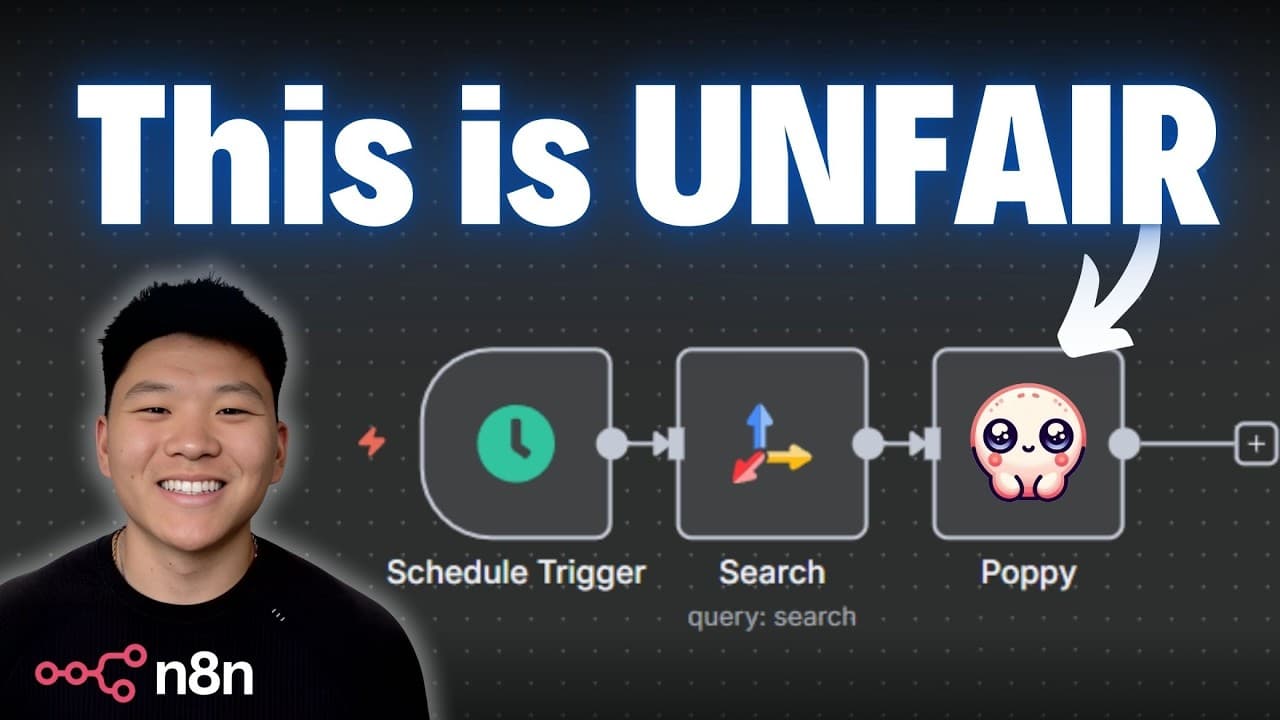
Today we're going to be talking about how you can automate any content with Poppy and NADN. At this point I'm assuming you guys are all familiar with what Naden is, but if you're not, it is a workflow automation tool that looks like this and you're able to build no code AI agents and AI automations. And if you're not familiar with Poppy, it is also... Read More
Key Insights
- Poppy can ingest diverse data sources including videos, websites, and local files.
- N8n provides no code AI workflow orchestration for complex automations.
- Create groups in Poppy to train assistants on a single topic or niche.
- AI chats can be connected to multiple data sources for richer context.
- Automation triggers can schedule recurring tasks to run automatically.
- Training data sources include expert videos to shape copy and style.
- Automation can generate newsletters based on research and trends.
- NADN can trigger content creation before or after Poppy to optimize flow.
- More videos from this channel:
- More from this channel: Nate Herk | AI Automation
Install to Summarize YouTube Videos and Get Transcripts
Explore YouTube Video Summarizer or Get YouTube Transcript Extractor
Questions & Answers
Q: How can I start automating content creation with Poppy and n8n without coding?
To start, gather data sources you want your AI to read, such as YouTube videos, articles, or PDFs. Create a Poppy board and drag in the desired data sources, then group related sources to train your AI assistant on a specific topic like storytelling or sales. Connect the Poppy board to an n8n workflow, define a trigger, and map the data flow so the AI assistant can generate content, such as newsletters or social posts, based on the sources. This setup eliminates the need to write code while enabling complex, repeatable content creation pipelines.
Q: What benefits do grouped data sources provide in Poppy?
Grouping data sources in Poppy allows you to train a single AI assistant on a cohesive topic by aggregating related material from multiple inputs, such as videos from different experts or articles on a niche. This results in more consistent output aligned with a chosen style or strategy, reduces context switching for the AI, and speeds up generation because the assistant can reference a focused knowledge base rather than disparate sources.
Q: How does NADN fit into the Poppy and n8n workflow?
NADN acts as an orchestrator that can decide when to trigger Poppy actions in a workflow. It can perform research before feeding data to Poppy or route synthesized content from Poppy into downstream tasks such as newsletters or posting pipelines. By using NADN, you can automate multi step processes where data gathering, content creation, and distribution are choreographed without manual intervention.
Q: Can Poppy read non text data like images or tables, and how is this used?
Yes, Poppy can ingest non text data such as images and tables from various sources. This enables the AI to extract relevant information, summarize content, or tailor outputs like image captions or data rich newsletters. By incorporating these data types, you create richer, more actionable outputs that reflect a broader set of inputs and improve engagement with your target audience.
Q: What is the role of expert video content in training Poppy?
Expert video content provides high quality guidance that shapes the AI's writing style, tone, and approach to topics like storytelling and sales. By training Poppy with videos from recognized experts, you embed proven strategies into the assistant, leading to more persuasive newsletters and higher quality copy that aligns with established best practices.
Q: How would you set up a daily newsletter automation using Poppy and n8n?
Start with a schedule trigger in n8n to run daily. Use a research step to gather trends or health topics, then route the results to a Poppy assistant trained on email copy and storytelling. The Poppy assistant generates the newsletter draft, which can then be sent through the same workflow or held for review. This creates a repeatable, fully automated newsletter process.
Q: What is the difference between using Poppy with external data sources vs building GPTs manually?
Using Poppy with external data sources allows you to rapidly assemble a knowledge base by dragging in existing content, making it quick to train an assistant on a specific task like newsletter writing. Building GPTs manually involves creating and configuring separate models, managing their data, and potentially duplicating effort for different tasks. Poppy offers a more visual, integrated approach that reduces setup time while maintaining flexibility.
Q: How can you ensure business outcomes are prioritized in these automations?
To prioritize business outcomes, focus on outputs that contribute to measurable goals such as engagement or conversion. Start by identifying the target audience, define the desired action from outputs like newsletters, and align the training data with the tone, style, and value proposition that resonates with the audience. Continuously test and refine by comparing performance metrics and adjusting the data sources and prompts to improve results.
Summary & Key Takeaways
-
Poppy ingests diverse data sources such as videos, websites, and local files to train AI assistants and perform tasks across workflows. This enables you to reuse existing content to fuel new outputs with minimal setup. The system supports grouping and training around a specific topic for focused results.
-
n8n provides no code AI workflow orchestration that connects multiple data sources to AI agents. It enables triggers, data routing, and sequential steps to automate research, content generation, and posting. Combined with Poppy, it creates scalable content automation pipelines without writing code.
-
The workflow can start with research, proceed to content generation using trained assistants, and finish with distribution tasks like newsletters or social posts. The approach emphasizes business outcomes over technology and demonstrates practical integration of data sources and AI in daily operations.
Read in Other Languages (beta)
Share This Summary 📚
Summarize YouTube Videos and Get Video Transcripts with 1-Click
Try YouTube Summary with ChatGPT & Claude or YouTube Transcript Generator
Explore More Summaries from Nate Herk | AI Automation 📚






Summarize YouTube Videos and Get Video Transcripts with 1-Click
Try YouTube Summary with ChatGPT & Claude or YouTube Transcript Generator