How to Build a No-Code n8n AI Agent with Firecrawl for Web Scraping and Screenshots
TL;DR
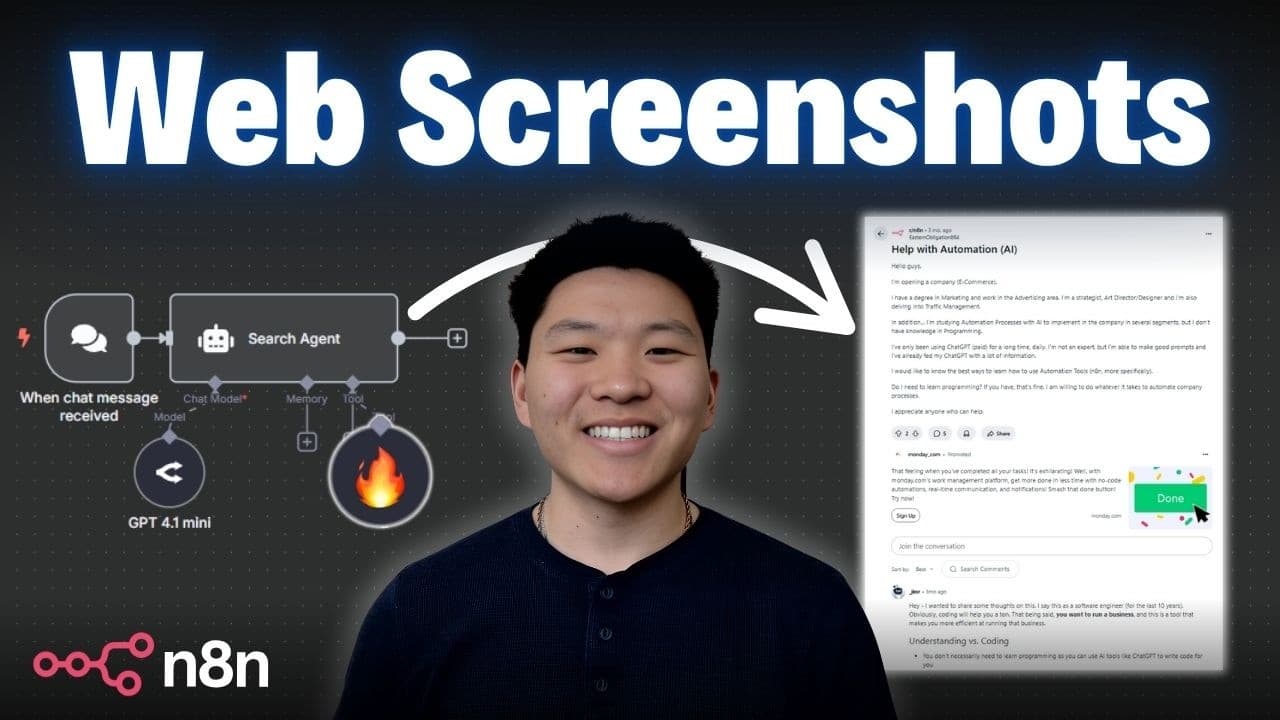
You can build a no-code n8n AI agent that uses Firecrawl’s search endpoint to search, scrape, and capture full-page screenshots with one API call. The tutorial demonstrates finding three Reddit articles whose titles contain “AI,” “automation,” and “help,” then returning URLs, markdown content, and screenshots. Read on for the setup process, query operators, output options, and template details.
Transcript
So, this one AI agent right here can search the web for anything using just one tool and one API call. It can get as many search results as you want and it can also scrape all of the content from that search result and it can take a screenshot of the whole page for you. And the cool thing is we can talk to it using completely natural language and i... Read More
Key Insights
- Firecrawl's search endpoint can perform web searches and scrape content in one API call.
- Users can filter searches by keywords, specific sites, and exclude terms using query operators.
- Search results can be returned in markdown, HTML, JSON, or as full-page screenshots.
- No coding experience is required to set up and use the Firecrawl search endpoint with n8n.
- The tool is ideal for automations, research agents, and enhancing AI workflows.
- Users can specify the number of search results and time-based parameters for more precise searches.
- The setup process involves configuring an HTTP request and using an API key from Firecrawl.
- Firecrawl offers a free tier with 500 credits and a discount code for extended use.
Install to Summarize YouTube Videos and Get Transcripts
Explore YouTube Video Summarizer or Get YouTube Transcript Extractor
Questions & Answers
Q: How do you build a no-code web-scraping AI agent with n8n and Firecrawl?
Use Firecrawl’s search endpoint as the agent’s tool in an n8n workflow, then send it a search query, the desired number of results, and scrape options. The agent can interpret natural-language requests and return search results, scraped content, and screenshots without requiring a coding background.
Q: What can Firecrawl’s search endpoint do in one API call?
It can perform a web search and optionally scrape the full content of the returned pages in one API call. The demonstrated agent also retrieves source links, markdown content, and full-page screenshots.
Q: How can the agent search only a specific website?
Add a site restriction to the search query. In the demonstration, the agent limited results to reddit.com and returned three Reddit articles.
Q: How can Firecrawl require specific words in page titles?
Firecrawl supports query operators that can target words in titles. The example required “AI,” “automation,” and “help” to appear in each result’s title while also restricting results to reddit.com.
Q: Can Firecrawl exclude words or websites from search results?
Yes. The tutorial explains that a dash can be used to exclude a word or a site from the search results, allowing the search to be narrowed further.
Q: What content formats does the demonstrated Firecrawl agent return?
The demonstrated request returns markdown scrapes and screenshots for its results, along with links to the source pages. The screenshots show the full Reddit threads, while the underlying search output contains a full markdown scrape for each result.
Q: How can viewers import the tutorial’s n8n workflow template?
Join the creator’s free school community through the link in the video description, then search for the video title or open YouTube resources. The associated post contains a JSON file that can be downloaded and imported into n8n to open the demonstrated template.
Q: Does Firecrawl offer free credits or a discount in the tutorial?
The transcript says users can start free with 500 credits. It also provides the code “herk 10” for 10% off for a full year.
Summary & Key Takeaways
-
Firecrawl's search API allows users to search the web and scrape content without code. It supports filtering by keywords, specific sites, and exclusion terms. Results can be formatted in markdown, HTML, or screenshots, making it versatile for various applications.
-
The tutorial demonstrates setting up Firecrawl with n8n, a no-code automation tool. Users can perform searches with specific parameters and receive results in multiple formats. This process is ideal for automations and research tasks, offering a user-friendly interface.
-
Firecrawl's API is accessible with a free tier and offers customization through query operators. The video provides a step-by-step guide to setting up and using the tool, emphasizing its ease of use and potential for enhancing AI-driven workflows.
Read in Other Languages (beta)
Share This Summary 📚
Summarize YouTube Videos and Get Video Transcripts with 1-Click
Try YouTube Summary with ChatGPT & Claude or YouTube Transcript Generator
Explore More Summaries from Nate Herk | AI Automation 📚






Summarize YouTube Videos and Get Video Transcripts with 1-Click
Try YouTube Summary with ChatGPT & Claude or YouTube Transcript Generator