How to use Readwise's features for free?

Sep 12, 2025
3 min read
122 views
Readwise is a great product. It offers features to import and export highlights, notes, and images from various note-taking apps and productivity apps. And it sends you a daily reminder composed of the imported highlights. You get an email every day to keep remembering what you read. As spaced recognition is essential for learning, this approach is pretty effective.
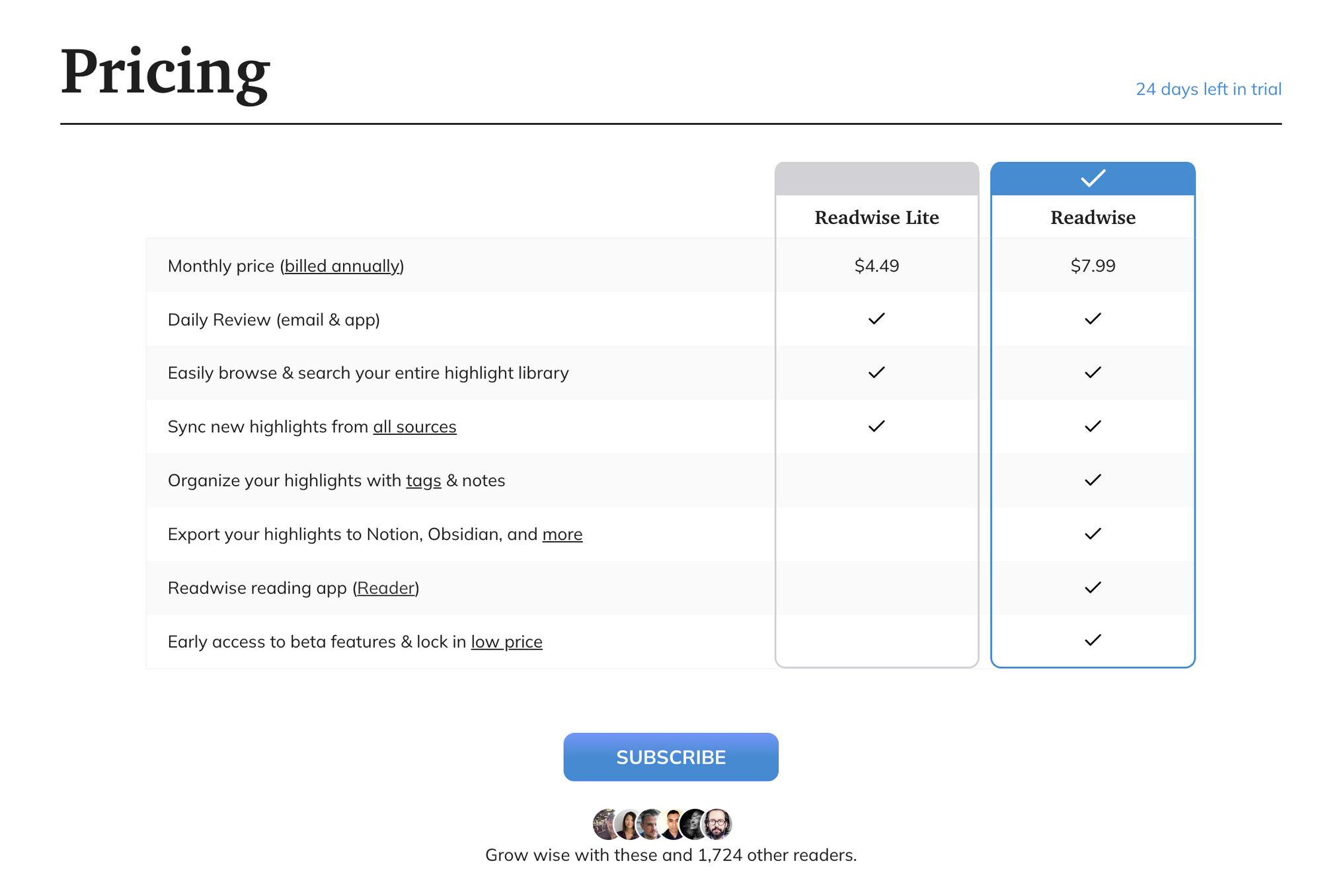
However, it has some limitations. After you have finished the 30-day free trial, you cannot add more highlights and export your assets anymore. The pricing is either $4.99 or $7.99, so it's not a big burden for users. However, limiting access to users' assets wouldn't be user-friendly.
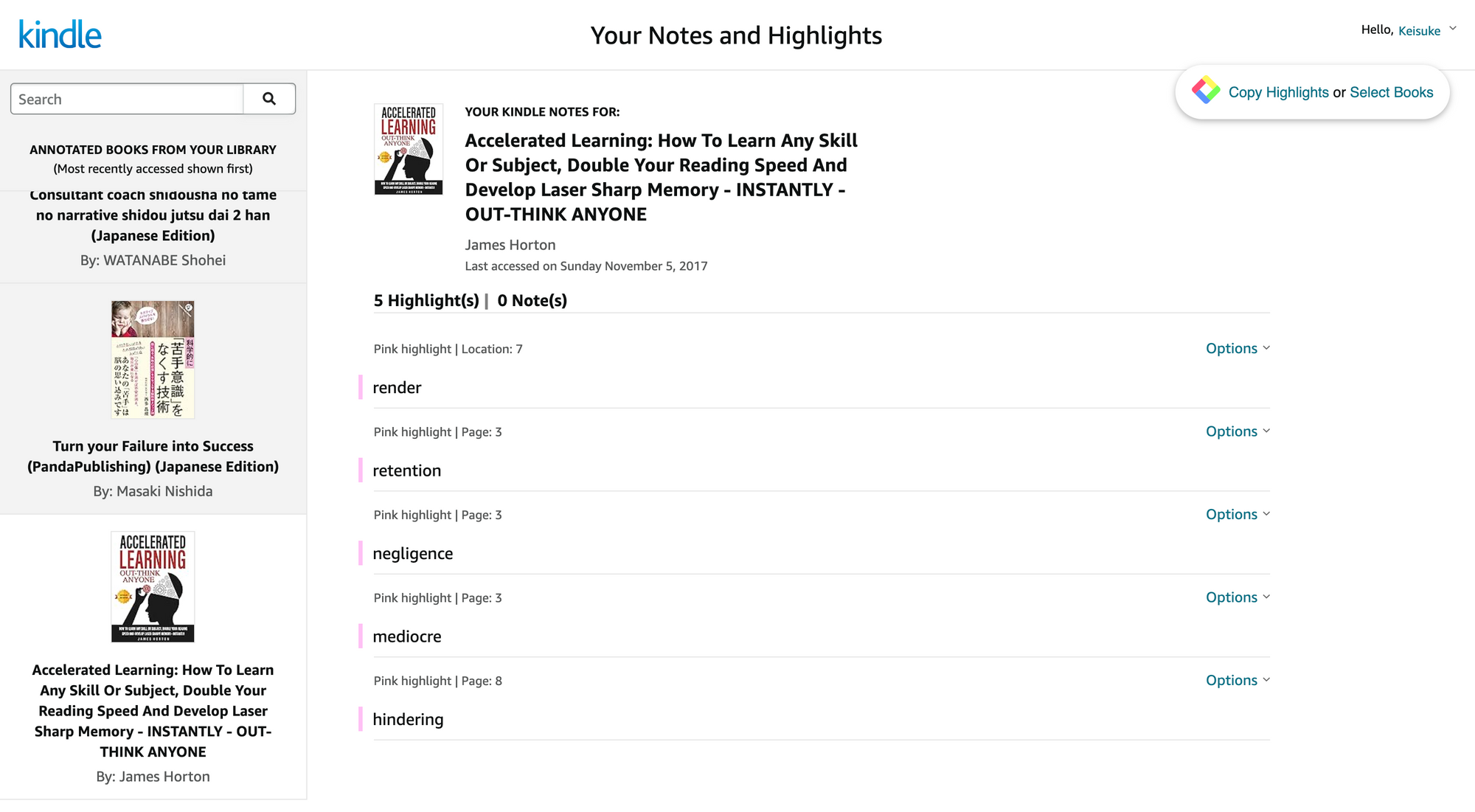
👉 How to import Kindle highlights & notes into Glasp & export them as a file
👉 How to Download Highlights & Notes from Kindle (YouTube)
Feature 2: Daily review of the Kindle highlights
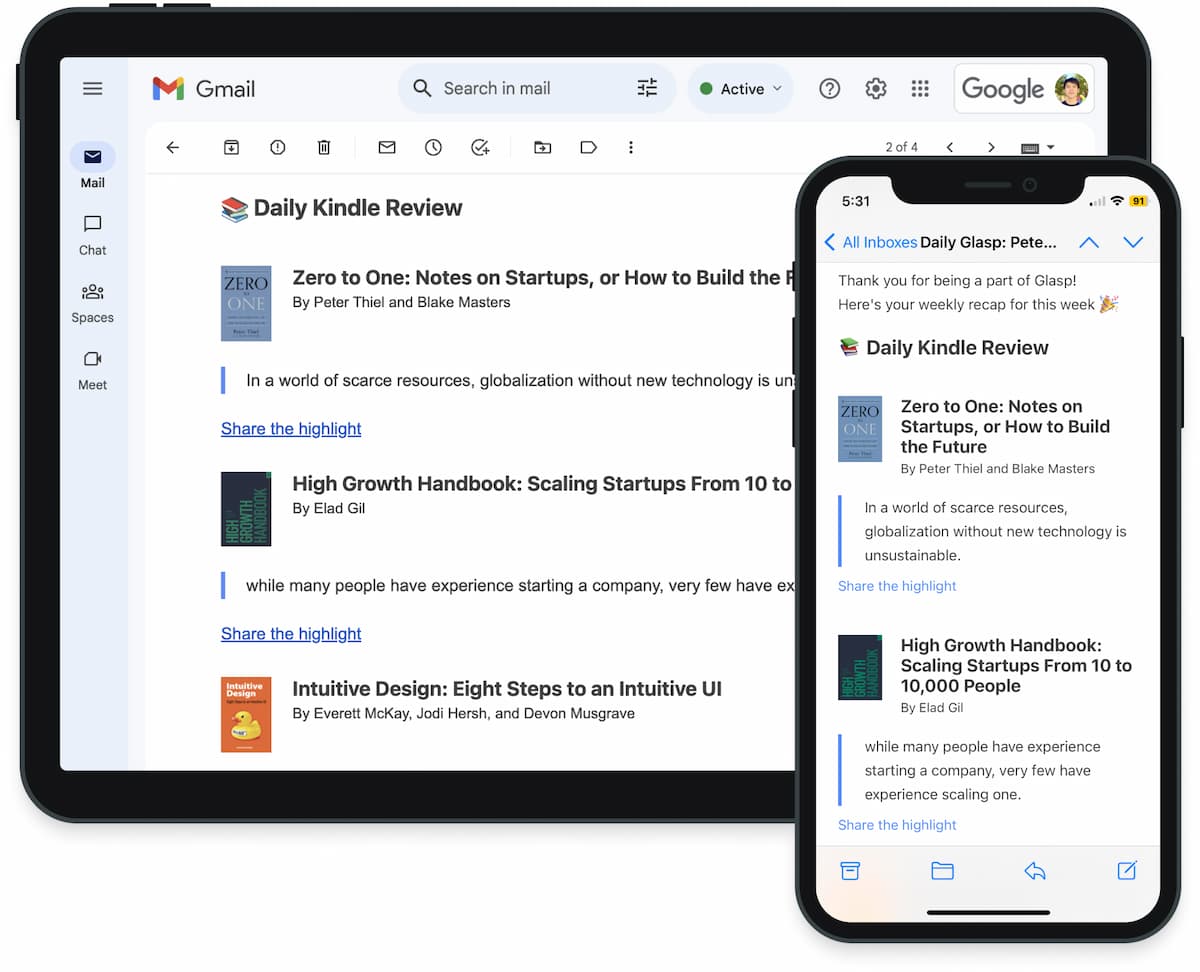
Spaced recognition is necessary for learners to remember what they read. And email is one of the best ways to get reminders. Once you import the Kindle highlights into Glasp, it sends you a daily review with 5 - 10 highlights every day.
Please make sure you import the Kindle highlights in Feature 1. You cannot change the frequency of emails and choice of highlights now, but Glasp will update it.
Feature 3: Highlight PDFs
Though Readwise allows users to import highlights on PDFs, Glasp has a different approach, enabling users to highlight PDFs on a browser. You can open PDFs on Chrome, Edge, Brave, etc, and highlight sentences on PDF. After that, you can see organized highlights on your Glasp profile page, export them as a file (TXT, HTML, CSV, MD, JSON), and copy-n-paste them on note-taking apps such as Notion, Obsidian, Logseq, etc.
Please visit the tutorial below.
👉 How to Highlight a PDF on Chrome
Feature 4: Export highlights into Notion, Obsidian, Logseq, etc
Even though you import highlights & notes into Readwise, after the 30-day free trial, it's over. You can never access your highlights & notes again if you don't update to a premium plan.
However, Glasp is a free product that allows you to import and export your highlights & notes. You can access your highlights & notes anytime without any limitation. Please visit each tutorial below accordingly.
Export highlights & notes into Notion
👉 How to Export Highlights & Notes to Notion
Export highlights & notes into Obsidian
👉 How to Export Highlights and Notes to Obsidian
Export highlights & notes into Logseq
👉 How to Export Highlights and Notes into Logseq
Export highlights & notes into Roam Research
👉 How to Export Highlights and Notes into Roam Research
FAQs
Q. Is Glasp completely free to use?
Yes. Glasp is 100% free. You can import, highlight, and export your notes without any subscription or hidden limitations.
Q. Can I import my existing Kindle highlights into Glasp?
Absolutely. You can easily import your Kindle highlights & notes from Kindle Cloud Reader into Glasp and start organizing or exporting them immediately.
Q. Does Glasp support PDF highlighting like Readwise?
Yes. Unlike Readwise, Glasp lets you highlight PDFs directly on your browser (Chrome, Edge, Brave, etc.). Your highlights are automatically saved to your Glasp profile.
Q. Can I export highlights to Notion, Obsidian, or Logseq for free?
Yes. Glasp allows free export of your highlights and notes into apps like Notion, Obsidian, Logseq, and Roam Research.
Q. How does the Daily Review feature work?
Glasp sends you a daily email containing 5–10 of your past Kindle highlights. This spaced repetition helps reinforce your learning and retention.
Q. What happens if I stop using Glasp? Will I lose my data?
No. All your highlights and notes remain accessible. You can always download/export them in various formats (TXT, CSV, HTML, MD, JSON).
Before you leave
If you have any questions, please refer to the FAQ or contact us.
👉 FAQs
👉 X
See you next time,
Glasp team