10 Best MCP Videos on YouTube (Model Context Protocol)

Jul 27, 2026
11 min read
71 views
Last updated: July 2026
This is a ordered watch list for founders who want to actually understand Model Context Protocol (MCP), the standard that lets AI models connect to external tools and data. It moves from the core concept to architecture, then into hands-on setup and building your own servers.
The ten videos run about six hours total and span conceptual explainers, an architecture breakdown, and hands-on courses from NetworkChuck, Google Cloud Tech, Microsoft Developer, and freeCodeCamp. Watched in order, they take you from never having heard of MCP to shipping a working server.
The videos on this list, in the order to watch them, are:
Why Does MCP Matter? (Greg Isenberg)
What Are MCP's Core Parts? (Krish Naik)
How Is MCP Structured? (Shaw Talebi)
MCP vs API: What Changes? (Google Cloud Tech)
Where Do Beginners Start? (Microsoft Developer)
How Do You Run MCP Servers? (NetworkChuck)
How Do You Use MCP in VS Code? (James Montemagno)
How Does MCP Fit the Full Stack? (ByteMonk)
Total: 10 videos, 365 minutes of watch time (about 6 hours), and 5M combined views.
1. Why Does MCP Matter?

Greg Isenberg · 20 min · 1.3M views · 2025
In short: MCP creates a unified communication layer so LLMs connect to external tools and services without building custom integrations for each one.
Start here for the plain-English case for MCP. Isenberg frames why LLMs are limited to text prediction on their own and how a standard protocol removes the cumbersome work of wiring each tool to a model by hand.
Key takeaways
MCP is a standard that creates a unified layer between LLMs and external services and tools, replacing one-off integrations with a shared protocol.
LLMs on their own are limited to text prediction and cannot perform meaningful tasks until they are connected to external tools.
The MCP ecosystem has four parts: clients such as Cursor and Windsurf, the protocol itself, servers, and the underlying services.
Anthropic's strategy relies on service providers building MCP servers, which expands what any connected LLM can do.
Watch on YouTube · Read the summary and Q&A
2. What Are MCP's Core Parts?
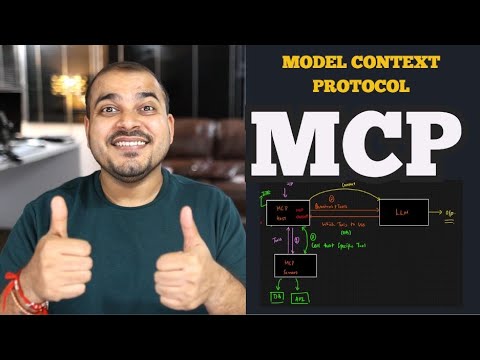
Krish Naik · 24 min · 346K views · 2025
In short: MCP standardizes context for LLMs through three components, host, client, and server, working like a USB-C port for tools.
Naik breaks MCP into its three moving parts and uses the USB-C analogy to explain why one universal interface beats custom code. It answers what the protocol is actually made of before you touch any setup.
Key takeaways
MCP is an open protocol that standardizes how applications provide context to large language models across different tools and services.
The protocol has three components: the host, which is an IDE or application, the client, and the server that exposes tools.
MCP functions like a USB-C port, giving AI models one universal connection interface instead of a separate integration per service.
Because service providers manage the servers and tool connections, developers avoid writing and maintaining custom integration code for each tool.
Watch on YouTube · Read the summary and Q&A
3. How Is MCP Structured?

Shaw Talebi · 19 min · 217K views · 2025
In short: MCP uses a client-server architecture where clients request resources and servers provide prompts, tools, and context to AI applications.
A tight twenty-minute architecture walkthrough. Talebi covers what servers actually expose, the two transport options, and how portable toolsets move between environments, giving you the mental model you need before building anything.
Key takeaways
Anthropic developed MCP as a standard for connecting tools and context to AI applications, describing it as a USB-C port for AI.
MCP servers provide prompt templates, resources, and tools to clients, and the client-server split keeps requests and responses cleanly separated.
The protocol supports standard IO for local development and HTTP with SSE for cloud-based applications, so setups scale from laptop to server.
Portable toolsets let tools transfer between different environments without rebuilding them, and the Anthropic Python SDK makes implementing a server straightforward.
Watch on YouTube · Read the summary and Q&A
4. MCP vs API: What Changes?
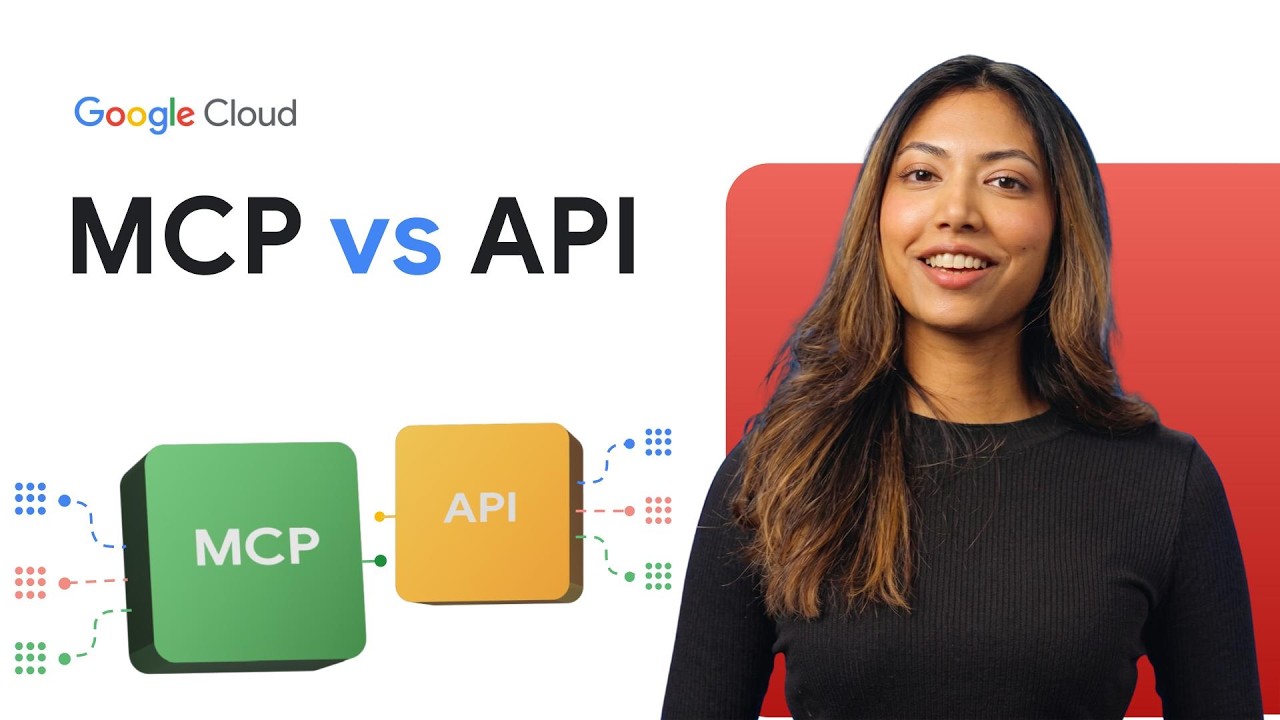
Google Cloud Tech · 12 min · 599K views · 2026
In short: MCP lets AI models autonomously discover and use tools, while traditional APIs require predefined endpoints and manual configuration for each call.
This video sharpens your understanding by contrasting MCP with the APIs it sits on top of. It explains why fixed endpoints and structured requests fail agents, and it is honest about the security and standardization work still ahead.
Key takeaways
Traditional APIs require predefined endpoints and structured requests, which do not suit AI models that need context to decide what to call.
MCP provides a machine-readable map of APIs so a model can understand available functions and their inputs and outputs on its own.
MCP acts as middleware built on top of existing APIs, changing the client from a fixed program to the model itself.
Adoption still requires standardization across servers, clients, and tools, and MCP introduces security challenges such as permission layers to prevent unauthorized actions.
Watch on YouTube · Read the summary and Q&A
5. Where Do Beginners Start?
Microsoft Developer · 50 min · 243K views · 2025
In short: MCP is an open standardized interface following a client-server model that makes AI systems interoperable, reusable, and secure across platforms.
A structured eleven-lesson beginner course from Microsoft. It is the place to slow down and cover interoperability, reusability, and the built-in security features that matter once you move past a demo toward something maintainable.
Key takeaways
MCP is an open standardized interface that helps AI models communicate with external tools and data sources using a client-server model.
The protocol supports interoperability across different vendors and platforms, so models behave uniformly regardless of which tools they connect to.
Security is integral to MCP, with features like user consent, authentication, and input validation built in to protect data.
MCP enables agentic AI systems that autonomously decide which tools to use, and it supports text, image, and audio in a unified way.
Watch on YouTube · Read the summary and Q&A
6. How Do You Run MCP Servers?
NetworkChuck · 38 min · 1.6M views · 2025
In short: You run MCP servers locally with Docker, and the Docker MCP Gateway orchestrates multiple servers to connect AI to tools.
Now go hands-on. NetworkChuck sets up MCP servers with Docker and wires them into real applications like Obsidian, showing how local servers cut latency and how a gateway keeps many servers organized.
Key takeaways
Docker MCP servers abstract API complexity, and running them locally gives AI models flexibility while keeping the setup on your own machine.
The Docker MCP Gateway orchestrates multiple MCP servers, which simplifies connecting an AI model to several tools at once.
Local MCP servers communicate using standard input and output, which minimizes latency compared with remote servers over HTTP.
Custom MCP servers can be built to connect an AI model to any application, from note tools like Obsidian to Kali Linux.
Watch on YouTube · Read the summary and Q&A
7. How Do You Use MCP in VS Code?

James Montemagno · 21 min · 165K views · 2025
In short: Configuring MCP servers in VS Code with GitHub Copilot lets the agent automate tasks like creating issues and pull requests.
This one grounds MCP in daily developer work. Montemagno configures MCP servers inside VS Code so GitHub Copilot's agent mode can drive real repository tasks, showing the payoff of the protocol inside a tool you already use.
Key takeaways
MCP servers act as a middle layer between APIs such as GitHub and OneDrive, letting an LLM interact with them through one protocol.
VS Code can be configured to use MCP servers, and agent mode lets GitHub Copilot run complex workflows across those tools.
The GitHub MCP server offers repository management and issue tracking, enabling automation of tasks like creating issues or pull requests.
MCP servers run locally or in Docker containers, and developers can build custom servers with SDKs for their own environments.
Watch on YouTube · Read the summary and Q&A
8. How Do You Build an MCP Server?

freeCodeCamp.org · 72 min · 101K views · 2025
In short: You build MCP servers with the FastMCP Python library, covering Standard IO and HTTP Stream transports, API integration, and cloud deployment.
A full project course for building servers yourself. It walks through three coding projects with FastMCP, from a calculator across two transports to API integration and deployment, closing the loop from concept to shipped server.
Key takeaways
FastMCP is a Python library for building MCP servers that let AI agents securely interact with databases and applications.
The course builds calculator apps using both Standard IO and HTTP Stream transports, so you learn when each communication method fits.
API integration lets an MCP server fetch dynamic content for AI agents rather than returning only static or hardcoded data.
Deploying to FastMCP Cloud and testing with GitHub Copilot completes an end-to-end development cycle from local build to running service.
Watch on YouTube · Read the summary and Q&A
9. How Do RAG and MCP Work Together?

freeCodeCamp.org · 99 min · 166K views · 2026
In short: RAG connects models to your data while MCP coordinates actions across software components, and hands-on labs show how to combine them.
MCP rarely ships alone, so this crash course pairs it with retrieval-augmented generation. Through hands-on labs it covers chunking, semantic search, and vector databases, then shows how MCP coordinates the actions on top of retrieved data.
Key takeaways
RAG connects AI models to specific data sources for context-aware responses, while MCP coordinates communication and actions across software components.
Document chunking is crucial for precise retrieval in large datasets, and semantic search with embeddings improves accuracy over keyword matching.
Vector databases such as Chroma and Pinecone efficiently handle large-scale semantic searches that back a RAG system's retrieval step.
MCP servers expose tools, resources, and prompts that let an AI application act on third-party systems after it retrieves relevant data.
Watch on YouTube · Read the summary and Q&A
10. How Does MCP Fit the Full Stack?
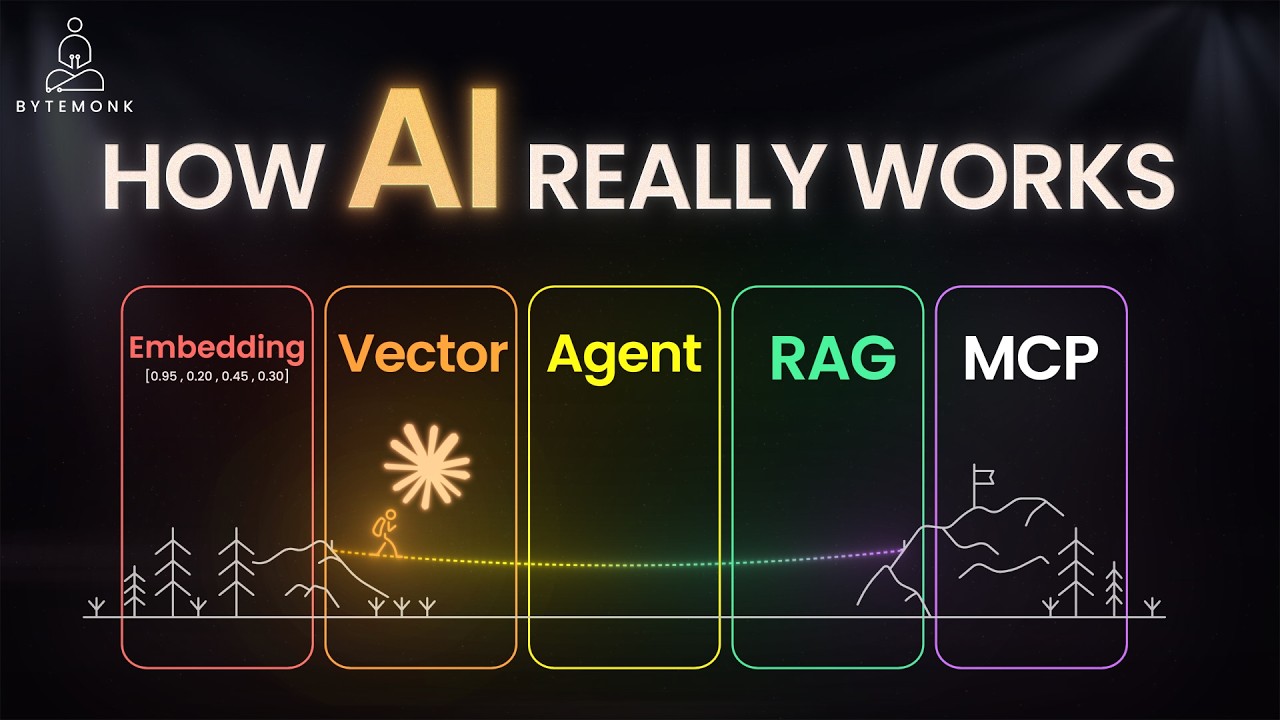
ByteMonk · 10 min · 192K views · 2026
In short: MCP is the open standard that connects AI to tools, working alongside embeddings, vector databases, RAG, and agent orchestration.
End with the wide-angle view. ByteMonk places MCP inside the full modern AI stack, showing how embeddings, vector storage, RAG, and agent orchestration combine, and why teams self-host this infrastructure for control and privacy.
Key takeaways
MCP is an open standard that simplifies how an AI system integrates with various data sources and tools within a larger stack.
Embeddings capture the meaning of text as vectors, and vector databases store them so the system can recall relevant information efficiently.
Agent orchestration lets an AI perceive, reason, and act, turning a simple chatbot into a system that completes multi-step tasks.
Self-hosting the AI infrastructure provides redundancy, cost control, and data privacy, protecting the stack against external outages.
Watch on YouTube · Read the summary and Q&A
Frequently asked questions
What is Model Context Protocol (MCP)?
MCP is an open standard that gives large language models a unified way to connect to external tools, data sources, and services through a client-server model.
How is MCP different from a regular API?
A traditional API needs predefined endpoints and manual configuration per call, while MCP lets an AI model discover and use tools on its own through a machine-readable interface.
Who created MCP?
MCP was developed by Anthropic, which describes it as a USB-C port for AI, and its strategy relies on service providers building MCP servers.
Do I need to code to build an MCP server?
Building a server does require code, but Python libraries like FastMCP and the Anthropic Python SDK let you create one with minimal boilerplate.
Can I run MCP servers locally?
Yes. MCP servers run locally using standard input and output to minimize latency, and tools like Docker let you run and orchestrate several at once.
Where should a beginner start with MCP?
A good starting path is to understand why MCP matters and what its core parts are, then look at how it is structured before touching any code. Once that clicks, running an existing MCP server is a lower risk first step than building one from scratch.
Do RAG and MCP do the same thing?
RAG and MCP are not competing choices: they are covered as things that work together, with MCP handling how a model connects to tools and data sources and retrieval handling what information gets pulled in. Treating them as either/or is a common misconception.
Can I use MCP inside my code editor?
Yes, MCP can be used directly in VS Code, which is one of the most practical ways to see it working without standing up a separate application. Editor setup is usually the fastest way to go from reading about MCP to actually using it.
What comes after learning the MCP basics?
After the basics, the natural next steps are running MCP servers, using MCP in an editor like VS Code, and then building an MCP server of your own. From there it is worth seeing how MCP fits into a full application stack rather than treating it as a standalone tool.
How to use this list
Watch these in order and you move from understanding what MCP is to running and building your own servers, so treat the list as one path rather than ten separate videos. If you have only twenty minutes, start with Greg Isenberg's explainer to grasp why MCP matters, then come back for the architecture and hands-on courses when you are ready to build. Founders who want the quickest route to shipping something can jump from that opener straight to the freeCodeCamp Python course.
Related lists
💡 Want summaries and transcripts for any YouTube video? Try YouTube Summary with ChatGPT & Claude.