How Does Model Context Protocol (MCP) Work?
TL;DR
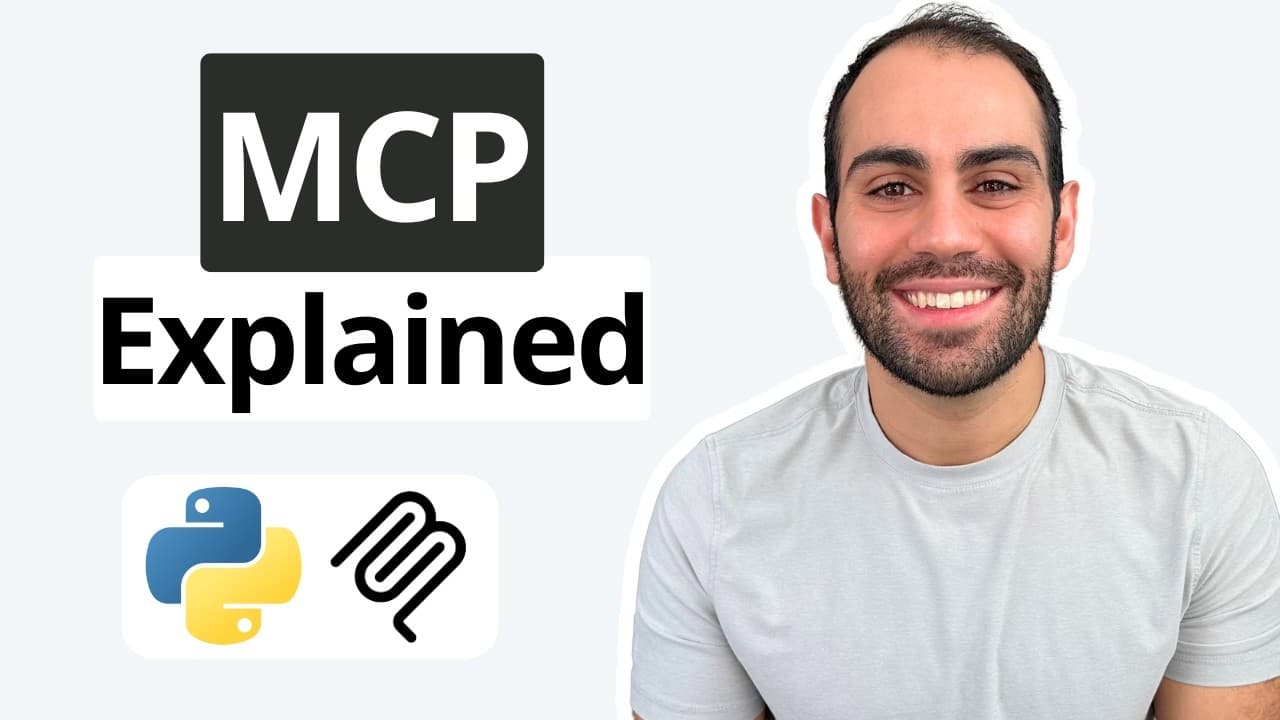
Model Context Protocol (MCP) is a universal standard for connecting tools and context to AI applications, akin to a USB-C port for AI. It allows seamless integration of various tools and resources into AI systems, enhancing their functionality and interoperability. By using a client-server architecture, MCP enables AI applications to access external resources and execute tasks efficiently.
Transcript
hey everyone I'm Shaw this is the fifth video in a larger series on AI agents here I'll explain the model context protocol or MCP for short i'll start by discussing its key concepts and then show you how to build a custom MCP server with Python at this point you've probably heard the term MCP before but maybe you aren't super clear on what it actua... Read More
Key Insights
- MCP is a standard for connecting tools and context to AI applications.
- Anthropic developed MCP, likening it to a USB-C port for AI connectivity.
- MCP allows custom integrations, enabling AI applications to access external apps like Slack and Google Drive.
- The protocol supports portable toolsets, allowing tools to be transferred between different environments without starting from scratch.
- MCP uses a client-server architecture, where clients request resources and servers respond.
- MCP servers provide prompt templates, resources, and tools to clients for AI application enhancement.
- The protocol supports standard IO for local development and HTTP with SSE for cloud-based applications.
- Implementing an MCP server in Python is facilitated by using the Anthropics Python SDK.
Install to Summarize YouTube Videos and Get Transcripts
Explore YouTube Video Summarizer or Get YouTube Transcript Extractor
Questions & Answers
Q: What is the purpose of the Model Context Protocol (MCP)?
The purpose of the Model Context Protocol (MCP) is to provide a universal standard for connecting external tools and context to AI applications. This enhances the interoperability and functionality of AI systems, allowing them to integrate seamlessly with various external resources and execute tasks efficiently.
Q: How does MCP enable integration with external applications like Slack and Google Drive?
MCP enables integration with external applications like Slack and Google Drive by providing a standard protocol that connects these tools to AI applications. This allows AI systems to access and utilize data and functionalities from these external apps, enhancing their capabilities and enabling custom integrations tailored to specific needs.
Q: What is the client-server architecture in MCP, and how does it work?
In MCP, the client-server architecture involves a client that sends requests to a server, which then responds with the necessary resources or actions. The server provides prompt templates, resources, and tools, allowing the AI application (client) to access and utilize these components for enhanced functionality and task execution.
Q: How can MCP support portable toolsets in AI applications?
MCP supports portable toolsets by allowing tools and resources to be encapsulated in an MCP server, which can then be ported to different environments. This means that once a toolset is developed, it can be easily transferred and integrated into various AI applications without the need to start from scratch, enhancing flexibility and scalability.
Q: What are the transport mechanisms supported by MCP?
MCP supports two primary transport mechanisms: standard IO for local development and HTTP with Server-Sent Events (SSE) for cloud-based applications. Standard IO facilitates communication between local applications and servers, while HTTP with SSE allows for internet-based interactions, enabling cloud integration and remote connectivity.
Q: How can one implement an MCP server using Python?
To implement an MCP server using Python, one can use the Anthropics Python SDK. This involves creating a server that provides prompt templates, resources, and tools to AI clients. The server can be set up to communicate with clients using standard IO for local development or HTTP with SSE for cloud applications, enhancing AI application capabilities.
Q: What role do prompt templates and resources play in MCP?
Prompt templates and resources in MCP serve as predefined inputs and data that the AI application can use to perform tasks. Prompt templates provide structured input formats for various operations, while resources offer access to static data, file systems, or databases. These components enhance the AI's ability to execute tasks and integrate with external systems efficiently.
Q: How does MCP enhance the functionality of AI applications?
MCP enhances the functionality of AI applications by providing a standardized way to connect and integrate external tools, resources, and contexts. This allows AI systems to access a broader range of functionalities and data, execute tasks more efficiently, and adapt to different environments and applications without extensive reconfiguration.
Summary & Key Takeaways
-
Model Context Protocol (MCP) serves as a universal standard to connect external tools and context with AI applications, improving their interoperability and functionality. Developed by Anthropic, MCP is likened to a USB-C port, offering seamless integration of custom tools and resources. By employing a client-server architecture, MCP allows AI applications to request and utilize external resources and capabilities efficiently.
-
MCP enables AI applications to integrate with various external apps, such as Slack and Google Drive, and supports portable toolsets that can be transferred across different environments without starting from scratch. This enhances the flexibility and scalability of AI systems.
-
The implementation of MCP involves creating a server using the Anthropics Python SDK, which can provide prompt templates, resources, and tools to AI clients. The protocol supports both local and cloud-based applications, using standard IO for development and HTTP with SSE for cloud integration.
Read in Other Languages (beta)
Share This Summary 📚
Summarize YouTube Videos and Get Video Transcripts with 1-Click
Try YouTube Summary with ChatGPT & Claude or YouTube Transcript Generator
Explore More Summaries from Shaw Talebi 📚

Summarize YouTube Videos and Get Video Transcripts with 1-Click
Try YouTube Summary with ChatGPT & Claude or YouTube Transcript Generator