How Does OpenClaw Work as an AI Assistant?
TL;DR
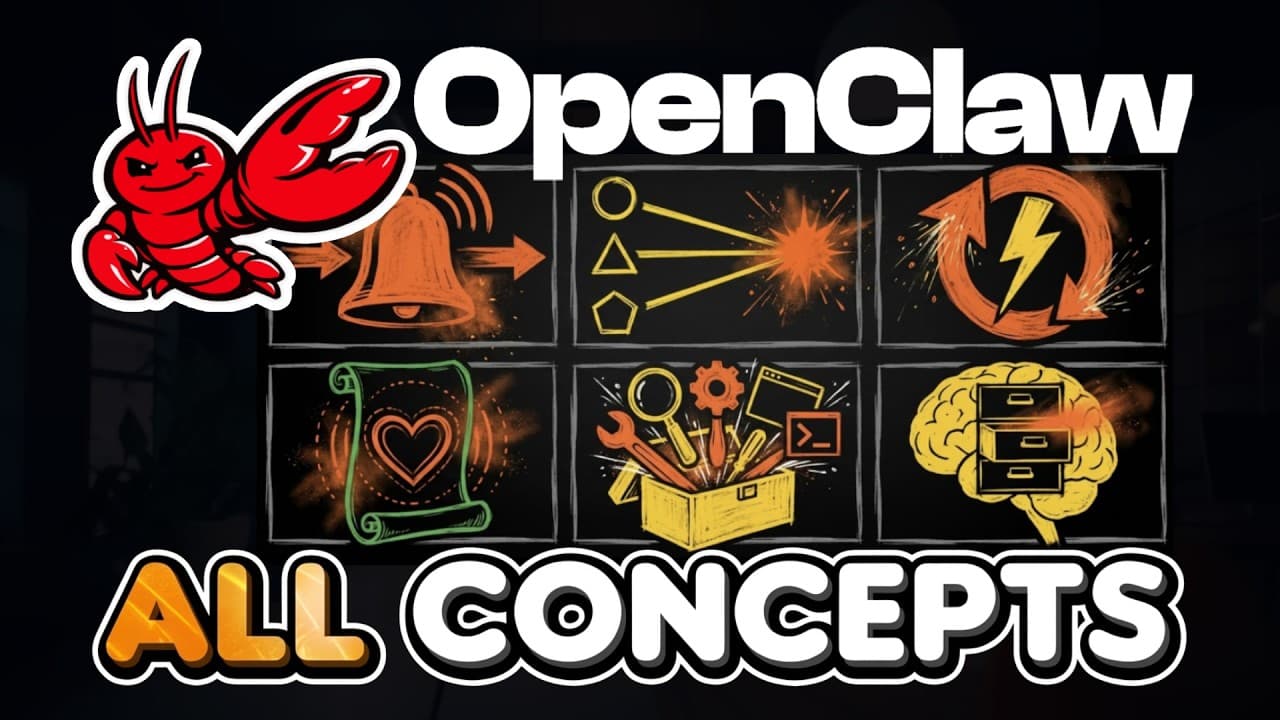
OpenClaw acts more like a persistent AI employee than a chatbot because it can operate a dedicated computer, use tools, manage files, and connect with applications. Its gateway routes messages and context, while an agentic loop performs multiple actions until a task is completed. Beginners should isolate it on a spare computer or virtual private server and carefully choose how model access is billed.
Transcript
When you first hear about OpenClaw, it sounds like magic. You get told it's a powerful AI employee that can run its own computer, use your apps, and work while you sleep. But when you look into the concepts, the gateway sold out MD heartbeats skills, it's quite a lot, and you don't know where to start. And that's completely normal. If you're new he... Read More
Key Insights
- OpenClaw is an open-source AI system that can operate a dedicated computer, browse the web, manage files, and connect to applications. The transcript distinguishes it from chatbots by emphasizing that it can take actions rather than only participate in conversations.
- A dedicated computer is the recommended environment for OpenClaw because the software can create, edit, use, and delete files. Suggested options include an old computer, a Mac Mini purchased for the software, or a rented virtual private server.
- A virtual private server is a computer rented in the cloud and can keep an OpenClaw agent online when a home computer is turned off. The transcript names Hetzner, DigitalOcean, and Hostinger as examples and says such rentals can cost a few dollars monthly.
- Model access can use an API key or OAuth, with different cost implications. API access charges according to usage without a stated monthly ceiling, while the described OAuth approach uses an existing flat-fee subscription, such as a ChatGPT Plus plan costing $20 per month.
- OpenAI OAuth is presented as the preferred beginner option because the transcript says OpenAI publicly allowed its use with OpenClaw. Anthropic usage is characterized as a gray area, while Google usage is described as riskier because several Gmail account bans had reportedly been documented.
- The agentic loop is the mechanism that separates an AI agent from a one-response chatbot. OpenClaw can select a tool, inspect its output, choose another action, and repeat the process until it considers the assigned job complete.
- The gateway is the background engine that receives messages, identifies their conversations, loads relevant context, and passes information to underlying AI models. It also provides a browser-based interface, including an agents view for understanding how individual agents are configured.
- Multiple agents can run within one gateway while maintaining separate workspaces, memories, names, personalities, tools, and skills. The recommended starting approach is to define two or three recurring roles based on categories of work, rather than creating an agent for every individual task.
Install to Summarize YouTube Videos and Get Transcripts
Explore YouTube Video Summarizer or Get YouTube Transcript Extractor
Questions & Answers
Q: What is OpenClaw and how is it different from a chatbot?
OpenClaw is described as an open-source AI assistant that can take actions through its own dedicated computer. Unlike a chatbot that receives a message and returns one reply, OpenClaw can browse the web, manage files, connect with applications, and continue working through multiple steps. The comparison offered is the difference between texting a smart friend and hiring a full-time personal assistant.
Q: How do you install OpenClaw on a computer?
OpenClaw can be installed by visiting openclaw.ai, finding the one-line command appropriate for Windows, macOS, or Linux, and pasting it into the computer's terminal application. Pressing Enter starts the installation process. Once installed, OpenClaw runs as a background process on that device, giving it the ability to work with files and other available computer resources.
Q: Where should a beginner run OpenClaw safely?
A beginner should run OpenClaw on a separate computer or isolated environment because it can create, edit, use, and delete files. The suggested choices are an old computer, a Mac Mini dedicated to the software, or a rented virtual private server. The guiding principle is to treat the agent like a new employee and provide it with its own computer and workspace.
Q: What is a virtual private server for OpenClaw?
A virtual private server is described as a computer in the cloud that can be rented from a provider. The transcript mentions Hetzner, DigitalOcean, and Hostinger and says cloud computers can be rented for a few dollars per month. This arrangement keeps the OpenClaw agent online even when the user's home computer is switched off and separates its workspace from personal files.
Q: Should OpenClaw use an API key or OAuth?
The recommended choice for a beginner is OAuth because the described setup can use a flat monthly subscription instead of charging for every unit of usage. An API key charges according to usage and has no stated ceiling on monthly token costs, making it more suitable for advanced or developer-oriented setups. The transcript specifically presents OpenAI OAuth as the current beginner-friendly option.
Q: How does OpenClaw's agentic loop work?
The agentic loop lets OpenClaw perform a sequence of actions after receiving one task. It can call a tool, read the result, decide what to do next, and call another tool until the job is finished. In the bug-fixing example, it reads a file, identifies an error, edits code, runs a test, examines a failure, and attempts another fix until the test passes.
Q: What does the OpenClaw gateway do?
The gateway is the background engine that coordinates an OpenClaw installation. When a message arrives through WhatsApp, Telegram, Slack, or another configured channel, the gateway determines which conversation it belongs to, loads the relevant context, and sends that material to the underlying AI model. The installation also includes a browser-based gateway interface with an agents view for inspecting agent configurations.
Q: How do multiple agents work inside OpenClaw?
A single OpenClaw gateway can host multiple agents, each with its own workspace, memory, name, personality, tools, and skills. The transcript suggests organizing them around recurring roles, such as a personal assistant for calendars and messages, a developer for coding and bug fixes, or a sales agent for outreach drafts. Beginners are advised to start with two or three broad work roles.
Summary & Key Takeaways
-
OpenClaw is presented as an open-source AI assistant that can take actions on a dedicated computer instead of merely returning conversational answers. It can browse the web, manage files, connect with applications, and communicate through services such as WhatsApp, Telegram, Discord, or Slack while running continuously as a background process.
-
Installation uses a one-line terminal command for Windows, macOS, or Linux. Because OpenClaw can create, edit, use, and delete files, the recommended setup is a separate old computer, a dedicated Mac Mini, or a rented virtual private server. This isolation gives the agent its own workspace and limits exposure.
-
The gateway acts as OpenClaw's always-running engine, routing conversations, loading relevant context, and connecting messages to AI models. Multiple agents can share one gateway while retaining separate workspaces, memories, identities, tools, and skills. Suggested roles include personal assistant, developer, and sales agents organized around recurring categories of work.
Read in Other Languages (beta)
Share This Summary 📚
Summarize YouTube Videos and Get Video Transcripts with 1-Click
Try YouTube Summary with ChatGPT & Claude or YouTube Transcript Generator
Explore More Summaries from Jay E | RoboNuggets 📚




Summarize YouTube Videos and Get Video Transcripts with 1-Click
Try YouTube Summary with ChatGPT & Claude or YouTube Transcript Generator