How to use GPT6 Astra with ChatGPT Work effectively
TL;DR
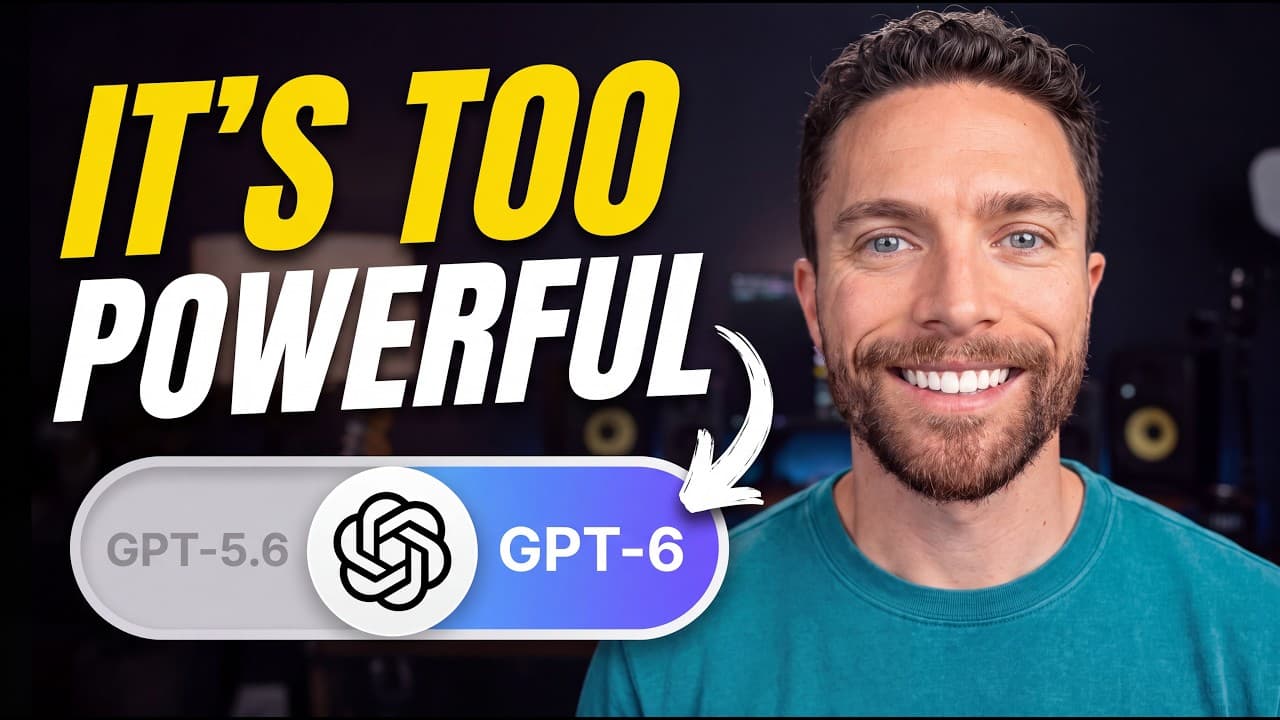
GPT6 Astra is the top model inside ChatGPT Work and enables end to end task execution. Start by selecting GPT6 Astra and a thinking level that balances thoroughness and speed. Then connect a local folder as a project, run a full business audit, and generate actionable reports, with writing skills and skills helping to personalize the output.
Transcript
This is the new GPT6. It's the most powerful publicly available model from OpenAI. And this is chat GBPD work, the most powerful tool from OpenAI for non-technical people. Combine the two of them together and you get an unbelievable experience. I'm getting more done faster with better results. And every day I use it, I find something else about it ... Read More
Key Insights
- GPT6 Astra is the recommended model inside ChatGPT Work for thorough and structured answers.
- Thinking level controls time and effort, with higher levels offering more thorough results at a higher cost.
- Connecting a folder on your computer to a ChatGPT Work project allows reading and editing files directly.
- Projects in ChatGPT Work organize work around specific folders for easier access and context sharing.
- GPT6 can read files in a connected folder and create new documents as outputs of tasks.
- Creating a skill to write like you helps preserve your writing style across outputs.
- Attaching your own writing samples to a skill improves the accuracy of the generated text.
- Using skills with higher thinking levels yields more complex and high quality outputs.
Install to Summarize YouTube Videos and Get Transcripts
Explore YouTube Video Summarizer or Get YouTube Transcript Extractor
Questions & Answers
Q: How do you start using GPT6 Astra in ChatGPT Work
To start, open ChatGPT Work and select the model options, then choose GPT6 Astra as the model and pick a thinking level. The thinking level determines how much time the model spends generating a response. Higher levels produce more thorough results but cost more, even at the lowest level GPT6 Astra remains very capable.
Q: What is the purpose of attaching a folder to a ChatGPT Work project
Attaching a folder creates a project context so GPT6 can read files, analyze content, and even edit or create documents within that folder. This enables end to end workflows where you input notes or data and receive fully produced outputs like reports or presentations saved back to the folder.
Q: How does the video demonstrate a business audit using GPT6 Astra
The video shows setting up a plumbing business project, linking a folder with business data, and issuing a prompt to perform a full audit. The model then analyzes chaos in the data, identifies weaknesses and strengths, and produces an owner planning brief with a structured plan for the next period.
Q: What is the role of prompts in the GPT6 Astra workflow
Prompts guide GPT6 Astra to perform comprehensive analyses, such as a business audit, and to produce actionable outputs. They can specify tasks, scope, and goals, and combined with a connected folder, they enable end to end tasks like creating reports or planning months or quarters ahead.
Q: What is a skill in ChatGPT Work and how is it used
A skill is a reusable set of instructions that helps the model write or perform tasks in a consistent style. You create a skill like write like me, attach writing samples, and set a thinking level to tune output. Skills reduce repetitive setup and improve output quality over time.
Q: How can you ensure the model writes in your style
Create a write like me skill and attach 2-3 writing samples that you authored. Increase the skill’s thinking level during creation to better capture your style, then revert it to a lower level for day to day tasks. This helps produce outputs that resemble your own voice.
Q: What does the video say about the costs of thinking levels
Thinking levels vary by depth and time spent on a task, with higher levels offering more thorough and accurate results but costing more. The lowest level can still outperform previous models in some tasks, making it a balanced option for many workflows.
Q: What final benefits does the video claim from using GPT6 Astra with ChatGPT Work
The video claims you can get more done faster with better results by using GPT6 Astra inside ChatGPT Work for end to end tasks, such as analyzing many files, generating detailed reports, and refining outputs with writing skills, all within a desktop app environment.
Summary & Key Takeaways
-
GPT6 Astra is highlighted as the strongest model in ChatGPT Work and enables end to end task completion.
-
The video guides attaching a local folder to a ChatGPT Work project to read and edit files.
-
A practical payroll audit workflow is demonstrated, including creating a project, running an audit, and exporting a report for a plumbing business.
Read in Other Languages (beta)
Share This Summary 📚
Summarize YouTube Videos and Get Video Transcripts with 1-Click
Try YouTube Summary with ChatGPT & Claude or YouTube Transcript Generator
Explore More Summaries from Paul J Lipsky 📚


Summarize YouTube Videos and Get Video Transcripts with 1-Click
Try YouTube Summary with ChatGPT & Claude or YouTube Transcript Generator