How to Automate Sales Tasks With Claude Skills
TL;DR
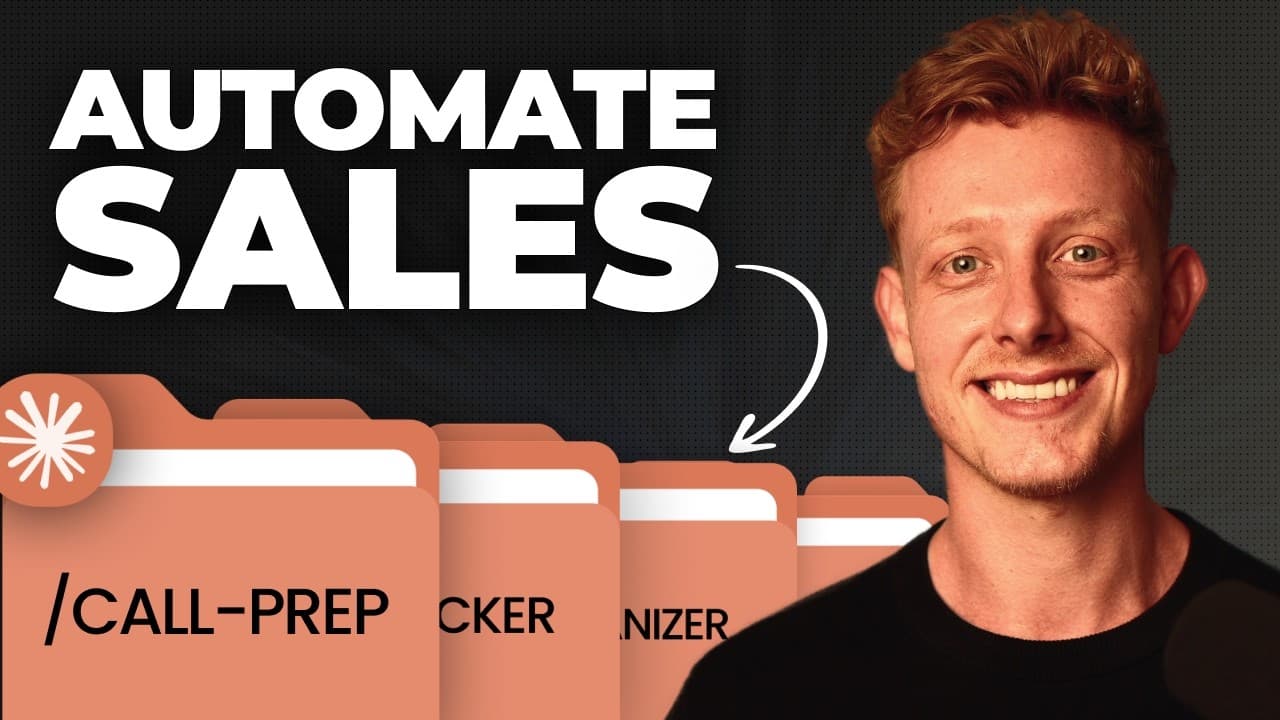
Reusable Claude Skills can automate call preparation, pipeline reviews, post-call follow-ups, proposals, and personalized client presentations. The strongest setup connects Claude to calendars, CRM records, email, meeting transcripts, and relevant delivery tools, then runs each workflow manually, through scheduled tasks, or automatically through cloud routines.
Transcript
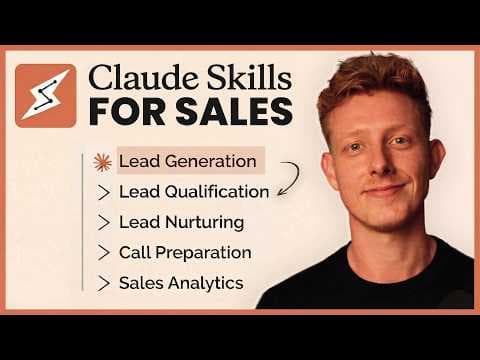
Over the last 6 months, I've been able to automate a large part of our sales operation with Cloud Skills. From lead gen to call prep to follow-ups, proposals, and analytics. So, in this video, I'll show you the eight skills we use daily to automate our sales tasks, show you exactly how to use and customize them for yourself, and all of the skills c... Read More
Key Insights
- Claude Skills are reusable instruction sets that tell Claude how to perform a specific process or task. Packaging related skills inside a plugin makes them easier to install, reuse, customize, and apply consistently across recurring sales workflows.
- The call preparation skill creates a dashboard by researching scheduled prospects and combining web information with CRM records, earlier email threads, and previous call transcripts. It recommends questions, prospect-specific playbooks, likely objections, counterarguments, preparation tasks, and an estimated likelihood of closing.
- The call preparation workflow can research multiple meetings with separate sub-agents. In the demonstrated daily run, it found eight calls and created research tasks for every person and company, giving the sales representative one organized place to prepare for the day.
- The pipeline review skill analyzes CRM information and identifies what a sales representative should prioritize today and during the week. Its dashboard summarizes each opportunity, recent actions, current status, and next steps, and the results can also be delivered through Slack.
- The post-discovery follow-up skill checks whether a prospect is ready for a proposal or needs another call. When proposal readiness is detected, it can prepare a personalized proposal, create a Stripe payment link, draft a Gmail follow-up, identify the prospect's legal entity, and send a Slack notification.
- The setup skill customizes the post-discovery workflow by interviewing the user about existing proposals, follow-up emails, preferred platforms, and business processes. If no proposal platform is available, the workflow can use Google Docs and assist with installing the Google Workspace CLI.
- The client one-pager skill creates a personalized presentation or offer page for use before or after a sales call. It can incorporate previous communications, transcript details, and discussed automations, then publish the result at a live URL that the prospect can share internally.
- Scheduled tasks and cloud routines provide different automation levels. Scheduled tasks can run skills each morning while Claude Cowork is open, while the described cloud routine runs independently in the cloud and updates a broader Sales OS dashboard after relevant events such as completed calls.
- More videos from this channel:
- More from this channel: Ben AI
Install to Summarize YouTube Videos and Get Transcripts
Explore YouTube Video Summarizer or Get YouTube Transcript Extractor
Questions & Answers
Q: How can Claude Skills automate sales tasks?
Claude Skills automate sales tasks by storing reusable instructions for defined workflows and applying them to connected business data. The demonstrated workflows prepare representatives for calls, review pipeline priorities, draft post-call follow-ups and proposals, and create personalized client presentations. They can be launched manually, scheduled for regular execution, or triggered through cloud routines after events such as a completed sales call.
Q: How does the Claude call preparation skill work?
The call preparation skill finds upcoming meetings in a connected calendar and researches the people and companies involved. It combines web and LinkedIn research with CRM records, email history, and transcripts from earlier calls. The resulting dashboard presents preparation tasks, questions to ask, a recommended playbook, probable objections, counterarguments, and an estimated closing likelihood for each prospect.
Q: What connectors are needed for automated sales call preparation?
The call preparation workflow ideally connects to a calendar, CRM, email inbox, and meeting transcription service such as Fireflies. The demonstrated setup also uses Apify to collect information from social websites such as LinkedIn because Claude cannot do that natively. Vercel is optional when the resulting dashboard needs to be deployed to a live URL and shared with others.
Q: How does a Claude pipeline review skill prioritize sales work?
The pipeline review skill analyzes CRM information and produces an easy-to-read dashboard showing the condition of each opportunity, its latest actions, and the work that should happen next. It identifies priorities for the current day and week. The review can run every morning through a scheduled task, update a Sales OS dashboard, or be delivered to the representative through Slack.
Q: How can Claude create follow-up emails and proposals after sales calls?
The post-discovery skill reviews the meeting transcript, CRM data, and email history after a sales call. It first determines whether the prospect is ready for a proposal or should have another call. If ready, it can draft a personalized proposal in PandaDoc, add a Stripe payment link, prepare a Gmail follow-up draft, identify the prospect's legal entity, and notify the team through Slack.
Q: How should a company customize the post-discovery skill?
A company can use the included setup skill to adapt the post-discovery workflow to its existing sales process. The setup interviews the user about proposal examples, follow-up email templates, preferred proposal software, and process requirements. It then personalizes the skill around those materials. When no proposal platform exists, it can use Google Docs and help install the Google Workspace CLI needed to create documents.
Q: What is a personalized client one-pager used for?
A client one-pager is a personalized presentation or offer page that can support a sales conversation before or after a call. Before a call, it provides a tailored presentation of the offer. After a call, it can incorporate transcript details, earlier communications, and specifically discussed automations. Publishing it at a live URL gives the prospect a concise overview that can also be shared internally.
Q: When should sales workflows use scheduled tasks or cloud routines?
Scheduled tasks are suitable for recurring workflows such as preparing the day's meetings or reviewing the pipeline every morning, but the described Claude Cowork setup must be open for them to run. Cloud routines provide more complete automation because they run through the cloud. In the demonstrated system, routines update the Sales OS and trigger post-call work automatically when a sales meeting finishes.
Summary & Key Takeaways
-
Claude Skills are reusable instruction sets for completing defined sales processes. The featured plugin packages skills that support lead research, meeting preparation, pipeline management, follow-ups, proposals, and client presentations. Users can install the plugin, connect their business systems, and customize its reference files, output fields, visual styling, and company-specific workflows.
-
The call preparation and pipeline review skills consolidate scattered sales information into readable dashboards. They combine calendars, CRM records, email conversations, meeting transcripts, web research, and LinkedIn data where available. Their outputs identify meeting priorities, recommended questions, likely objections, closing likelihood, pipeline status, recent activity, and the actions representatives should take next.
-
The post-discovery and client one-pager skills turn prospect context into customer-facing materials. They can draft personalized follow-up emails, proposals, payment links, and presentation pages using call transcripts and communication history. Because offers, templates, platforms, and branding differ between businesses, these workflows require customization before becoming reliable parts of a sales process.
Read in Other Languages (beta)
Share This Summary 📚
Summarize YouTube Videos and Get Video Transcripts with 1-Click
Try YouTube Summary with ChatGPT & Claude or YouTube Transcript Generator
Explore More Summaries from Ben AI 📚
Summarize YouTube Videos and Get Video Transcripts with 1-Click
Try YouTube Summary with ChatGPT & Claude or YouTube Transcript Generator