How to use Claude Opus 5.5 for brand design
TL;DR
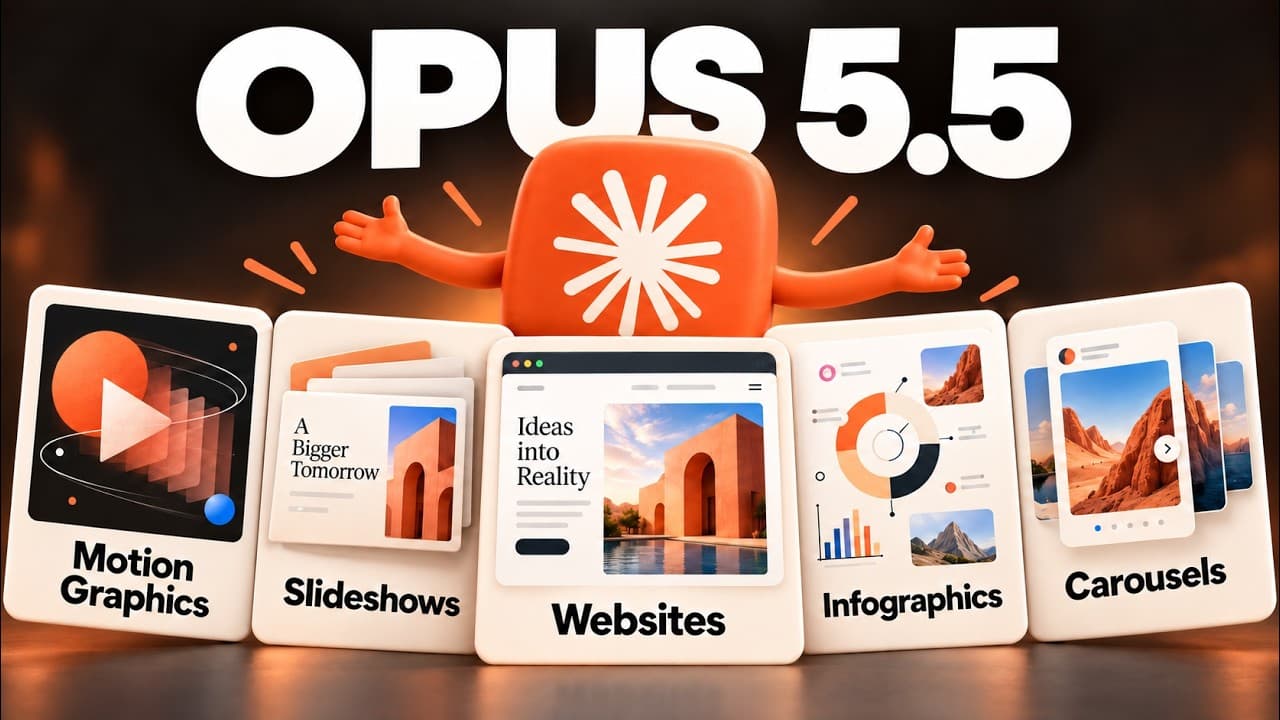
Opus 5.5 combined with Cloud Design enables brand aligned design work inside Cloud Desktop. It covers video animations, brand slides, landing pages, and automation of repetitive design tasks. The video walks through building a design system, generating assets from websites, and exporting finished outputs like videos and reports.
Transcript
Cloud Opus 5.5 is the best design model yet. And combined with NeoClot design updates, it's honestly becoming pretty incredible what we can do right from within Cloud Co-work or Cloud Code. So, in this video, I'll show you how to use Opus 5.5 inside of the Cloud Desktop to generate anything from animated videos with motion graphics to brandalign sl... Read More
Key Insights
- Opus 5.5 is described as the best design model yet.
- Claude Cloud Design operates inside Cloud Desktop within Cloud Co-Work and Cloud Code.
- Design systems can be created from a website input or uploaded assets.
- Live artifacts enable real-time iteration and element level commenting.
- Exports supported include MP4 videos and presentation PDFs/PowerPoints.
- Automation can schedule recurring design tasks like monthly reports.
- Animations and motion graphics can be generated entirely from code and scripts.
- A local copy of the design system can be saved to enable cross-provider use.
Install to Summarize YouTube Videos and Get Transcripts
Explore YouTube Video Summarizer or Get YouTube Transcript Extractor
Questions & Answers
Q: A real search query question about the video (e.g. 'How to...', 'What is...', 'Why does...', 'When should...'). Question 1
How can Claude Opus 5.5 be used to create brand aligned design assets within Cloud Design and why is a design system important for consistency across projects and teams? The video demonstrates creating a design system from a website or assets, then applying it to video animations, slides, and landing pages. It also shows iteration via live artifacts and comments, saving time and ensuring brand alignment across outputs.
Q: Question 2
What is the role of the design system in reducing design time and ensuring brand consistency when using Claude Opus 5.5 inside Cloud Desktop? The transcript explains that a properly set design system ensures future designs are instantly brand aligned, and it saves iterations by letting you adjust colors and elements within a single artifact, which accelerates project delivery.
Q: Question 3
How does the video demonstrate creating motion graphics and explainer content with Opus 5.5 and what steps are recommended for planning? The video suggests writing a script and storyboard first, then generating the video, and finally exporting as MP4. It emphasizes scene-wise edits via comments to simplify iteration.
Q: Question 4
Can Opus 5.5 generate not just videos but also brand aligned slides and presentations, and how are those outputs improved over traditional methods? The content shows selecting a design system to auto format slides, exporting PDFs or PowerPoints, and enabling animated or progressive disclosure features for dynamic presentations.
Q: Question 5
What workflow optimizations does the presenter highlight for recurring reporting or monthly updates using Claude Opus 5.5? He demonstrates scheduling tasks to automate monthly reports, using analytics inputs, and generating brand aligned slide decks, which can be presented directly from the cloud interface or exported.
Q: Question 6
How can you ensure assets created with Opus 5.5 remain usable across different AI providers or platforms? The video recommends saving a copy of the design system in a local folder so it can be reused across different AI providers, enabling cross-provider compatibility.
Q: Question 7
What is the process for adding new design assets or making iterations within the cloud canvas? The transcript describes using comments on specific elements, adjusting colors or layout, and iterating within the live artifact before final export, which streamlines collaboration.
Q: Question 8
What kinds of outputs can be produced directly from the Claude Cloud Design workflow and what are the main benefits? The workflow yields MP4 videos, brand aligned slides, landing pages, and carousels, with direct export options and the ability to present within the cloud interface, promoting faster, brand-consistent content creation.
Summary & Key Takeaways
-
In this video, Claude Opus 5.5 is presented as the top design model, enabling high quality outputs within a unified cloud environment. The presenter demonstrates creating a design system from a website, generating brand assets, and iterating with live artifacts and comments.
-
The guide covers using Opus 5.5 for video animations, motion graphics, and brand aligned slide decks, plus automated workflows such as scheduled monthly reports and export options for MP4 videos or PDFs.
-
The content also shows how to build landing pages, websites, and social media carousels quickly, with an emphasis on automation, collaboration, and cross-provider design system portability.
Read in Other Languages (beta)
Share This Summary 📚
Summarize YouTube Videos and Get Video Transcripts with 1-Click
Try YouTube Summary with ChatGPT & Claude or YouTube Transcript Generator
Explore More Summaries from Ben AI 📚




Summarize YouTube Videos and Get Video Transcripts with 1-Click
Try YouTube Summary with ChatGPT & Claude or YouTube Transcript Generator