How to use Hailuo 02 for cinematic AI videos
TL;DR
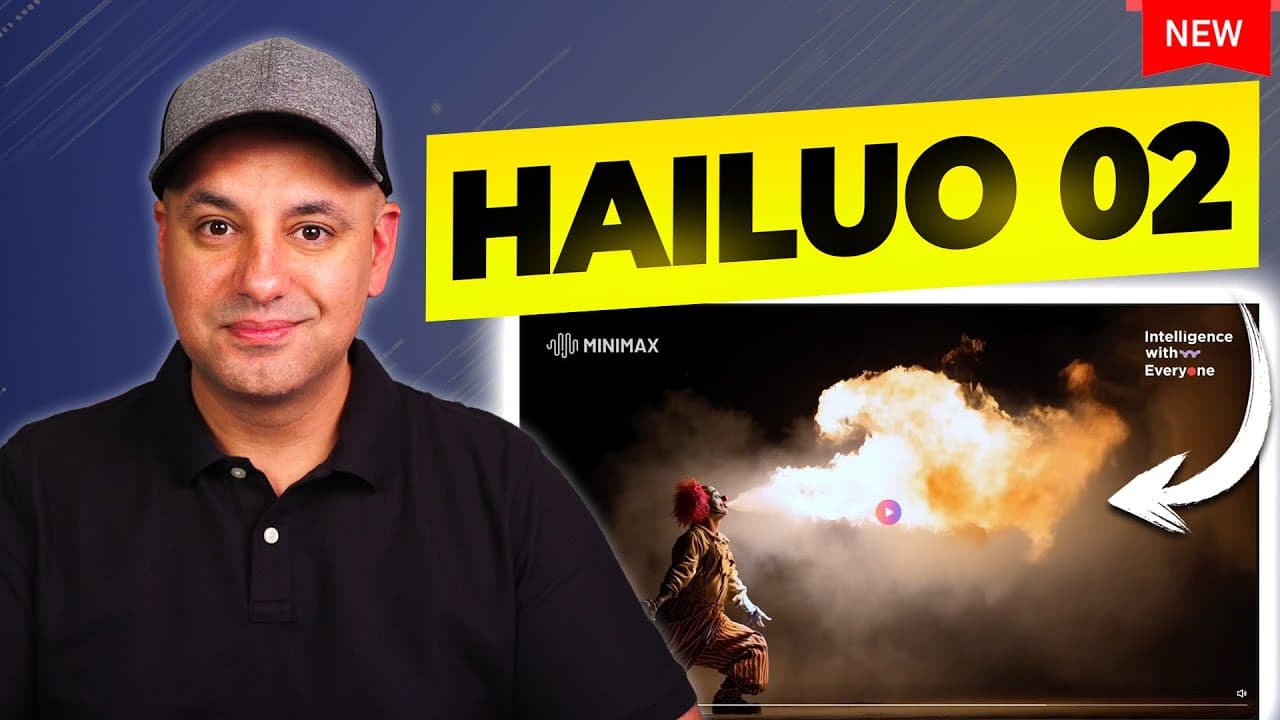
The video shows how to use the Hailuo 02 model from Miniax to generate cinematic AI videos with strong prompt following and realistic motion. It demonstrates text to video, image to video and subject reference workflows, plus camera controls, presets, and cost advantages. The creator compares Hailuo 02 favorably to Veo 3 and Cling 2.0, noting improved character consistency and lighting.
Transcript
I recently tested one of the best video models that I've ever used. It's called Hyo 2 and it's ranked number two on the artificial analysis texttovideo arena leaderboard right now. And as you could see, it outperforms some of the top models that I've covered before like Google's Veo 3 and Cling 2.0. Now, this comes from a company called Miniax that... Read More
Key Insights
- Hilu 02 achieves high prompt accuracy for complex instructions. The key to reliable output is feeding detailed shapes, lighting, and motion in prompts.
- The model maintains character identity across scenes, improving consistency during multi shot sequences.
- The product offers a cinematic quality with richer lighting and improved aesthetics compared to prior models.
- Two output modes exist: 6 second clips and 10 second clips, with resolution upgrades available for final renders.
- Camera controls and presets let users simulate professional cinematography without deep technical knowledge.
- Text to video is surprisingly strong on Hilu 02, especially when combined with image to video for grounding prompts.
- Image prompts can reference actual products to preserve shape and branding across frames.
- The platform supports both image based and text based workflows, enabling flexible production pipelines.
Install to Summarize YouTube Videos and Get Transcripts
Explore YouTube Video Summarizer or Get YouTube Transcript Extractor
Questions & Answers
Q: What is Hailuo 02 and who makes it
Hailuo 02 is a video model from Miniax designed for cinematic quality in AI generated videos. It emphasizes strong prompt following, realistic motion, and consistent characters across scenes. The creator tested it against competing models like Veo 3 and Cling 2.0 and found it to outperform them in key areas, while being part of a broader suite of AI products including chat, agents, and video tooling.
Q: How does one start creating with Hailuo 02
To start, you choose the O2 model option and select the resolution you want to test. Begin with six second clips for prompts, then upscale to 1080p if you are happy with the results. You can generate multiple outputs from a single prompt to compare variations. The process benefits from enabling prompt refinement to enhance quality.
Q: What prompts work best for commercial style shots
Commercial style prompts benefit from detailing the subject, lighting, motion, and environment, such as a luxury product on a pedestal with macro glass closeups and metallic details. Using presets like golden magic hour helps achieve a cinematic look, while camera movement parameters like tilting or pedestal moves add dynamic motion to the clip.
Q: Can Hailuo 02 handle complex movements
Yes, the model demonstrates strong handling of complex movements, including acrobatics and sword fighting scenes. The developer notes that the movement and physical interactions look plausible across different angles and shots, and that the model maintains natural motion and consistent character identity even in intricate sequences.
Q: How does one use image prompts with Hailuo 02
Image prompts allow you to start from an actual object or scene and then guide the generation with additional prompts. For instance, an image of a perfume bottle can be used as the base, with prompts refined to maintain the bottle’s shape while altering lighting, background, or additional elements like gold embossing. The system can zoom and provide macro closeups.
Q: What are the output options in terms of resolution and length
The platform offers 6 second and 10 second clip options, with an initial lower resolution for testing. After you confirm the desired look, you can upgrade to 1080p resolution for final outputs. Longer showcases can be built by combining multiple 6 or 10 second clips into a cohesive sequence.
Q: How does Hailuo 02 compare to other models
Compared with models like Veo 3 and Cling 2.0, Hailuo 02 shows improved prompt follow through, more realistic motion, better character consistency, and enhanced lighting and cinematic aesthetics. The creator indicates it produces richer visuals at a lower or equal cost, making it a compelling option for production workflows.
Q: What is the pricing or cost model mentioned
The video notes that Hailuo 02 costs less than other models in the same class, highlighting a cost advantage for users who run experiments, iterate prompts, and produce multiple clips. While exact prices aren’t provided, the statement emphasizes affordability relative to peers.
Summary & Key Takeaways
-
This video demonstrates the Hailuo 02 model from Miniax and how to start with text to video, then refine with image to video and subject references. It emphasizes realistic motion, strong prompt following, and stable character identity across scenes, with cinematic lighting and quality improvements. Practical examples cover commercials, product shots, and animated scenes.
-
The creator highlights a 85 percent success rate on complex prompts, better handling of acrobatics and motion, and a richer visual aesthetic compared with previous models. The tutorial covers practical workflow steps, from starting prompts with 6 second clips to upgrading resolution and using camera controls and presets.
-
The content includes hands-on demonstrations of commercial prompts, image based prompts, and scene variations such as forest lighting, product closeups, and montage styles. It ends with guidance on choosing 1080p after testing at lower resolution and leveraging text to video for production efficiency.
Read in Other Languages (beta)
Share This Summary 📚
Summarize YouTube Videos and Get Video Transcripts with 1-Click
Try YouTube Summary with ChatGPT & Claude or YouTube Transcript Generator
Explore More Summaries from Skill Leap AI 📚






Summarize YouTube Videos and Get Video Transcripts with 1-Click
Try YouTube Summary with ChatGPT & Claude or YouTube Transcript Generator