How to Use ChatGPT for Data Analysis
TL;DR
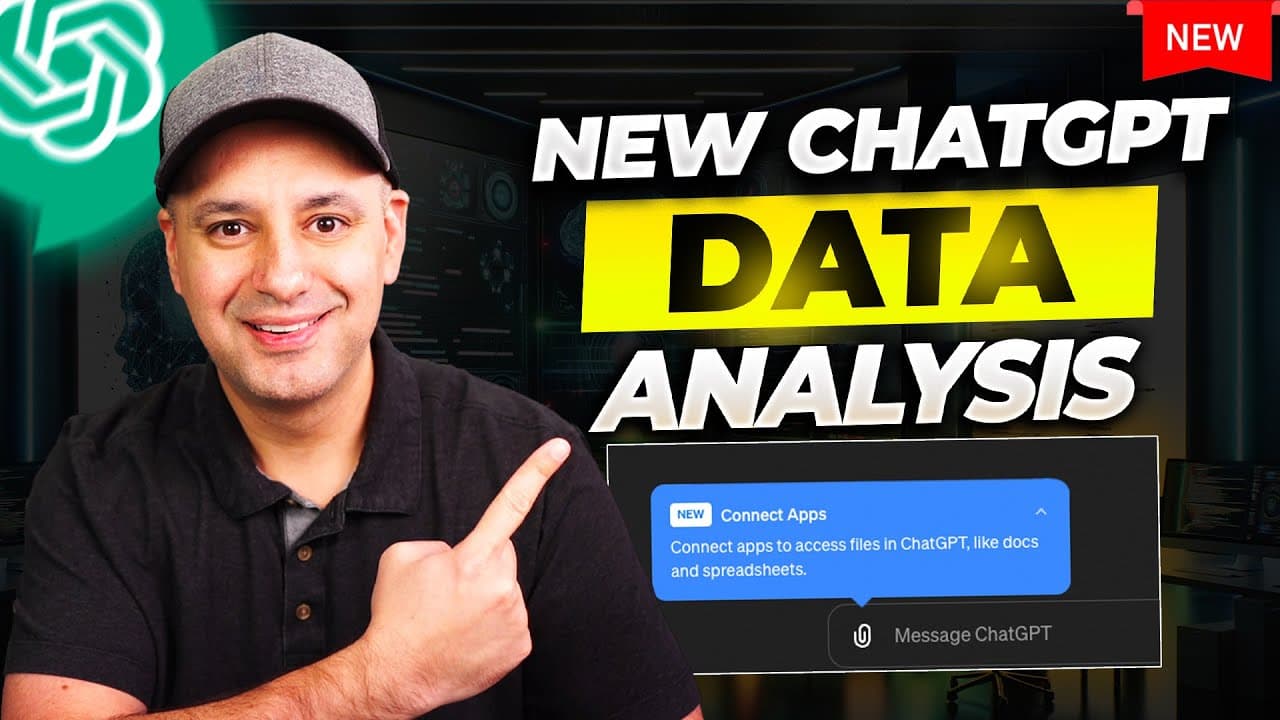
Use ChatGPT for data analysis by connecting Google Drive or Microsoft OneDrive, selecting a document such as a Google Sheet, and prompting ChatGPT to analyze it, build charts, or create a PowerPoint. The presenter generated 10 visuals in about 20 seconds and completed a task that normally took 2 hours in roughly 4 minutes. Read on for setup steps, prompt ideas, privacy options, and presentation tips.
Transcript
chat GPT just rolled out one of the most useful updates I've ever seen and it's about data analysis this right now something that would take me 2 hours I did in 4 minutes basically what they're letting you do now is they let you connect directly to Google Drive and pull in Google Drive documents like Google Sheets and interact with your data same w... Read More
Key Insights
- ChatGPT now supports direct integration with Google Drive and Microsoft OneDrive, enhancing data accessibility.
- The update allows for seamless data analysis, significantly reducing the time required to process information.
- Users can create charts and presentations directly from data sets with minimal manual intervention.
- The new version, GPT-4, offers faster and more relevant data analysis results compared to previous versions.
- A prompt book with over 100 prompts is available to assist users in maximizing the data analysis feature.
- The integration supports real-time interaction with tables, improving data manipulation capabilities.
- The update is initially available for ChatGPT Plus and Teams users, with privacy options for data handling.
- An AI designer in PowerPoint enhances the presentation creation process, offering design suggestions.
Install to Summarize YouTube Videos and Get Transcripts
Explore YouTube Video Summarizer or Get YouTube Transcript Extractor
Questions & Answers
Q: How do you use ChatGPT for data analysis?
Connect Google Drive or Microsoft OneDrive through ChatGPT’s connected-app settings or paperclip icon, then select a document and enter an analysis prompt. The demonstration uses a World Happiness Report dataset to generate a table, identify key lessons, and create multiple visualizations.
Q: How do you connect Google Drive to ChatGPT for data analysis?
Choose Google Drive from the connected-app settings or the paperclip menu and grant the requested permissions. After connecting, use the paperclip icon to select a Drive file directly instead of downloading it and uploading it from your computer.
Q: Can ChatGPT create charts from a dataset?
Yes. The presenter asks ChatGPT to create 10 different visuals from the selected dataset, and the charts are produced in about 20 seconds. ChatGPT also creates a word cloud in which countries mentioned more often appear larger.
Q: Can ChatGPT turn data analysis into a PowerPoint presentation?
Yes. The presenter prompts ChatGPT to create a PowerPoint containing its analysis and graphs, then downloads the file from the provided link. PowerPoint’s AI Designer is used afterward to make visual alterations.
Q: How much time can ChatGPT save on data analysis?
The presenter says a task that would normally take 2 hours was completed in about 4 minutes. In another example, ChatGPT creates 10 data visualizations in roughly 20 seconds.
Q: Which ChatGPT plan is needed for these data-analysis features?
The presenter says a paid ChatGPT plan is required at that time. The feature is available on the Teams plan used in the demonstration, and the referenced page says it will also be available to ChatGPT Plus users.
Q: How does ChatGPT handle privacy for uploaded business data?
According to the privacy information described by the presenter, Teams and Enterprise plans do not use submitted material to train the model by default. ChatGPT Plus users can opt out of training, and connected Google Drive access can be disconnected from the settings.
Q: What prompts can you use to analyze data in ChatGPT?
Examples include asking what the document contains, requesting 10 visuals representing its datasets, generating a visual word cloud, and asking for the dataset’s key lesson. The presenter also offers a PDF containing about 100 prompts, including prompts for financial data analysis.
Summary & Key Takeaways
-
ChatGPT's latest update enhances data analysis by allowing direct integration with Google Drive and Microsoft OneDrive. This feature enables users to quickly analyze data, create charts, and generate presentations efficiently. The process is streamlined, saving time and increasing productivity.
-
The improvements in data analysis with GPT-4 provide faster and more relevant results. Users can leverage a comprehensive prompt book to optimize their data analysis tasks, with over 100 prompts available to guide them through various scenarios.
-
The integration supports real-time table interaction and offers privacy options for data handling. An AI designer in PowerPoint further simplifies the presentation creation process, making it easier for users to generate professional-looking slides.
Read in Other Languages (beta)
Share This Summary 📚
Summarize YouTube Videos and Get Video Transcripts with 1-Click
Try YouTube Summary with ChatGPT & Claude or YouTube Transcript Generator
Explore More Summaries from Skill Leap AI 📚






Summarize YouTube Videos and Get Video Transcripts with 1-Click
Try YouTube Summary with ChatGPT & Claude or YouTube Transcript Generator