How to pick Gemini 2.0 models for tasks and plans
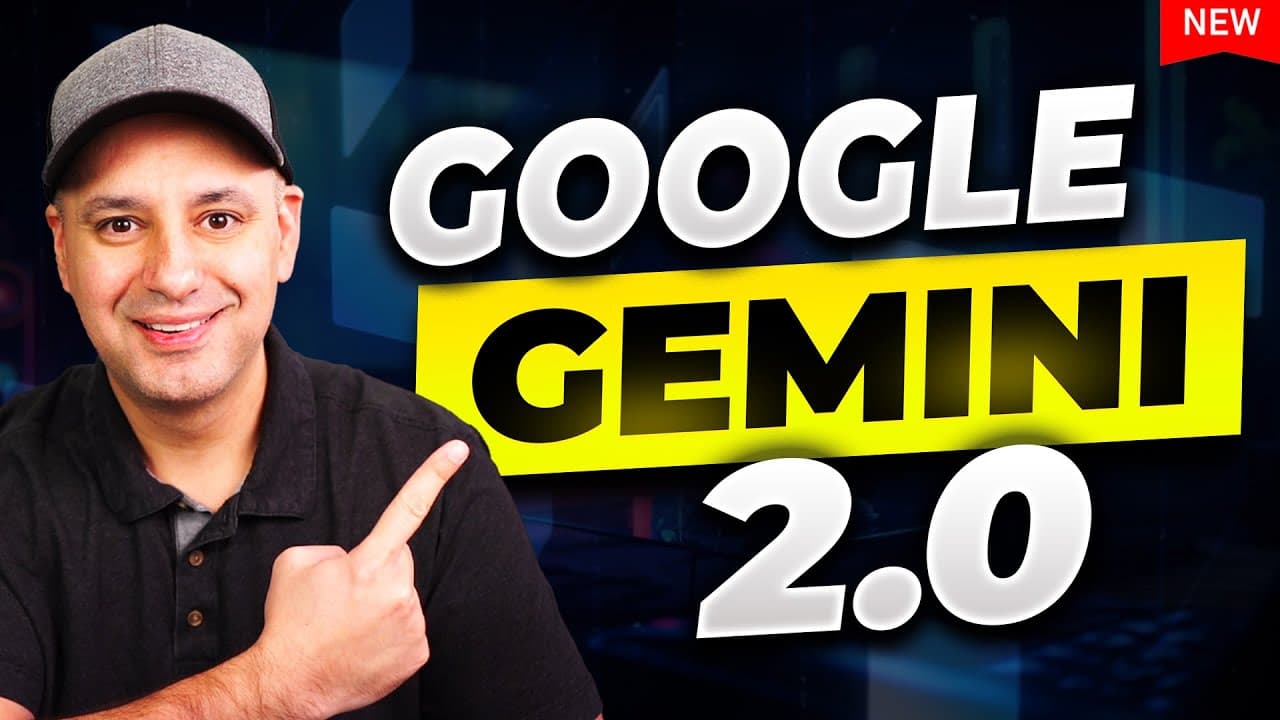
TL;DR
Gemini 2.0 includes four models: Flash, Flash Thinking, Flash Thinking with Apps, and Pro. The video compares free versus paid access and explains which model fits speed, reasoning, app integrations, and document analysis needs. It also notes where each model shines and how pricing affects capability for heavy users.
Transcript
Google just released Gemini 2.0 they come in different models I actually have four new models here on my accounts so I wanted to walk you briefly through what each one does what it's good for and then compare the free plan with the paid plan to so you'll see exactly why you would want to use Gemini and which model you want to pick for different tas... Read More
Key Insights
- Gemini 2.0 Flash is presented as the general use, fast model suitable for everyday tasks and is accessible to everyone.
- Gemini 2.0 Flash Thinking is an experimental reasoning model that emphasizes step by step problem solving and does not always have web access depending on the variant.
- Gemini 2.0 Flash Thinking with Apps combines reasoning with Google apps capabilities such as YouTube, Maps and Google Search for enhanced task handling.
- Gemini 2.0 Pro is the paid model with advanced capabilities, including a larger context window, intended for users who need deeper analysis and more complex queries.
- The video notes that there is a distinction between free Flash and paid Pro in terms of web access and complexity of questions that can be handled.
- Users can upload images and files with 2.0 Flash, and Pro is multimodal but may have limitations on file uploads in certain configurations.
- A key claim is that the Pro plan is aimed at heavy chatbot users who require better results and larger inputs.
- Gemini thinking and app enabled variants can produce web search results and video/transcript recaps when given appropriate prompts.
Install to Summarize YouTube Videos and Get Transcripts
Explore YouTube Video Summarizer or Get YouTube Transcript Extractor
Questions & Answers
Q: What are the four Gemini 2.0 models and their primary purpose?
Gemini 2.0 includes four models: Flash for general fast tasks, Flash Thinking for reasoning with a step by step approach, Flash Thinking with Apps that adds YouTube, Maps, and Google Search integration, and Pro as a paid advanced model with a larger context window. Each model serves different uses from quick lookups to deep analysis and multimodal capabilities. The video emphasizes choosing based on speed, web access, and the need for reasoning depth.
Q: How does the free version differ from Gemini 2.0 Pro according to the video?
The free version, Gemini 2.0 Flash, prioritizes speed and broad accessibility, whereas Gemini 2.0 Pro is a paid upgrade that offers enhanced reasoning, a larger 2 million token context window, and more advanced capabilities without necessarily providing web access in every scenario. The comparison highlights that Pro is intended for users who need more complex, long form analysis and better model performance for heavy use.
Q: What is the role of Apps in Gemini 2.0 Flash Thinking with Apps?
Gemini 2.0 Flash Thinking with Apps combines the reasoning engine with integrated applications such as YouTube, Maps, and Google Search. This enables the model to perform tasks that require external data sources and multimedia handling, like recapping video transcripts or pulling up related maps, which enhances its usefulness for tasks that cross into live web content and media.
Q: Why would someone choose Gemini 2.0 Flash Thinking (Experimental) over the standard Flash model?
Someone might choose Gemini 2.0 Flash Thinking (Experimental) for its reasoning strength, which allows for more complex problem solving and step by step analysis. This model is designed for users who prioritize logical deduction and multi-step solutions, even though it may not always have real time web access, making it suitable for internal calculation tasks and logic tests.
Q: What limitations of Gemini 2.0 Pro are mentioned in the video?
The video notes that while Gemini 2.0 Pro offers advanced capabilities and a large context window, there can be limitations such as web access availability in some contexts and the need for a paid upgrade to access its enhanced features. It also highlights that Pro is not universally available in every configuration and may have different access rules than the free Flash model.
Q: How does the video illustrate evaluating model performance with prompts?
The presenter uses a variety of prompts, including math reasoning, word problems, and comparisons, to compare how each model handles step by step reasoning and final answers. This hands on testing demonstrates the strengths and weaknesses of each model, particularly in terms of accuracy, speed, and ability to integrate external data sources.
Q: What practical advice does the video give for choosing a Gemini 2.0 model?
The video suggests matching the model to your task: use Flash for speed and general use, Flash Thinking for structured reasoning needs, Flash Thinking with Apps when you require live data and media integration, and Pro for complex analyses and large inputs. It also advises considering whether you need web access, app integrations, or larger context windows when deciding on a plan.
Q: Is multimodal analysis available in Gemini 2.0, and under what conditions?
Yes, multimodal analysis is available in Gemini 2.0, particularly in the Flash variant with image upload capabilities and in Pro variants, depending on the configuration. This allows users to analyze images and documents directly within the model, though there may be limitations on file uploads or feature availability depending on the plan and access level.
Summary & Key Takeaways
-
Gemini 2.0 introduces four distinct models with different capabilities and access levels. The video focuses on practical use cases and how to choose based on speed, web access, and reasoning needs. It also highlights how the paid Gemini Advanced plan expands features and performance.
-
The comparison covers free versus paid options, emphasizing that Flash is fastest and free, while Pro offers deeper reasoning and larger context windows. The content also demonstrates app integrations and multimodal analysis capabilities.
-
The presenter demonstrates model differences through hands on prompts, including web browsing, reasoning tests, and document analysis, then provides guidance on selecting models for personal or professional tasks.
Read in Other Languages (beta)
Share This Summary 📚
Summarize YouTube Videos and Get Video Transcripts with 1-Click
Try YouTube Summary with ChatGPT & Claude or YouTube Transcript Generator
Explore More Summaries from Skill Leap AI 📚






Summarize YouTube Videos and Get Video Transcripts with 1-Click
Try YouTube Summary with ChatGPT & Claude or YouTube Transcript Generator