How to Build a Full-Stack SaaS AI Platform with Next.js
TL;DR
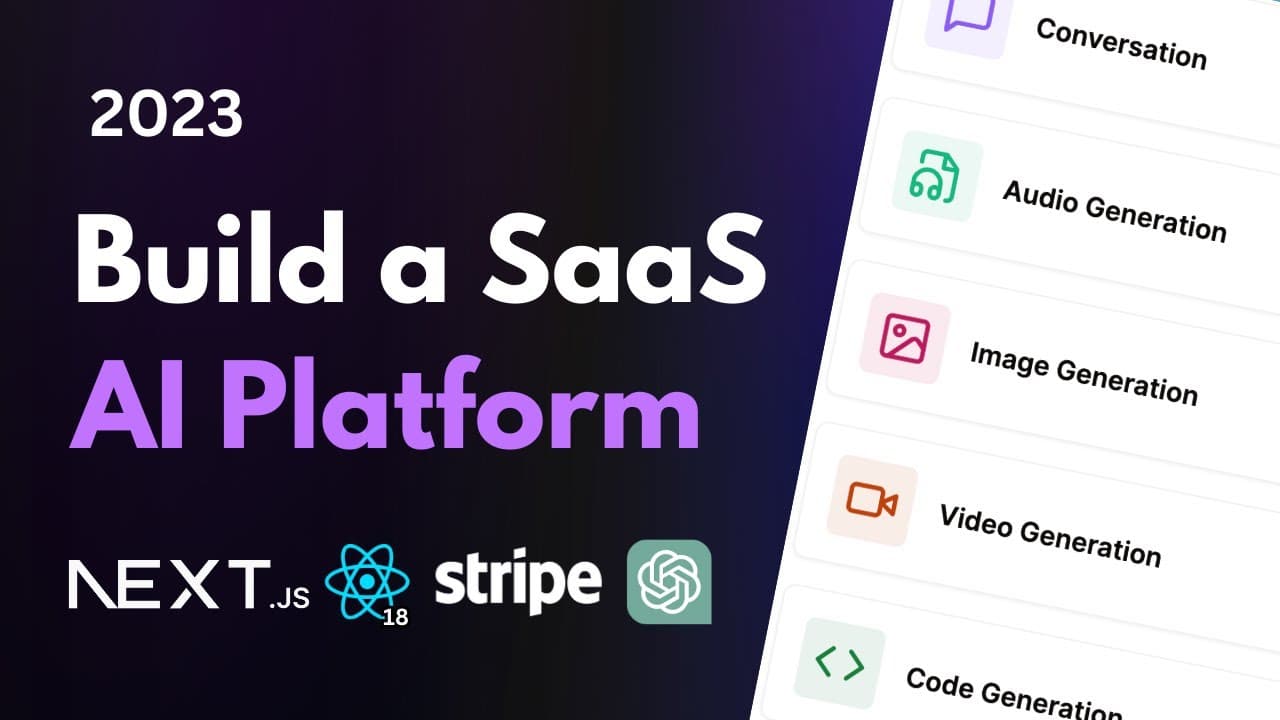
To build a full-stack SaaS AI platform using Next.js, React, and other technologies, start by integrating AI models for image, video, and code generation. Implement user authentication with Clerk, enable payment processing via Stripe, and limit free tier user access. Finally, add customer support functionality, create a landing page, and prepare your application for deployment.
Transcript
hey there my name is Antonio and welcome to the newest video on my channel in this tutorial I'm going to teach you how to build a full stack software as a service AI platform and you're going to learn how to build not just one but five different AI tools so let's go ahead and let me show you exactly what this amazing application is capable of let's... Read More
Key Insights
- 🏛️ Building a full-stack SaaS application requires careful integration of various components such as authentication, payment processing, and real-time support.
- 👤 AI models can significantly enhance user experience by providing dynamic and interactive features, such as image and audio generation.
- 👤 Effective error handling and user feedback mechanisms are crucial for maintaining user satisfaction and minimizing frustration during application use.
- 🈸 Utilizing modern technologies like Next.js and Prisma streamlines development processes and enhances overall application performance.
- 👻 Hosting services like Vercel simplify deployment and management of serverless applications, making it easier for developers to scale their projects.
Install to Summarize YouTube Videos and Get Transcripts
Explore YouTube Video Summarizer or Get YouTube Transcript Extractor
Questions & Answers
Q: What AI models are built in this tutorial?
The tutorial builds five AI tools: image generation, video generation, conversation, music generation, and code generation, utilizing different machine learning models to create images, videos, audio, and code snippets based on user inputs.
Q: How does the tutorial manage user subscriptions?
User subscriptions are managed using Stripe integrated with the platform. It allows users to upgrade from a free tier to a paid subscription, and the functionality enforces limits on free users while providing a billing and subscription management interface.
Q: What kind of error handling is implemented in the platform?
The platform implements comprehensive error handling using toast notifications to inform users of issues during AI generation processes, API call failures, or subscription management, enhancing the user experience by providing immediate feedback.
Q: How is customer support integrated into the application?
Customer support is integrated using Crisp, allowing users to initiate conversations for assistance. The Crisp chat interface is embedded within the application, enabling real-time communication between users and support representatives.
Q: What technologies are used to build the AI SaaS platform?
The platform utilizes Next.js for the web framework, Prisma for database management, Clerk for user authentication, and various AI APIs for generating images, video, music, and code.
Summary & Key Takeaways
-
The tutorial guides viewers through building a full-stack AI platform capable of image, video, and code generation using various AI models.
-
It incorporates user authentication with Clerk, payment processing with Stripe, and limits free tier access to a defined number of requests.
-
The video concludes with the implementation of a customer support system using Crisp, creating a landing page, and preparing for deployment.
Read in Other Languages (beta)
Share This Summary 📚
Summarize YouTube Videos and Get Video Transcripts with 1-Click
Try YouTube Summary with ChatGPT & Claude or YouTube Transcript Generator
Explore More Summaries from Code With Antonio 📚
Summarize YouTube Videos and Get Video Transcripts with 1-Click
Try YouTube Summary with ChatGPT & Claude or YouTube Transcript Generator