How to build workflows faster using n8n AI Builder
TL;DR
The AI Builder converts text prompts into working workflows, enabling you to generate a skeleton quickly and then test and refine it. You should expect to troubleshoot variable mapping, adjust node outputs, and iteratively pin data to ensure each step passes information correctly. The approach combines prompt engineering with stepwise validation to deliver usable automations fast.
Transcript
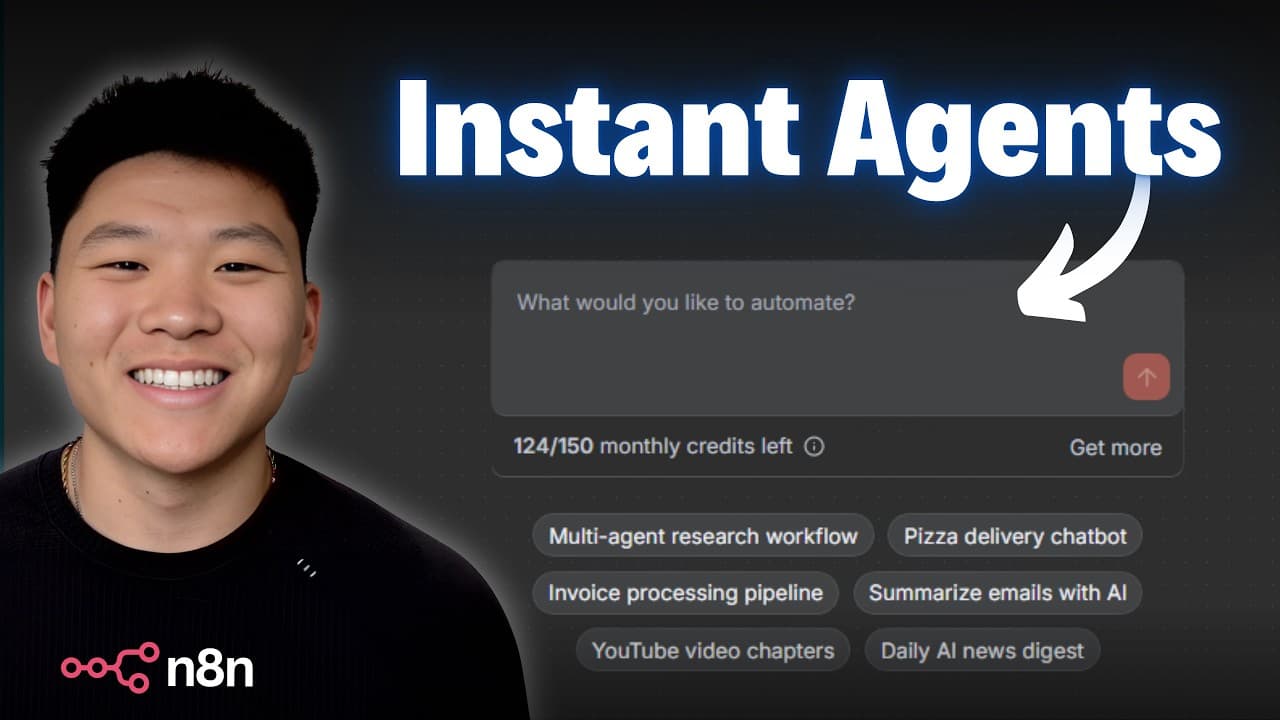
Naden's AI workflow builder. This is a feature in Naden that allows you to turn your ideas into workflows using AI. So, in today's video, I'm going to talk about how it works, but way more importantly, how do you actually use it to get results? I'm going to be going over some common issues you may see when you're using it, and we're going to go thr... Read More
Key Insights
- AI Builder turns prompts into executable workflows, enabling rapid skeleton creation.
- Execution and refinement are essential to catch errors and adjust mappings, especially with API nodes.
- Understanding core nodes and outputs helps keep data flowing down the workflow chain.
- Scripting issues like field name spaces can break data mapping and must be corrected.
- AI prompts should specify desired outputs and data flow to improve results.
- Pinning data after each successful step helps stabilize the workflow and reduce errors.
- The tool is beginner-friendly but still benefits from incremental testing and troubleshooting.
- System prompts can guide AI agents to produce structured, actionable briefs for sales workflows.
- More videos from this channel:
- More from this channel: Nate Herk | AI Automation
Install to Summarize YouTube Videos and Get Transcripts
Explore YouTube Video Summarizer or Get YouTube Transcript Extractor
Questions & Answers
Q: What is the basic purpose of the n8n AI Builder in this video?
The AI Builder is shown as a tool that turns a simple prompt into a working automation by generating a workflow skeleton, which you then execute and refine. It demonstrates how an idea can be transformed into a sequence of nodes that perform tasks like data gathering, analysis, and output generation, all via AI.
Q: Why is execution and refinement important when using the AI Builder?
Execution and refinement are crucial because they reveal missing variables, misconfigurations, or incorrect data flows. By running the workflow and adjusting step by step, you ensure each node passes correct outputs to the next, reducing errors and producing a usable automation that behaves as intended.
Q: How does the presenter handle variable mapping issues with external APIs?
The presenter shows that node outputs from external APIs may not map correctly to subsequent steps, causing red or missing data indicators. He fixes this by adjusting prompts, enabling answer outputs, and sometimes editing the agent or form field mappings to align with the data structure.
Q: What role does pinning data play in building a workflow?
Pinning data stabilizes the data passed between steps after a successful run. It ensures that the output of one node is captured and reliably fed into the next, preventing downstream steps from receiving null or incorrect values and enabling smoother incremental builds.
Q: What is a common pitfall when integrating form data with AI agents?
A common pitfall is using form fields with spaces or special characters that do not align with the agent’s expected variable names. This mismatch can prevent the agent from receiving the data, leading to incomplete or incorrect outputs until mappings are corrected.
Q: How does the video suggest troubleshooting when an AI-generated workflow doesn’t behave as expected?
The video recommends isolating and testing each component, checking the output of each node, and editing the agent prompts or system messages to better match the required data. This step-by-step debug approach helps identify where data is lost or misinterpreted.
Q: What is demonstrated when creating a sales brief workflow?
A sales brief workflow is built by collecting form data, using an AI agent to research and analyze, and then generating a concise one-page brief. The example shows how prompts, tools like perplexity, and output fields come together to produce structured content for a sales call.
Q: What is the overall takeaway about using AI builders for automation?
The key takeaway is that effective use depends on detailed prompts, understanding node inputs and outputs, and validating each step. While AI can generate a skeleton quickly, success comes from careful troubleshooting, incremental expansion, and aligning data flows across the chain.
Summary & Key Takeaways
-
The video demonstrates building a basic workflow with AI builder, then executing and refining to fix mapping and variable issues. It emphasizes understanding how each node outputs data and how to align that data with the next step. The process favors incremental building and troubleshooting over one-shot creation.
-
A second example shows a sales brief workflow, where form data and AI agents are wired to produce a one-page brief. The presenter highlights common errors like mismatched field names and the need to pin data to keep variables flowing through the chain.
-
A final takeaway is that using the AI builder effectively requires clear prompts, knowledge of node inputs/outputs, and the habit of validating each step before expanding the workflow further.
Read in Other Languages (beta)
Share This Summary 📚
Summarize YouTube Videos and Get Video Transcripts with 1-Click
Try YouTube Summary with ChatGPT & Claude or YouTube Transcript Generator
Explore More Summaries from Nate Herk | AI Automation 📚






Summarize YouTube Videos and Get Video Transcripts with 1-Click
Try YouTube Summary with ChatGPT & Claude or YouTube Transcript Generator